Watercolor AI Art Prompts | Pigment Flow, Paper Tooth, and the Unpainted Edge
Watercolor is defined by what it doesn't control. Pigment bleeds beyond the brush edge. Water carries color into areas the artist didn't intend. White paper shows through where paint is thin, and every stroke records the surface texture of the paper beneath it. These qualities — the soft bleeding edges, the visible paper grain, the luminous transparency where white shows through pigment — are what make watercolor look like watercolor. AI models prompted with "watercolor style" typically produce clean digital illustrations with a pastel color palette, none of the organic unpredictability, surface texture, or paint-water interaction that defines the actual medium.
These prompts are built around the physical behaviors that separate real watercolor from a digital color filter: how pigment and water interact on paper (wet-on-wet bleed versus dry brush texture), how the paper surface shapes every mark (cold press tooth versus hot press smoothness), and how unpainted white areas function as the lightest value in the composition.
Every prompt has been tested in Kalon Studio with outputs evaluated for three criteria: does the paint behavior look organic rather than controlled, is the paper surface visible as texture beneath the pigment, and do unpainted areas read as deliberate compositional decisions?
Prompt Text
This prompt generates a watercolor illustration with authentic paint behavior, soft-edged bleed, visible paper texture, and transparent pigment layering. Adjust the subject, technique, and color palette to shift between watercolor sub-styles.
best quality, masterpiece, traditional watercolor painting, soft pigment washes with natural bleeding edges where colors meet, visible cold press paper texture beneath transparent paint layers, white paper showing through in highlight areas as lightest value, wet-on-wet color blending in background with soft diffused edges, drier controlled brushwork on focal subject with more defined edges, subtle pigment granulation in blue and earth tone areas, natural color palette with warm ochre cool blue-gray and muted green, slight paint pooling at wash edges creating darker pigment concentration, loose organic quality with visible brush direction, fine art watercolor quality, high resolution
What Makes Watercolor Work in AI Prompts?
Writing "watercolor style" tells the AI to apply a soft palette. Writing watercolor-specific prompts tells the AI how paint behaves on paper, and that behavior is what separates a genuine watercolor aesthetic from a pastel-toned digital illustration. Real watercolor emerges from the interaction among three physical elements: the water-to-pigment ratio that controls edge softness, the paper surface that dictates texture and absorption, and the unpainted areas that function as the composition's lightest value.
Sample Outputs
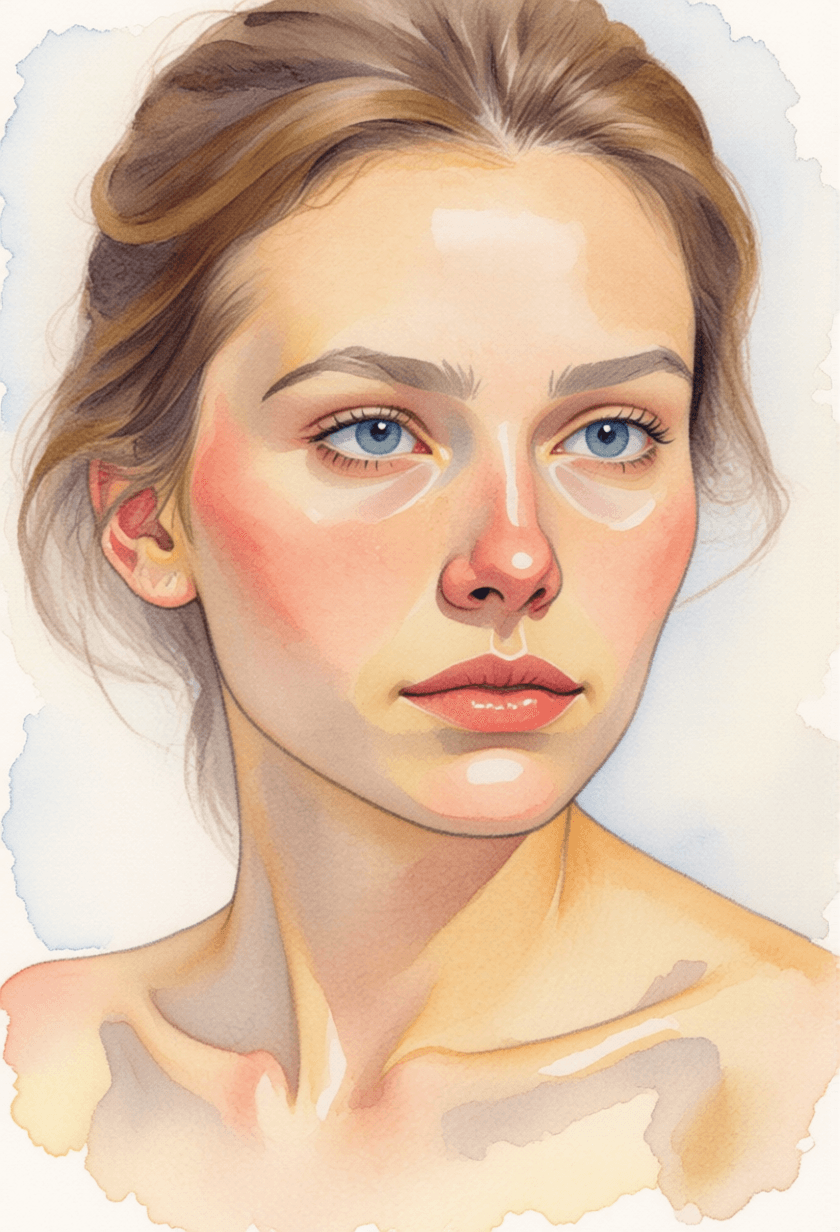
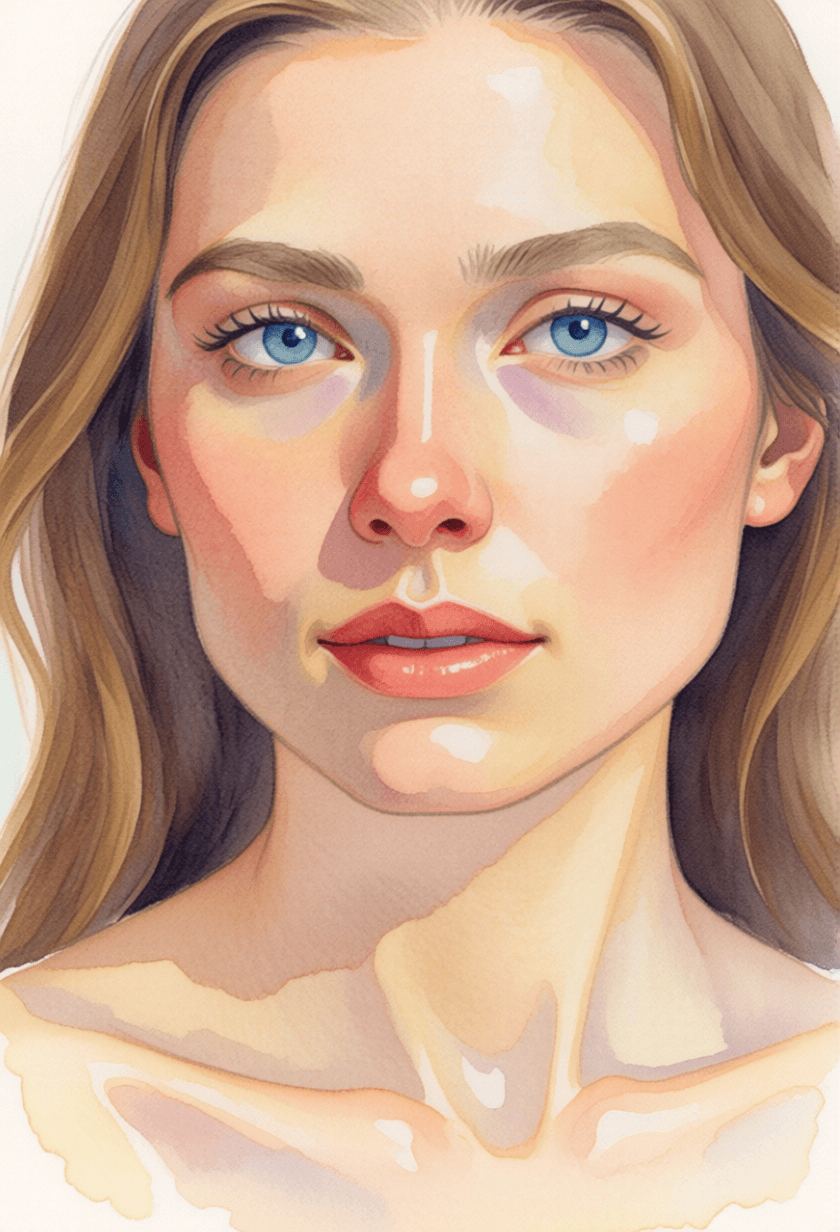
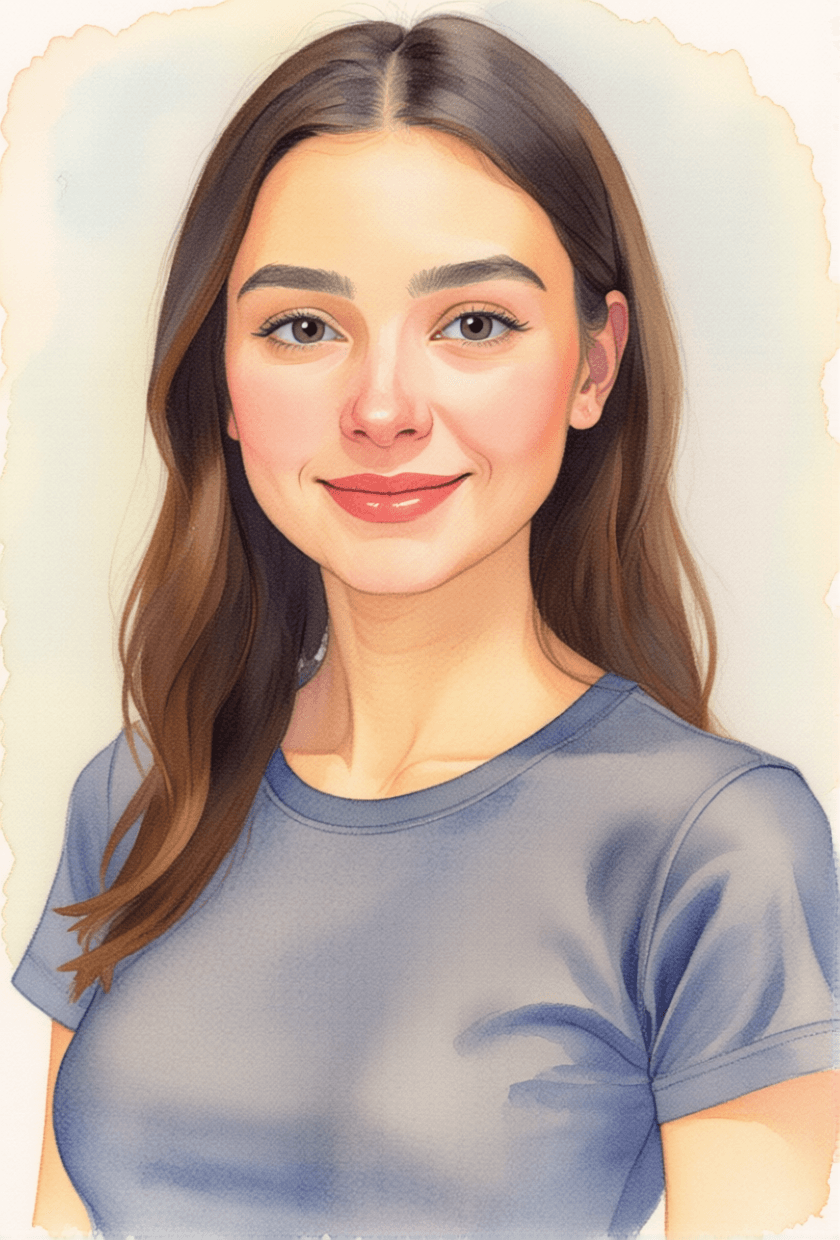
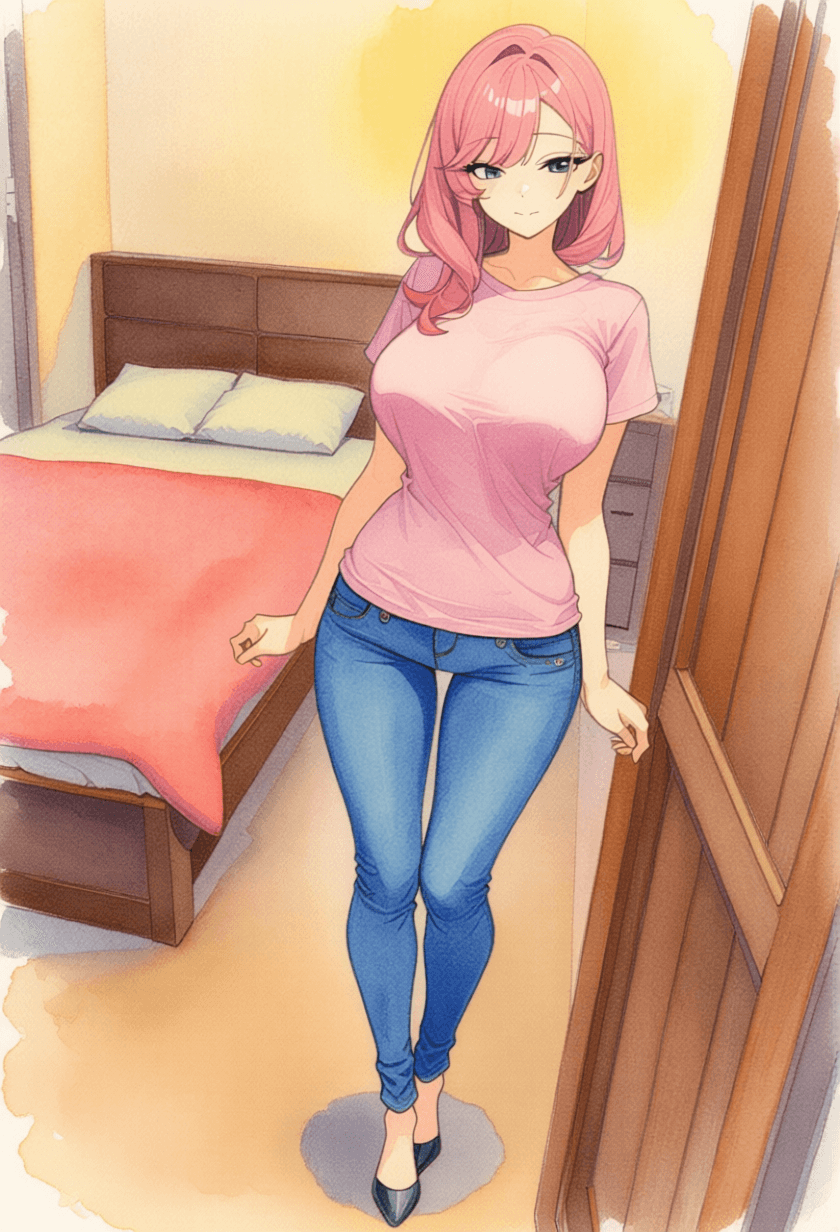
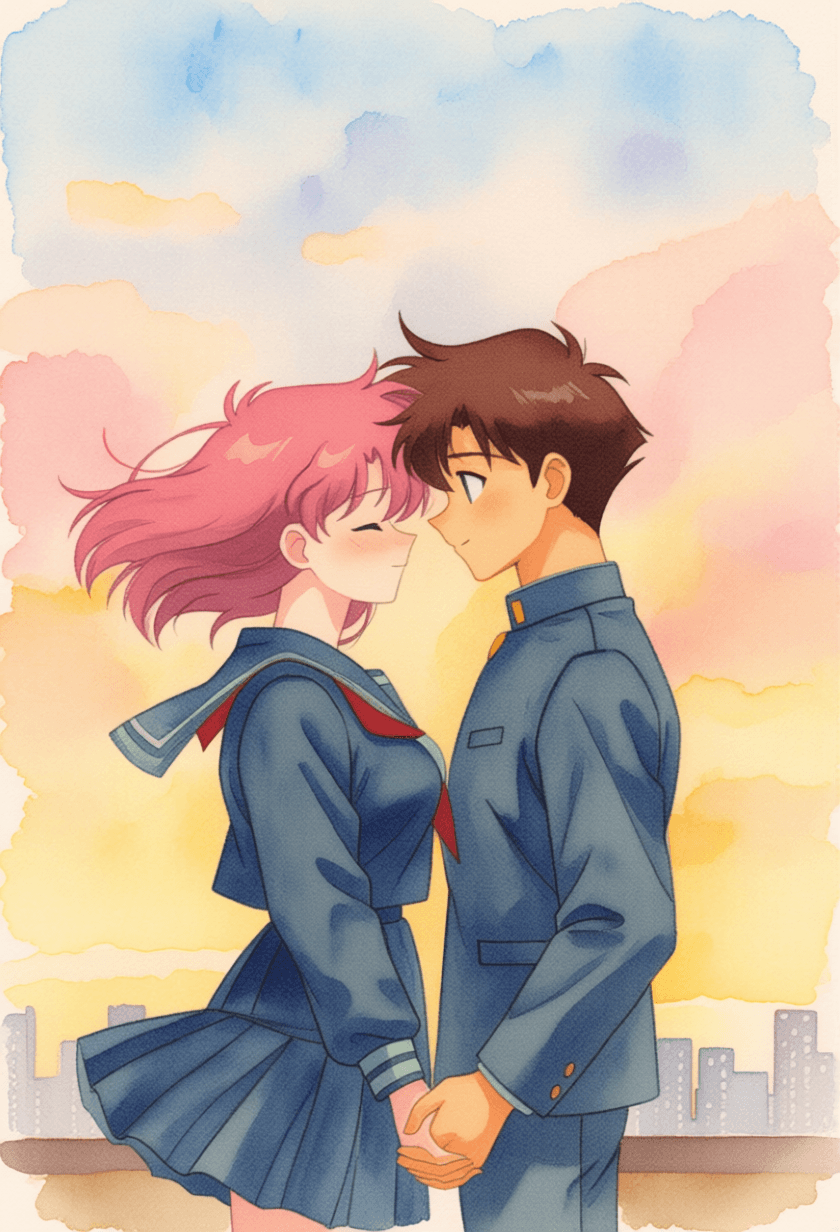
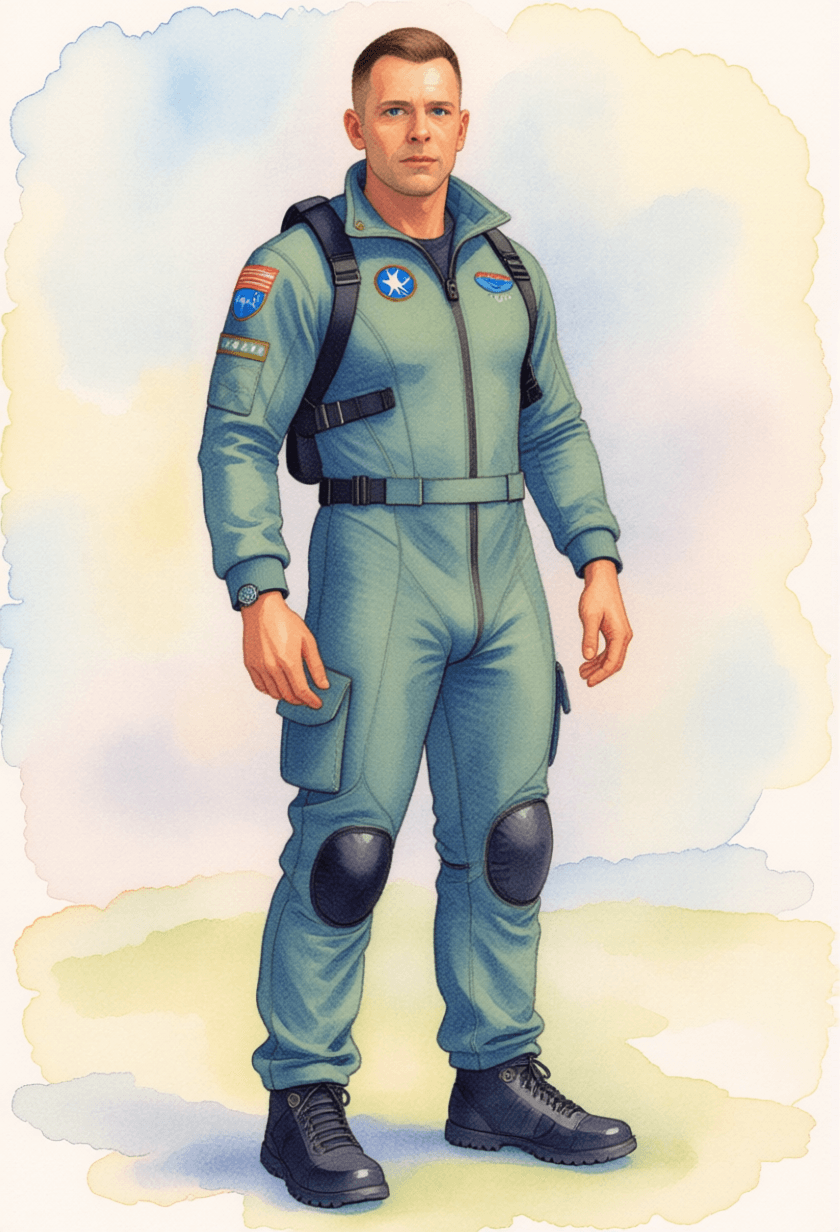
All images generated on Kalon Studio using prompts from this page. No external watercolor filters, texture overlays, or post-processing applied.
What You Can Create?
Watercolor AI art serves applications ranging from fine art prints to commercial clipart, each with different technique emphasis and compositional requirements.
Art Prints and Framed Work
Watercolor compositions intended for printing, framing, or gallery display. Use 3:2 for standard print ratios and 2:3 for vertical compositions. The portrait, landscape, and botanical variations produce the strongest fine art output. Ensure the paper texture tag is present — printed watercolor without a visible paper surface looks flat and synthetic.
Clipart and Design Elements
Isolated watercolor subjects on white or transparent backgrounds for use in graphic design, invitations, and digital products. Use 1:1 for individual elements. The botanical and wildlife variations with "white background with natural paint bleed at edges" produce cleanly extractable elements suitable for layering in design software.
Greeting Cards and Stationery
Watercolor illustrations formatted for card and invitation layouts. Use 5:7 for standard greeting card proportions. Leave compositional space for text placement — watercolor's natural negative space (unpainted paper areas) serves as built-in text zones.
Editorial and Book Illustration
Watercolor scenes for children's books, editorial articles, and story illustration. Use 3:2 for horizontal spreads and 2:3 for vertical page illustrations. The loose landscape and ink-and-wash variations handle narrative scene-setting strongest. Multiple images from the same color palette create visual continuity across a publication.
Prompt Variations
Five watercolor approaches, each using different technique tags to produce distinct visual qualities. Copy any directly, or blend technique and subject tags across variations.
Soft Portrait
Gentle face rendering with selective detail and background bloom.
best quality, masterpiece, watercolor portrait, soft facial rendering with controlled wet-on-dry brushwork on eyes and lips, looser wet-on-wet blending on cheeks and forehead, warm skin tones mixed from yellow ochre and cadmium red with transparent layering, hair rendered in loose flowing washes with visible brush direction, cold press paper texture visible on all skin areas, background dissolving into formless wet-on-wet bloom of muted complementary color, unpainted white paper visible at collar and around hair edges, subtle pigment pooling at cheekbone shadow edge, intimate and contemplative mood, fine art watercolor portrait quality, 3:4 composition, high resolution
Loose Countryside Landscape
Atmospheric scene with wet washes and minimal controlled detail.
best quality, masterpiece, watercolor landscape, panoramic countryside view, sky rendered as single graduated wet-on-wet wash from pale cerulean blue at top to warm peach near horizon, distant hills as soft silhouettes painted while sky wash was still damp creating soft edges, midground trees as loose impressionistic dabs of viridian and sap green, foreground path with dry brush texture on gravel using raw sienna, visible cold press paper tooth throughout especially in dry areas, entire painting feeling spontaneous and unhurried, unpainted white paper areas suggesting sunlit surfaces, plein air watercolor quality, 16:9 wide composition, high resolution
Tight Botanical Study
Precise scientific illustration quality with controlled layering.
best quality, masterpiece, botanical watercolor illustration, single flower specimen centered in composition, peony in full bloom, precise controlled wet-on-dry layering building petal depth from lightest pink wash to deeper magenta at petal base, each petal individually rendered with visible glaze layers, leaves in cool green with warm yellow-green highlight and blue-green shadow, fine vein detail on leaves painted with small round brush, stem rendered with single confident stroke, generous white paper surrounding specimen, slight paint bleed at outer petal edges only, botanical precision meeting watercolor luminosity, scientific illustration quality, 2:3 vertical composition, high resolution
Abstract Color Wash
Non-representational exploration of pigment and water behavior.
best quality, masterpiece, abstract watercolor painting, overlapping transparent washes of indigo ultramarine blue and burnt sienna creating rich granulated color interactions where pigments separate visibly, wet-on-wet bloom effects where one color pushes into another, visible water tide marks where wash edges dried leaving darker pigment borders, dramatic paint pooling in lower areas of the composition, large areas of untouched white paper creating breathing space, organic shapes formed by water flow rather than brush direction, color theory exploration through transparent layering, meditative and process-driven, fine art abstract quality, 1:1 square composition, high resolution
Ink and Wash Cityscape
Pen linework with transparent color washes overlaid.
best quality, masterpiece, ink and wash urban sketch, European street scene with architectural detail, pen and ink linework providing structural drawing, building facades windows doorways and awnings rendered with confident varied-weight ink lines, transparent watercolor washes applied loosely over ink foundation, warm sienna and ochre washes on sunlit building faces, cool blue-gray washes in shadow areas, wash edges intentionally not following ink lines creating lively overlap, figures suggested with minimal ink marks and single color washes, wet pavement rendered as reflective wash with ink detail showing through, urban sketch aesthetic with plein air immediacy, 16:9 wide composition, high resolution
More Watercolor AI Styles
Six additional templates covering specific watercolor subjects and technique directions.
best quality, masterpiece, watercolor wildlife painting, kingfisher bird perched on branch, detailed feather rendering using precise wet-on-dry layering, iridescent blue-green on back built through transparent glazes, warm orange breast in single confident wash, fine detail on beak and eye with small brush, branch rendered in loose dry brush raw umber, background entirely unpainted white paper allowing bird to be focal point, slight paint spatter around bird suggesting environmental energy, natural history illustration meets watercolor spontaneity, 3:4 portrait composition, high resolutionbest quality, masterpiece, watercolor food illustration, arrangement of summer fruits on white, sliced fig showing interior seeds in detailed wash, whole peach with warm gradient from yellow to blush red, scattered blueberries painted as quick round washes with highlight white paper left unpainted, fresh mint leaves in transparent viridian, small water droplets rendered as tiny unpainted circles with shadow underneath, white paper background with natural paint drips at composition edges, appetizing and fresh, cookbook illustration quality, 1:1 square composition, high resolutionbest quality, masterpiece, abstract watercolor and ink art, explosive spontaneous composition, concentrated black ink splashes creating dramatic central form, colored watercolor washes of magenta and turquoise bleeding outward from ink areas, paint splatters and drip marks recording physical gesture, granulating pigments creating textural variation in wash areas, large open white paper areas contrasting with dense ink center, visible paper texture under all media, dynamic and expressive, contemporary mixed media aesthetic, 1:1 square, high resolutionbest quality, masterpiece, watercolor seascape, ocean meeting sky at soft horizon line, sky as single continuous graduated wash from pale warm gray overhead to faint blue at horizon, sea as layered horizontal washes of varying blue-green intensity, waves suggested by white paper left between horizontal wash strokes, distant sailboat as tiny dark mark barely larger than a brushstroke, foreground wet sand rendered in reflective wash of warm gray, entire painting dominated by atmosphere and light rather than detail, Turner-esque luminous quality, 16:9 wide panoramic composition, high resolutionbest quality, masterpiece, children's book watercolor illustration, small rabbit in rain boots jumping in puddle, cheerful expressive character with round body and large eyes, bright primary color palette, red boots yellow raincoat blue puddle, loose playful brushwork with visible personality in every stroke, background of rainy garden suggested in quick loose washes of green and gray, rain as diagonal fine lines over partially dry surface, white paper visible throughout giving lightness and energy, joyful and narrative-driven, picture book illustration quality, 3:4 composition, high resolutionbest quality, masterpiece, monochrome watercolor study, single pigment, raw umber, used exclusively, still life of ceramic jug and cloth, full tonal range achieved through wash dilution from nearly-white thin wash to near-black concentrated pigment, visible layering where darker washes sit on top of lighter dried washes, paper texture most visible in lightest value areas, cloth folds rendered through shadow washes only, strong value contrast creating dramatic form, traditional academic watercolor exercise, 4:3 horizontal composition, high resolutionRecommendation: Negative Prompt for Watercolor AI Art
The most common failure in AI watercolor generation is not inaccuracy but over-control. AI models are trained to produce precise, clean output — the opposite of what watercolor requires. The medium's identity comes from organic unpredictability: edges that bleed, pigment that granulates, water that carries color beyond the brush's intent. This negative prompt strips away the digital control habits that prevent AI output from exhibiting genuine watercolor behavior.
Negative Prompt:
digital art, vector illustration, clean digital rendering, sharp precise edges, uniform color fill, smooth gradient, airbrush, no paper texture, plastic surface, glossy surface, photorealistic, photograph, 3D render, oil painting thick impasto, acrylic opaque paint, heavy dark outlines, cartoon outlines, flat cel shading, anime style, neon colors, high saturation, perfectly controlled edges, symmetrical composition, watermark, text, signature, blurry, low quality, extra fingers, deformed
Explanation: The rendering style block "digital art, vector illustration, clean digital rendering, sharp precise edges, uniform color fill, smooth gradient, airbrush" is the most critical. Every one of these digital rendering qualities contradicts watercolor's organic nature. Watercolor edges bleed; digital edges don't. Watercolor fills are uneven with visible pigment distribution; digital fills are uniform. Forcing the model away from these defaults is what produces authentic watercolor behavior. "No paper texture, plastic surface, glossy surface" protects the visible paper tooth that is half the watercolor aesthetic — without paper texture, the output is a colored illustration on a blank surface. "Oil painting thick impasto, acrylic opaque paint" prevents the model from mixing in opaque painting techniques; watercolor is defined by its transparency, and opaque passages destroy the luminous quality that comes from light passing through pigment and reflecting off white paper. "Heavy dark outlines, cartoon outlines, flat cel shading" prevent bordered illustration styles that contradict watercolor's soft, line-free edges. "Neon colors, high saturation" protect the muted, transparent color range that physical watercolor pigments produce.
How to Generate Watercolor Art on Kalon Studio
- Open Kalon Studio and navigate to the Generate tab.
- Copy any prompt from this page using the copy button beside it. Paste it into the prompt field. Customize for your subject: change "peony in full bloom" to "autumn maple branch," swap "cold press paper texture" for "hot press smooth surface" for a different edge quality, replace "warm ochre and cool blue-gray" with "ultramarine and burnt sienna" for a different color conversation. The technique tags (wet-on-wet, dry brush, paper texture, pigment granulation) are the structural foundation — keep them while changing subjects and palettes.
- Paste the negative prompt into the negative prompt field. For watercolor specifically, the negative prompt prevents the clean digital rendering and uniform color fills that eliminate the organic unpredictability watercolor depends on. Without it, the model defaults to the precise, controlled output that is the opposite of watercolor behavior.
- Select your aspect ratio. Use 3:2 for horizontal landscape compositions and standard print format. Use 2:3 for vertical botanical and portrait compositions. Use 1:1 for square clipart elements and social media. Use 16:9 for panoramic scene compositions. Use 5:7 for greeting card proportions.
- Click Generate. Review 4–6 outputs. The strongest watercolor result will have: edges that vary between soft (where paint met wet paper) and firmer (where paint met dry paper); visible paper texture beneath the pigment, especially in lighter areas; and unpainted white areas that read as deliberate compositional light rather than accidental gaps.
Do/Don't Tips: Producing Authentic Watercolor
✅ DO:
❌ DON'T:
Comparison Table: Kalon Vs Other Watercolor AI Platforms
Kalon creates beautiful watercolor AI art with soft brush textures, gentle color blending, and artistic depth, producing elegant visuals that closely resemble traditional watercolor paintings.
| Feature | Kalon Studio | OpenArt | Aiarty | ArtHelper.ai | Reliablesoft |
|---|---|---|---|---|---|
| Pre-written watercolor prompts | 11 tested templates | 25 SD + 25 MJ blog prompts | MJ guide with examples | 20 prompt categories | Single ChatGPT prompt |
| Copy-paste prompt library | One-click copy buttons | Blog copy | Blog copy | Category prompts | Single copy |
| Technique education | Paint behavior + paper surface + white-as-light breakdown | "Use keywords" tips | Keyword selection guide | None | "Focus on textures" tip |
| Watercolor-specific negative prompt | Anti-digital + anti-opaque + anti-uniform tags | Not provided | Not provided | Not provided | Not provided |
| Verified sample outputs | Kalon-generated images | OpenArt community gallery | MJ screenshots | None | ChatGPT screenshots |
| Platform compatibility | Standard tags work anywhere | SD/MJ-specific | Midjourney-specific | Tool-agnostic descriptions | ChatGPT-specific |
| Technique separation | Wet-on-wet/dry brush/botanical/abstract/ink-wash/monochrome, each with technique-specific tags | Mixed without distinction | Style keywords | Subject categories only | Single technique |
| Paper texture education | Cold press vs hot press explanation | Not provided | Not mentioned | Not provided | "Reiterate textures" |
| Free access | Daily coins included | Free with credits | Free blog | Free tools | Free blog |
Frequently Asked Questions
Let the Water Do the Work!!
Pigment behavior, paper surface, and the unpainted edge — not a soft color filter, but the physical medium translated into prompts.
Generate Watercolor Art Free