Ghibli-Style Prompts for AI Art | Soft Light, Living Worlds, and Painted Detail
The Studio Ghibli aesthetic is defined by qualities that most AI image generators don't produce by default: hand-painted texture with visible brushwork, backgrounds that feel more alive than the foreground characters, muted natural color palettes that avoid the high saturation of modern anime, and a relationship between light and atmosphere that makes every scene feel like late afternoon. Getting these qualities from a text prompt requires a specific tag structure that addresses each layer individually.
Most Ghibli prompt resources online either rely on the tag "Studio Ghibli style" alone, which produces generic anime with a slight color shift, or they reference specific films without explaining what visual elements make those films look the way they do. Neither approach gives you consistent control.
These prompts are built around the visual principles that define the aesthetic rather than film titles alone. Each one has been tested in Kalon Studio, and the sample outputs have been evaluated for brushwork texture, color temperature accuracy, background density, and atmospheric light behavior. Below you'll find a base prompt, five style variations, six additional templates, a tag-by-tag anatomy section, and a negative prompt designed to prevent the specific rendering failures that break the Ghibli look.
Prompt Text
This prompt generates a Ghibli-inspired landscape with painterly texture, layered natural detail, and warm atmospheric light. Adjust the environment, time of day, or season to shift the mood while keeping the core aesthetic intact.
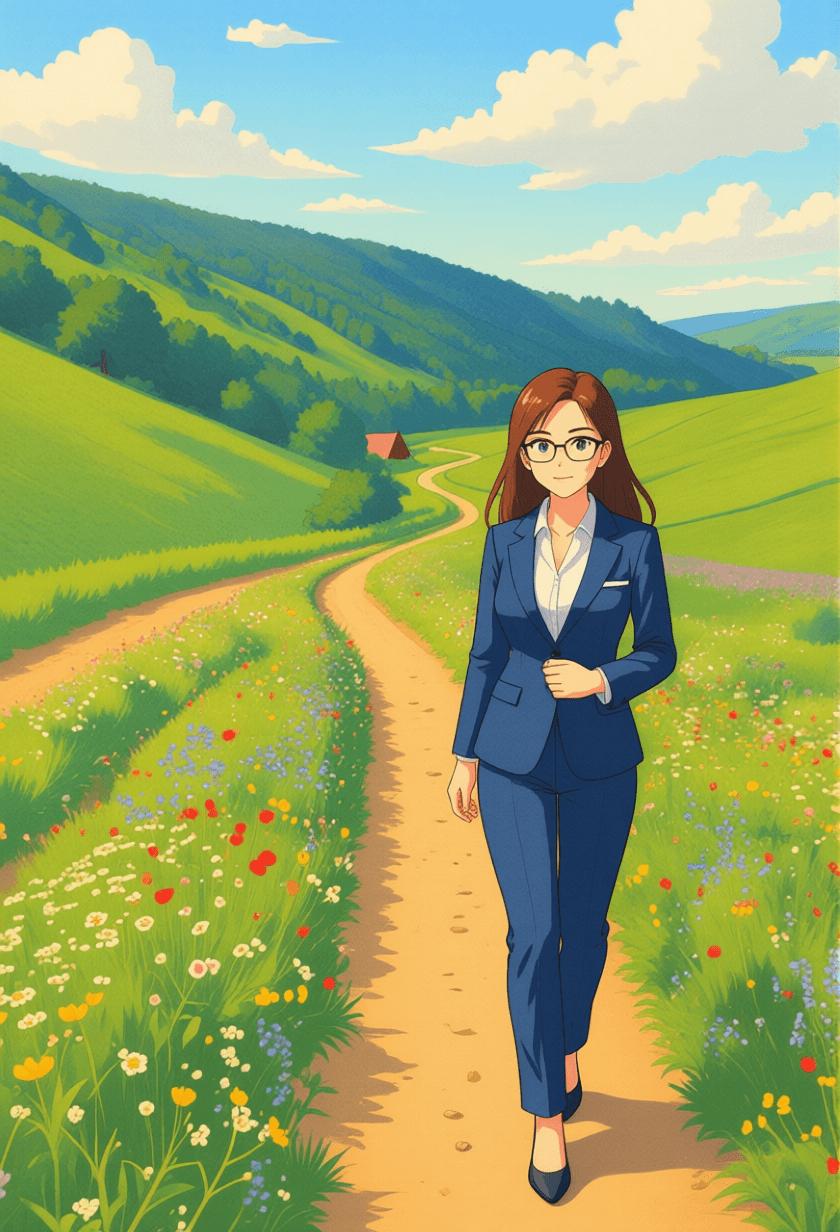
masterpiece, best quality, Ghibli-style illustration, lush green countryside, rolling hills with wildflowers, small cottage with red roof, winding dirt path, towering cumulus clouds, soft afternoon sunlight, warm earth tones with muted greens and sky blue, hand-painted texture, visible brushstrokes, detailed background foliage, gentle breeze in grass, nostalgic and peaceful atmosphere, Studio Ghibli color palette, high resolution
What Builds the Ghibli Look in AI Prompts?
Writing "Ghibli style" in a prompt activates a general anime aesthetic with slightly softer colors, but it doesn't address the specific visual decisions that separate a Ghibli frame from any other anime art. The real Ghibli look emerges from the interaction between five distinct visual layers, and each one needs its own set of tags.
Sample Outputs
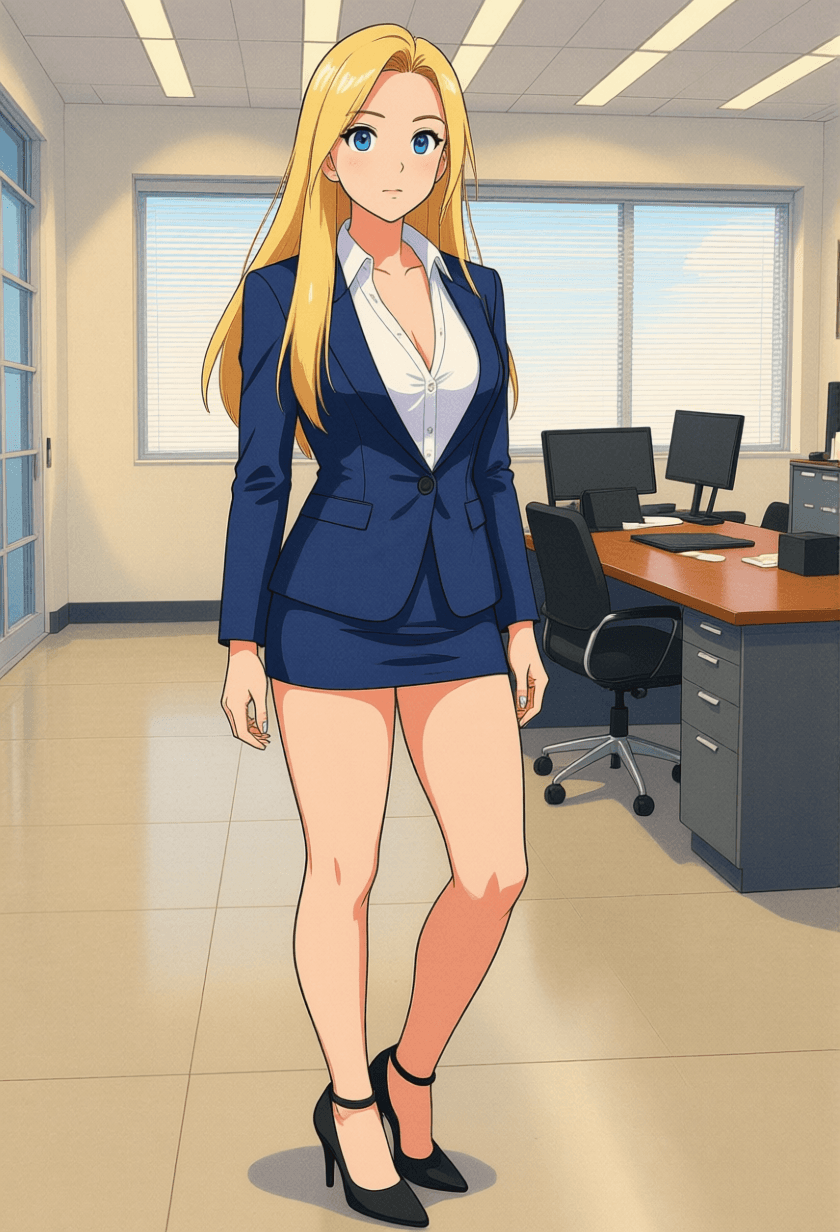
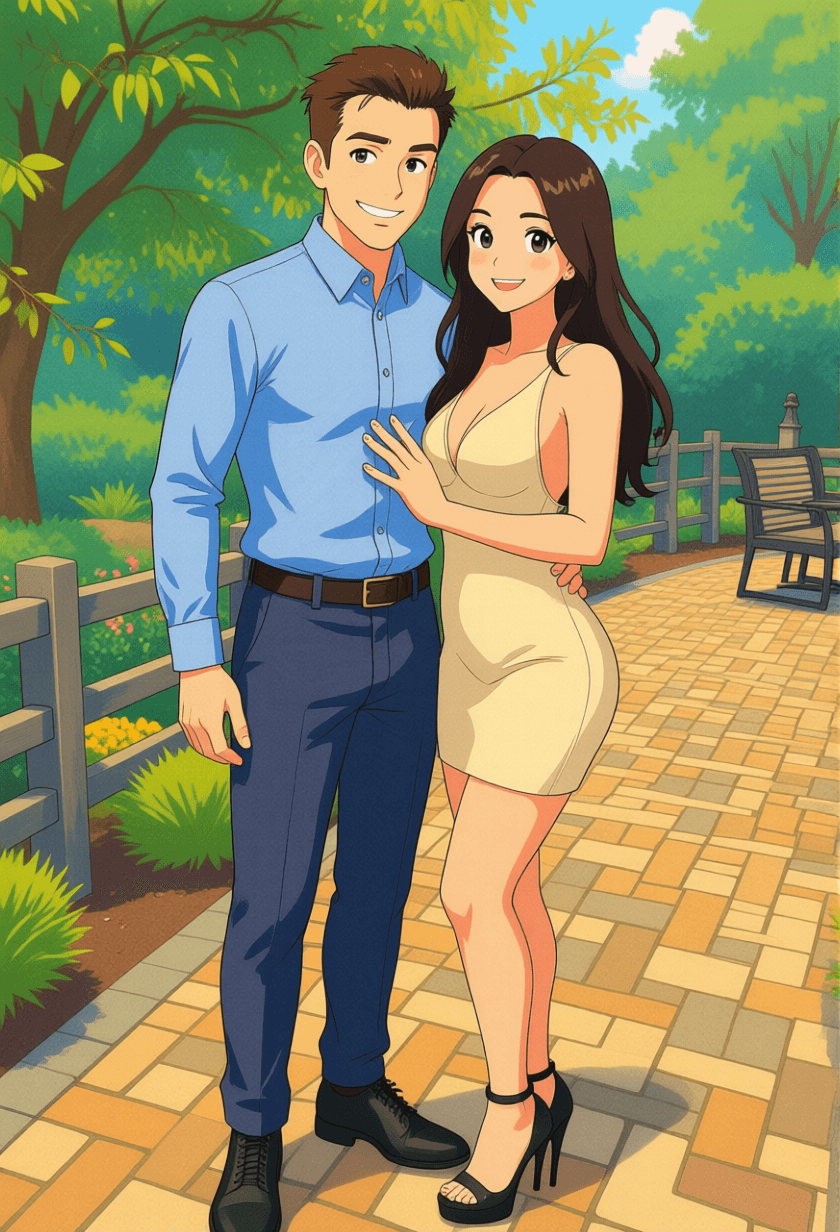
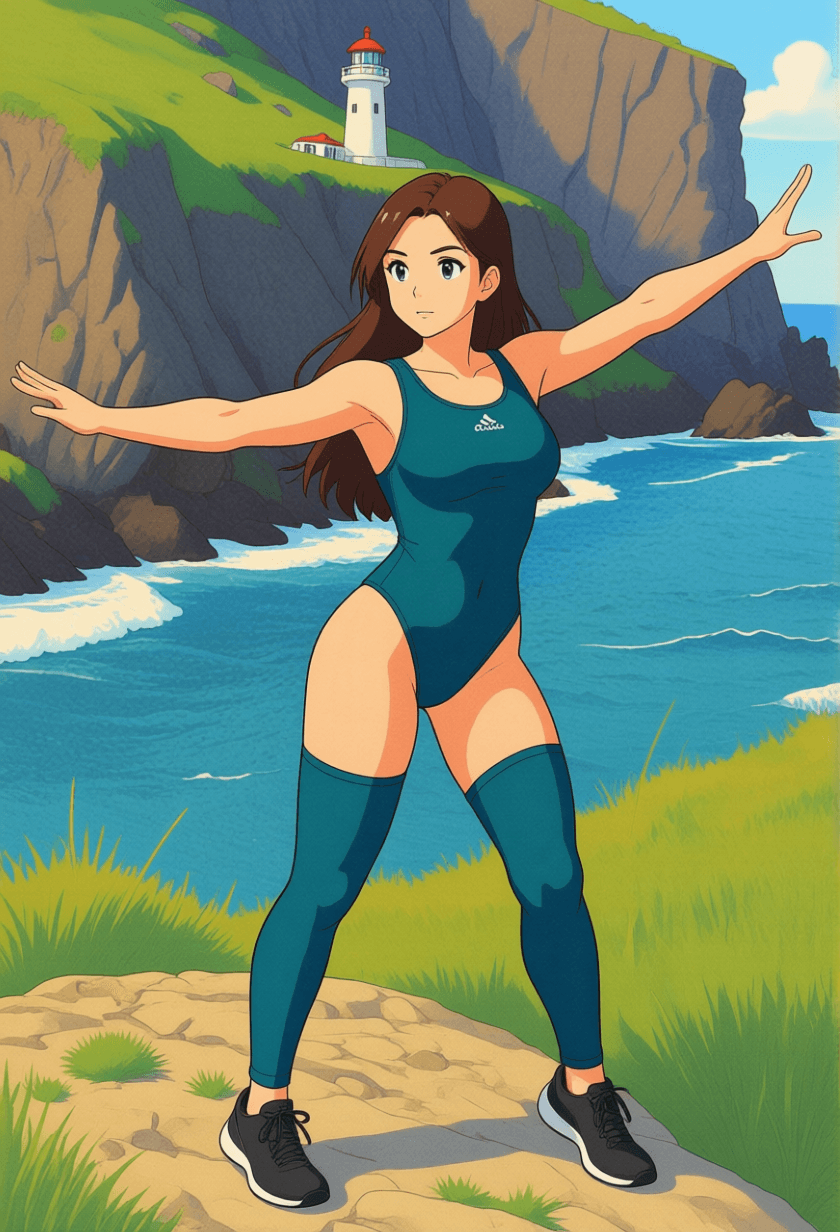
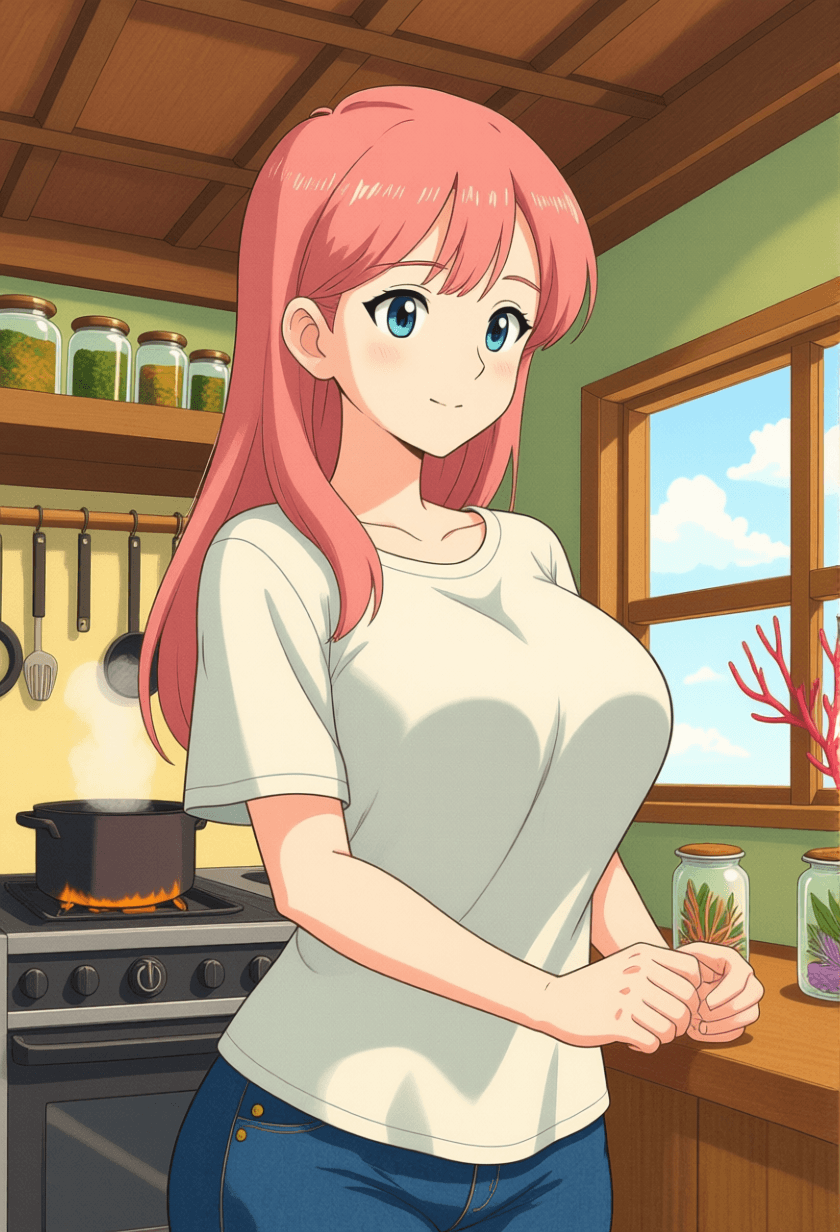
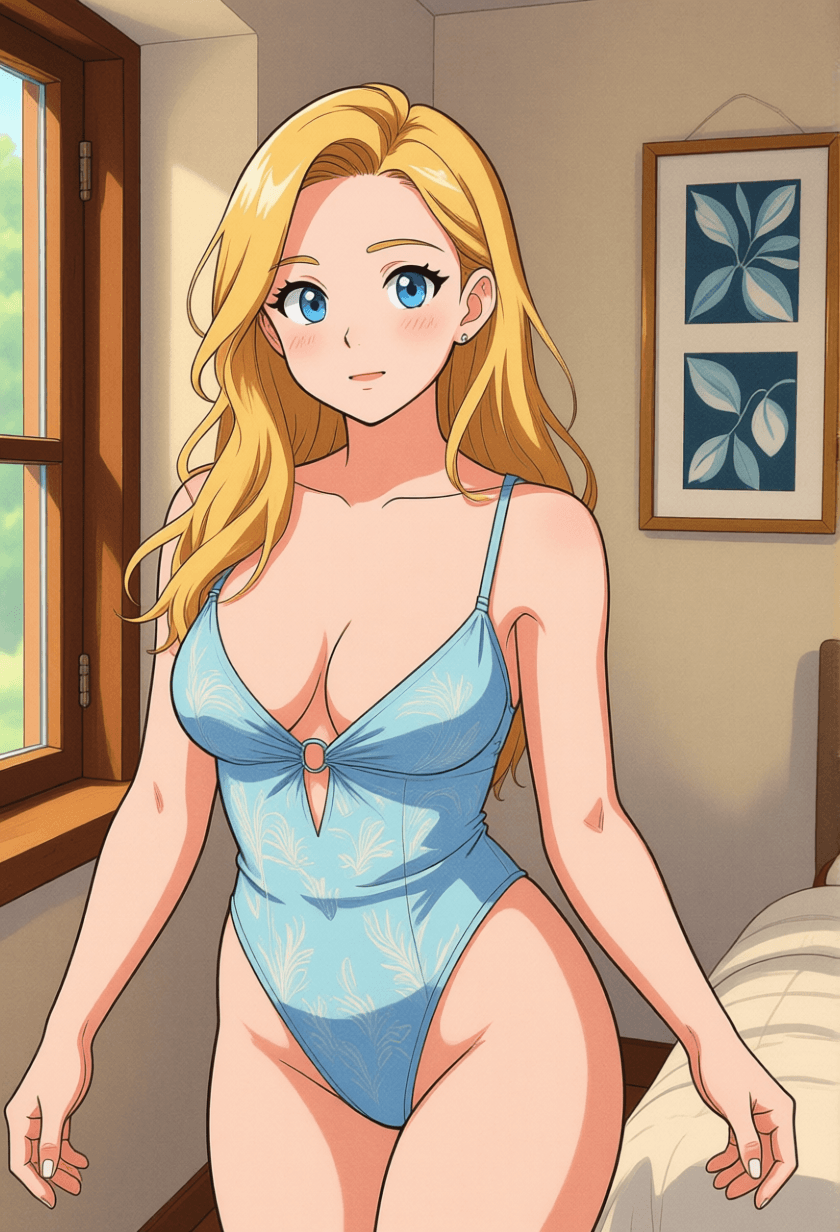
All images generated on Kalon Studio using prompts from this page. No post-processing, compositing, or external retouching applied.
What You Can Create?
The Ghibli aesthetic translates across landscapes, characters, interiors, and narrative scenes. These prompts cover the most requested applications, with recommended aspect ratios for each.
Desktop and Phone Wallpapers
Ghibli landscapes and environmental scenes scaled for screens. Use 16:9 for desktop, 9:16 for phone, and 21:9 for ultrawide. The countryside, coastal, and aerial variations are designed for this format, wide environmental compositions with layered atmospheric depth.
Profile Pictures and Avatars
Ghibli-style character portraits for social media, gaming profiles, and messaging apps. Use 1:1 for profile images and 3:4 for character portraits with environmental context. The character portrait variation produces clean, identifiable subjects with the Ghibli aesthetic applied to clothing, expression, and background.
Illustration and Storytelling
Scene illustrations for children's books, visual novels, storyboards, and editorial headers. Use 3:2 for horizontal book spreads, 2:3 for vertical story illustrations, and 16:9 for narrative establishing shots. Combine character and environment tags across variations to build sequential scenes.
Art Prints and Personal Projects
Ghibli-inspired artwork intended for print, framing, or personal collections. Use 2:3 or 3:4 for standard print ratios. The hand-painted texture and brushwork tags ensure the output holds detail at print resolution. The base prompt and landscape variations are strongest for this use case.
Prompt Variation
Five distinct Ghibli-inspired compositions, three environments, and two character-focused, each structured around different visual priorities. Copy any prompt directly, or recombine tags across variations.
Countryside Landscape
Rolling terrain with agricultural detail and atmospheric depth.
masterpiece, best quality, Ghibli-style landscape, expansive countryside view, patchwork rice fields and orchards, small farmhouse with blue roof, stone wall along dirt road, distant mountains with soft haze, cumulus clouds casting moving shadows on land, golden hour sunlight, warm ochre and olive green palette, hand-painted texture, detailed grass and wildflower foreground, peaceful and idyllic, high resolution
Warm Character Portrait
Ghibli character with expressive detail and environmental framing.
masterpiece, best quality, Ghibli-style character portrait, 1girl, short brown hair with wind movement, large expressive eyes, gentle smile, white blouse with rolled sleeves, standing in sunlit meadow, holding woven basket, soft dappled light through nearby tree, warm skin tones, hand-painted texture, subtle blush on cheeks, background flowers in soft focus, nostalgic warmth, 3:4 aspect ratio, high resolution
Coastal Sunset
Ocean cliff scene with dramatic sky and golden light.
masterpiece, best quality, Ghibli-style coastal scene, lighthouse on grassy cliff edge, ocean stretching to horizon, waves breaking against rocks below, dramatic sunset sky with layered orange pink and violet clouds, seabirds in flight, tall grass bending in sea wind, warm golden light across landscape, painterly sky texture with visible cloud brushwork, peaceful solitude, wide composition, high resolution
Cozy Interior
Warm domestic space with intimate detail and practical lighting.
masterpiece, best quality, Ghibli-style kitchen interior, wood-beam ceiling, copper pots hanging from rack, steam rising from large cooking pot on iron stove, shelves lined with glass jars and dried herbs, window letting in warm afternoon light with dust particles visible, wooden table with bread and vegetables, cat sleeping on chair, warm amber and brown palette, hand-painted texture on every surface, lived-in and welcoming, high resolution
Aerial Perspective
High-altitude view with cloud layers and terrain detail.
masterpiece, best quality, Ghibli-style aerial landscape, view from above clouds, breaks in cloud layer revealing patchwork farmland and winding river below, distant town with red and brown rooftops, mountain range on horizon, soft sunlight filtering through clouds, volumetric cloud texture with painted edges, sense of vast open sky, floating feeling, muted blue and green palette with golden light accents, high resolution
More Ghibli Styles
Six additional templates covering specific Ghibli sub-aesthetics and visual motifs not addressed by the core variations.
masterpiece, best quality, Ghibli-style ancient forest, massive moss-covered trees with gnarled roots, shafts of green-filtered sunlight through dense canopy, small forest spirits glowing faintly in shadows, stream flowing over smooth stones, ferns and mushrooms on forest floor, air thick with moisture and pollen, deep emerald and amber palette, sacred and undisturbed atmosphere, painterly detail on bark and leaf texture, high resolutionmasterpiece, best quality, Ghibli-style village in rain, narrow cobblestone street between wooden buildings, rain falling steadily, puddles reflecting warm lantern light from shopfronts, figure with red umbrella walking alone, wet surfaces glistening, muted gray-blue palette with warm orange window glow, steam rising from a noodle shop doorway, quiet and contemplative, hand-painted rain streaks, high resolutionmasterpiece, best quality, Ghibli-style food illustration, overhead view of wooden table set with steaming ramen bowl, grilled fish on ceramic plate, pickled vegetables in small dishes, rice in wooden bowl, chopsticks resting on holder, steam curling upward, warm lamplight from above, rich appetizing colors, hand-painted detail on food textures and tableware, inviting and homely, close-up composition, high resolutionmasterpiece, best quality, Ghibli-style bathhouse exterior at dusk, ornate multi-level wooden building with curved red roofing, paper lanterns glowing warm along pathways, stone bridge over calm water reflecting building lights, wisps of steam rising from upper floors, twilight sky transitioning from deep blue to orange at horizon, mysterious and enchanting atmosphere, intricate architectural detail, high resolutionmasterpiece, best quality, Ghibli-style meadow scene, vast field of colorful wildflowers stretching to the treeline, large, gentle forest creature resting among flowers, small child sitting against the creature reading a book, butterflies and dandelion seeds floating in the air, soft diffused afternoon light, pastel color palette with lavender and buttercup yellow, whimsical and tender mood, hand-painted texture, high resolutionmasterpiece, best quality, Ghibli-style summer night scene, old wooden shrine at edge of forest clearing, hundreds of fireflies floating in warm air, star-filled sky visible above tree canopy, tall grass and summer wildflowers in foreground, warm yellow-green glow from fireflies contrasting deep blue night, cicada-summer atmosphere, magical realism, visible painted texture in sky and foliage, high resolutionRecommendation: Negative Prompt for Ghibli AI Art
The Ghibli aesthetic is defined as much by what it excludes as by what it includes. Modern anime techniques, sharp digital linework, high-saturation neon colors, lens flare effects, and perfectly uniform gradients, are precisely the elements that break the Ghibli look. This negative prompt targets the visual habits that AI models default to when generating anime-adjacent content, pushing the output away from contemporary digital anime and toward the painted, muted, organic quality that defines Ghibli.
Negative Prompt:
photorealistic, 3D render, CGI, sharp digital linework, neon colors, high saturation, electric blue, electric pink, lens flare, chromatic aberration, dark theme, grimdark, horror, gore, cyberpunk, modern anime style, clean vector art, flat shading, uniform gradient, plastic texture, glossy surface, watermark, text, signature, low quality, blurry, extra fingers, bad anatomy
Explanation: Why This Works: The first block, "photorealistic, 3D render, CGI", prevents the model from pulling toward photographic or three-dimensional rendering, both of which contradict the flat, painted quality of Ghibli backgrounds. "Sharp digital linework" and "clean vector art" block the crisp edge definition of modern anime, which lacks the soft, hand-drawn line quality of Ghibli. "Neon colors, high saturation, electric blue, electric pink" are critical; these are the default color choices for AI-generated anime, and they destroy Ghibli's deliberately muted, natural palette. "Flat shading" and "uniform gradient" prevent the loss of painterly texture variation that gives Ghibli backgrounds their depth. The "Dark theme, grimdark, horror, cyberpunk" block of tonal directions is incompatible with the gentle, nature-centered emotional register of Ghibli work. "Glossy surface, plastic texture" prevents the synthetic material rendering that contradicts the organic, wood-and-clay materiality of Ghibli worlds.
How to Generate Ghibli-Style Art on Kalon Studio?
- Open Kalon Studio and navigate to the Generate tab.
- Copy any prompt from this page using the copy button beside it.
- Paste it into the prompt field. Modify it to match your concept, change "countryside" to "mountain village," swap "afternoon sunlight" for "morning mist," replace "cottage with red roof" with "stone bridge over stream." The tag structure is modular: each tag controls a single visual decision, and changing a single tag shifts the composition without disrupting the overall aesthetic.
- Paste the negative prompt into the negative prompt field. For Ghibli-style generation, the negative prompt is essential, it prevents the model from defaulting to the sharp digital anime rendering and neon saturation that are the opposite of the Ghibli look.
- Select your aspect ratio. Use 16:9 for wide landscape compositions and desktop wallpapers. Use 9:16 for vertical phone wallpapers. Use 3:4 for character portraits with environmental context. Use 1:1 for profile pictures. Use 3:2 for horizontal illustration spreads.
- Click Generate. Review 4–6 outputs per prompt, brushwork texture quality, color palette accuracy, and background density vary between generations. The strongest results will have visible painted texture on surfaces, muted natural colors, and backgrounds that feel populated with organic detail rather than smooth and empty.
Do/Don’t: Creating Authentic Results
✅ DO:
❌ DON'T:
Kalon Vs Other Ghibli AI Generations
The honest table review that how Kalon compares other Ghibli AI Art platforms.
| Feature | Kalon Studio | GhibliPrompt.com | Fotor | Bylo.ai | OpenArt |
|---|---|---|---|---|---|
| Pre-written Ghibli prompts | 11 tested templates | Gallery with prompts | None — filter only | None — filter only | Film-based examples |
| Copy-paste prompt library | One-click copy buttons | Click-to-copy gallery | Not available | Not available | Generator-native |
| Prompt anatomy education | 5-layer visual breakdown | General tips | None | None | Basic advice |
| Ghibli-specific negative prompt | Anti-neon + anti-digital tags | Not provided | Not available | Not available | Not provided |
| Verified sample outputs | Kalon-generated images | Community gallery | Before/after previews | Before/after previews | OpenArt community |
| Platform compatibility | Standard tags — works anywhere | Multi-platform | Platform-native only | Platform-native only | Platform-native |
| Scene type separation | Landscape/Character/Interior/Aerial/Coastal | Mixed without structure | Photo filter only | Photo filter only | Mixed |
| Text-to-image generation | Full text-to-image with prompt control | Prompt library only | Limited text input | Limited text input | Full generator |
| Free access | Daily coins included | Free gallery | Free with limits | Free with limits | Free with limits |
Frequently Asked Questions
Bring the Painted World to Life!!
Brushwork texture, muted palettes, and living backgrounds, translated into tags that AI models can execute. No drawing skill required.
Generate Ghibli Art Free