Photo to Anime Prompts | Turn Real Images into Illustrated Characters
Converting a photo into anime is not the same as generating anime from scratch. The prompt has to manage two competing priorities simultaneously: applying the visual language of anime, simplified features, expressive eyes, clean linework, flat color areas, while preserving enough of the original subject's identity that the result is still recognizably them. Push too far toward stylization and the person disappears. Hold too close to the photograph and the anime conversion looks like a color filter rather than a genuine style translation.
Most photo-to-anime tools treat this as a one-click operation with zero user control over that balance. You upload, the algorithm decides, and you accept whatever it produces. The prompts on this page take a different approach, they give you explicit control over which anime elements are applied, how strongly they override photographic detail, and which aspects of the original image are preserved.
Every prompt has been tested in Kalon Studio using reference image workflows with sample outputs evaluated for three criteria: is the person still recognizably them, does the anime style feel authentic rather than filtered, and does the result hold up as a standalone illustration rather than a processed photograph. Below you'll find the full prompt library, anatomy breakdown, and negative prompt.
Prompt Text
This prompt converts a reference photo into a clean anime portrait while preserving facial identity and expression. It balances stylization with recognition, strong enough to read as anime, restrained enough that the subject remains identifiable.
best quality, masterpiece, anime-style portrait based on reference photo, preserve facial identity and expression, anime eyes with slightly enlarged proportions, clean cel-shaded skin with soft shadow transitions, simplified hair rendered in anime style with highlight streaks, subtle blush on cheeks, clean linework over smooth color fills, warm natural skin tone, soft diffused lighting, neutral blurred background, upper body framing, anime illustration quality, high resolution
How Photo-to-Anime Prompts Work Differently?
A standard anime prompt describes a character from imagination. A photo-to-anime prompt describes a translation between two visual languages, one photographic and one illustrated, while maintaining continuity between them. That translation requires prompt tags that address three distinct systems: what to keep from the photo, what to change into anime, and how far the stylization should go.
Sample Outputs
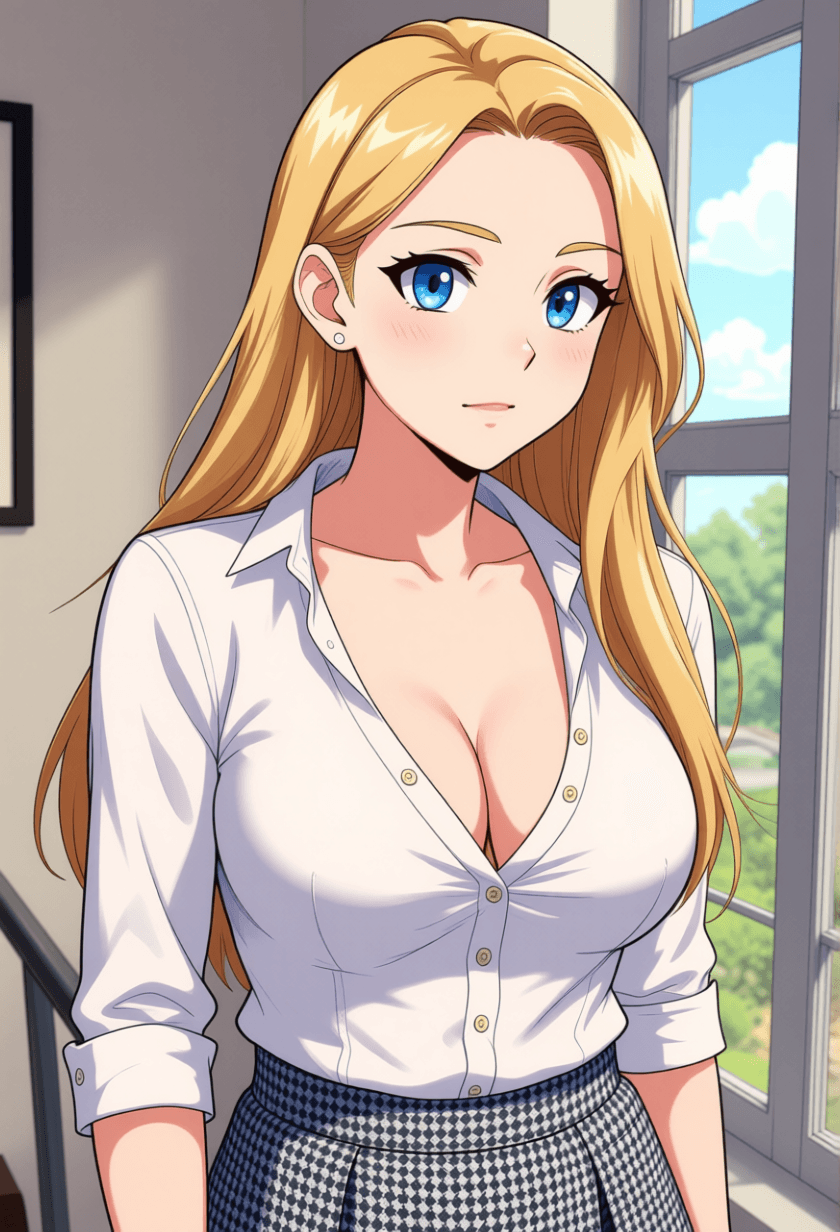
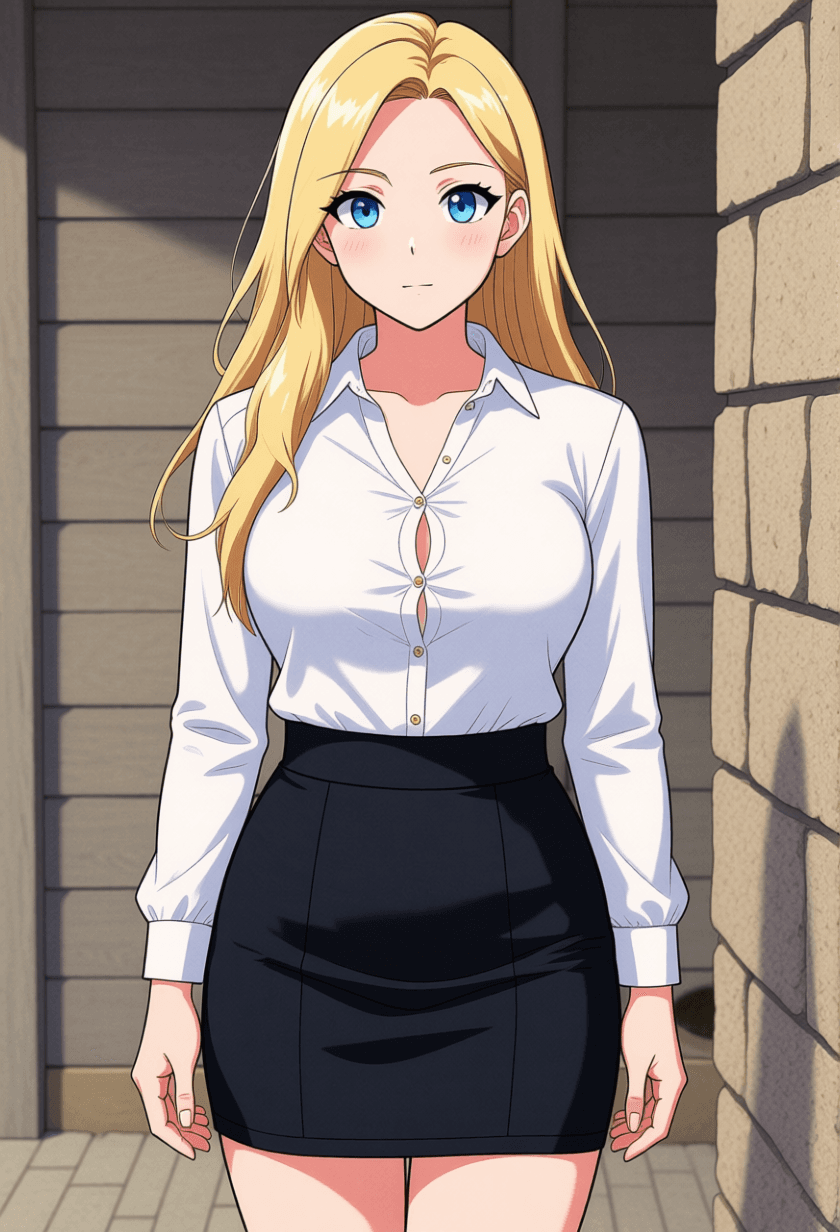
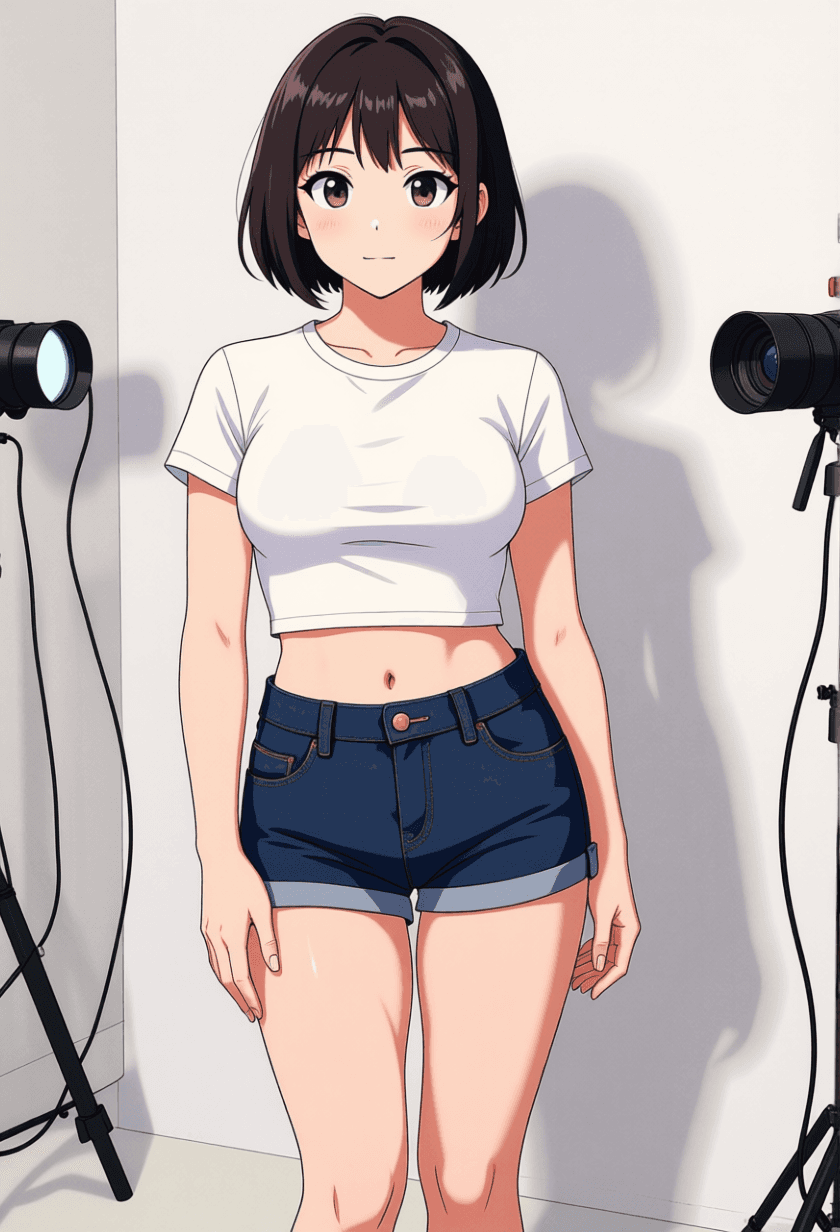
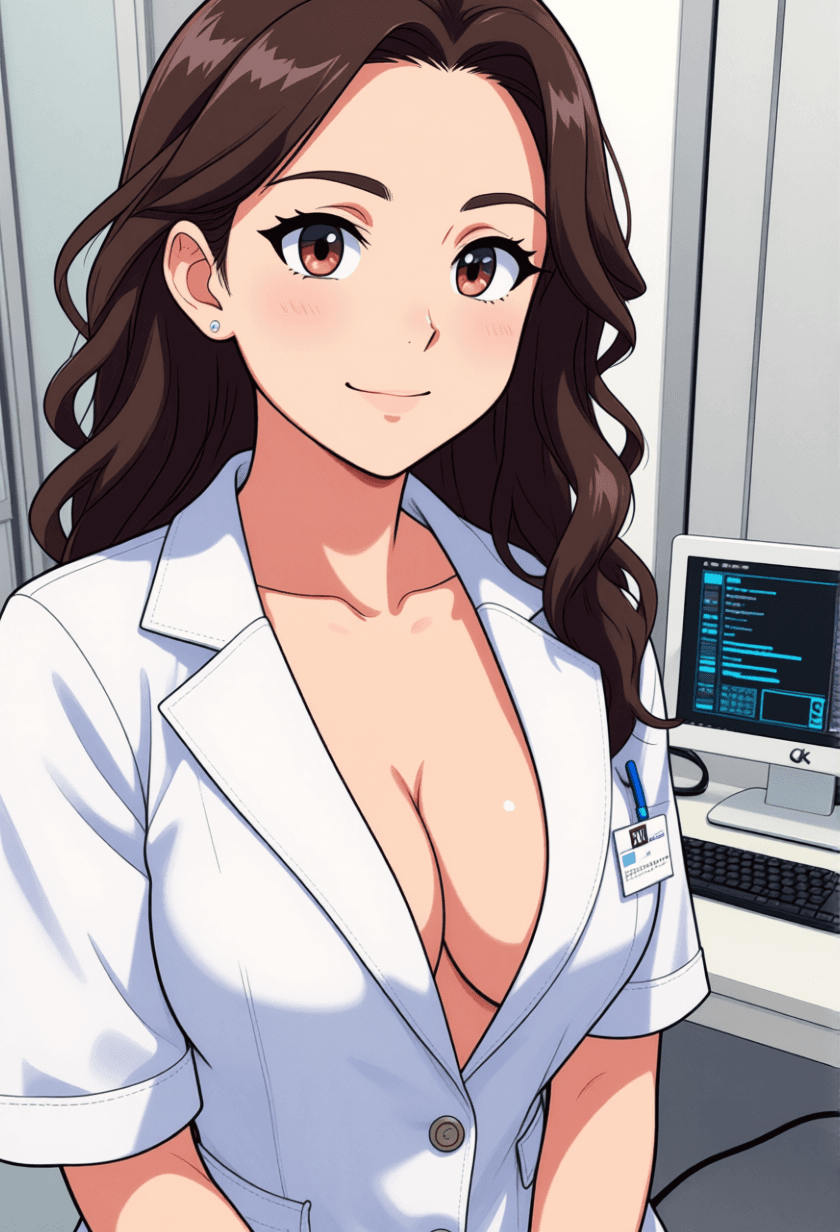
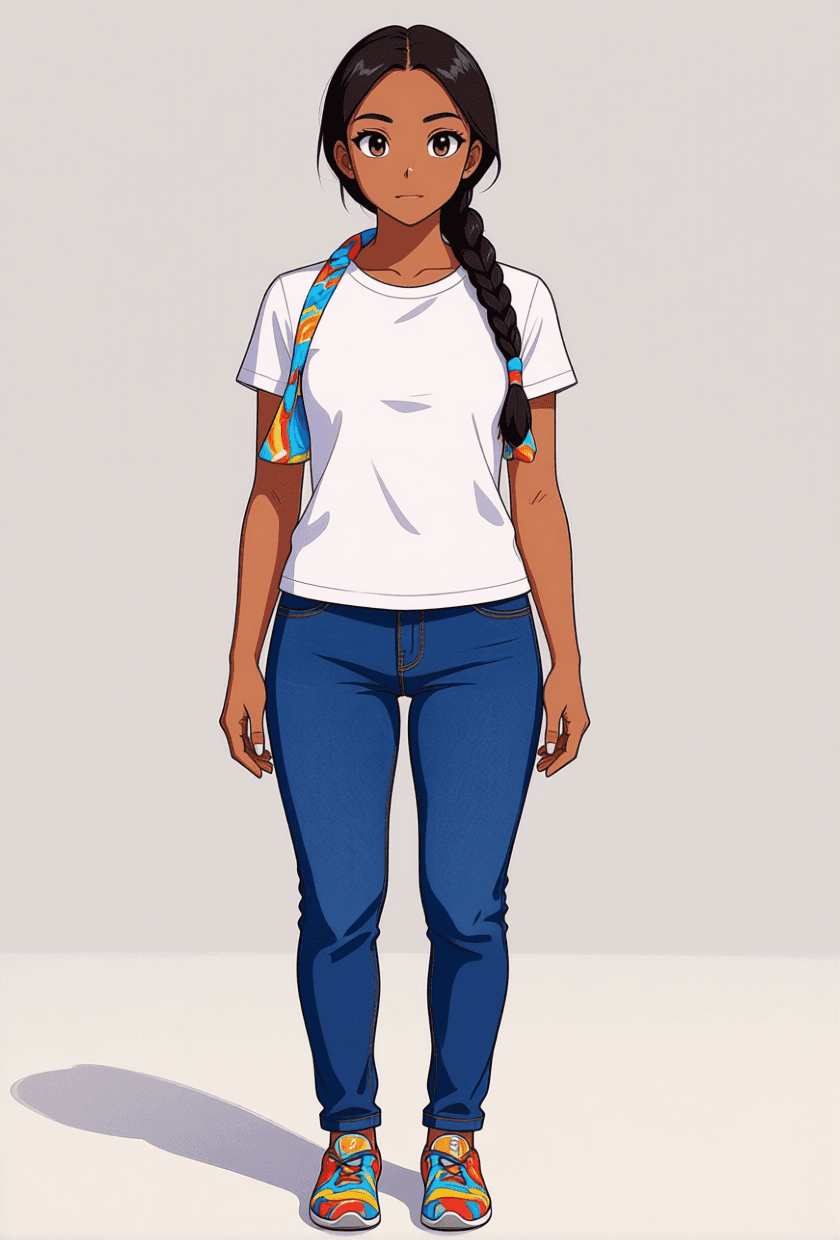
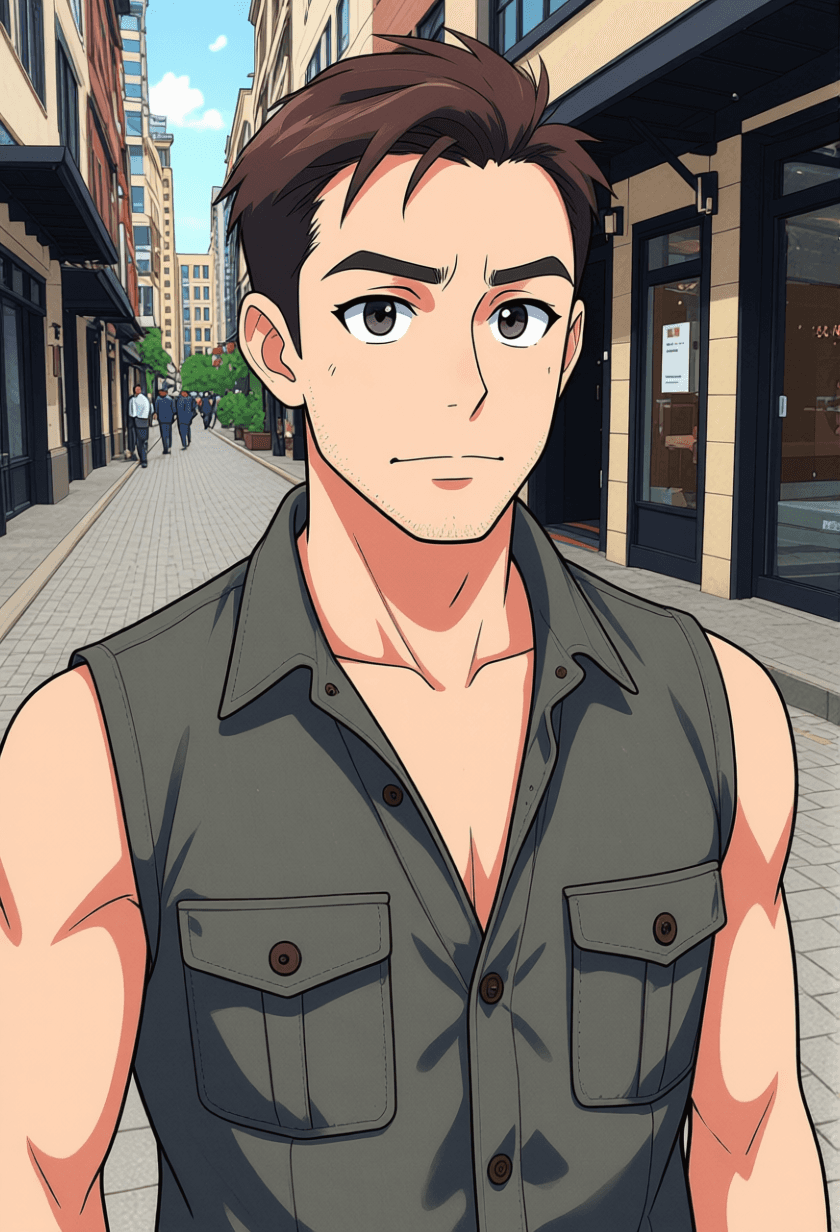
All images generated on Kalon Studio using prompts from this page with reference image input. No external filters, post-processing, or style-transfer software applied.
What You Can Create?
Photo-to-anime conversion serves different purposes than generating anime from scratch. The source photograph provides identity, composition, and context, the prompt controls how that source is reinterpreted. These are the most common applications.
Anime Avatars and Profile Pictures
Convert selfies into anime-style avatars for social media, gaming platforms, and messaging apps. Use 1:1 for profile images and 3:4 for character portraits. The base prompt and classic anime variation produce clean, recognizable results at thumbnail scale. Identity preservation tags ensure the avatar is still identifiably you.
Couple and Group Portraits
Transform a couple of photos or small group images into anime illustration art for gifts, social posts, or prints. Use the aspect ratio of the original photo to maintain composition. The couple variation addresses the multi-subject coordination challenges that single-portrait prompts miss.
Pet and Animal Portraits
Convert pet photos into illustrated anime-style character art. Use 1:1 for profile-ready formats and 3:4 for framed print compositions. The pet variation adjusts stylization tags for animal features, expressive eyes, simplified fur rendering, and background adaptation.
Scenery and Travel Photos
Transform landscape and travel photography into anime-style background art for wallpapers, storyboards, or creative projects. Use 16:9 for desktop wallpapers and 9:16 for phone backgrounds. The scenery variation emphasizes painted sky treatment and simplified foliage rather than character-specific tags.
Style Variations
Five conversion styles, each handling the photo-to-anime translation with a different artistic direction. Copy any prompt directly or blend tags across variations for a custom approach.
Classic Anime Portrait
Clean modern anime with balanced stylization.
best quality, masterpiece, modern anime portrait from reference photo, preserve subject identity and facial structure, anime-proportioned eyes with detailed iris and catchlight, smooth cel-shaded skin with defined cheek shadow, hair simplified into flowing anime strands with color-matched highlights, natural expression preserved, clean dark outlines, pastel-warm color palette, soft studio-style lighting, clean simple background, head and shoulders framing, anime illustration quality, high resolution
Manga Ink Conversion
Black-and-white manga aesthetic with pen-and-ink texture.
best quality, masterpiece, manga-style portrait from reference photo, preserve facial identity, black and white ink rendering, bold confident linework with varying weight, crosshatch shading on shadow areas, halftone dot pattern for midtones, hair rendered in dramatic manga swoops, expressive eyes with heavy black lashes, white background with speed line accents, manga panel composition, print-ready quality, high resolution
Retro 90s Anime
Warm, slightly faded palette with the softer line quality of late-90s anime.
best quality, masterpiece, 90s anime style portrait from reference photo, preserve subject identity, retro anime proportions with softer features, slightly rounded face shape, warm amber and rose color tones, visible film grain texture over cel shading, soft diffused lighting with warm glow, hair with blocky highlight sections in lighter tone, nostalgic and gentle atmosphere, VHS-era color warmth, subtle chromatic softness, head and shoulders framing, vintage anime quality, high resolution
Couple Photo Conversion
Two subjects converted with coordinated stylization.
best quality, masterpiece, anime-style couple portrait from reference photo, preserve both subjects facial identity and expression, coordinated anime stylization between both figures, matching cel-shading intensity on both faces, complementary hair rendering for both subjects, natural interaction preserved from source image, warm lighting matching original photo mood, balanced composition maintaining original poses, both subjects equally detailed, anime illustration quality, high resolution
Chibi Portrait
Exaggerated proportions with oversized head and compact body.
best quality, masterpiece, chibi anime conversion from reference photo, preserve facial identity in stylized form, oversized head with small body proportions, large round eyes with sparkle highlights, simplified but recognizable facial features, exaggerated cute expression, tiny hands and body, pastel soft color palette, simple clean background with accent elements, kawaii aesthetic, sticker-ready composition, clean linework, high resolution
More Photo to Anime AI
Six additional conversion templates covering specific anime sub-styles and non-portrait subject types.
best quality, masterpiece, Studio Ghibli style portrait from reference photo, preserve subject identity with softer features, hand-painted texture with visible brushwork, muted earth-tone color palette, warm natural lighting, slightly simplified facial features with round gentle eyes, flowing organic hair rendering, nature element in background from original context, nostalgic and peaceful atmosphere, watercolor-adjacent surface quality, Miyazaki aesthetic warmth, high resolutionbest quality, masterpiece, anime-style pet portrait from reference photo, preserve animal species and markings, anime-enlarged expressive eyes with sparkle, simplified fur rendering in smooth color blocks, warm soft lighting, cute exaggerated expression, pastel background with heart or paw accent elements, kawaii animal aesthetic, recognizable pet identity maintained, sticker or avatar ready composition, clean linework, high resolutionbest quality, masterpiece, anime-style landscape from reference photo, transform sky into painted anime clouds with soft color gradients, simplify foliage into anime-style leaf clusters, warm sunlight rendered as golden wash, water surfaces simplified to reflective planes with soft highlights, maintain original composition and depth, anime background art quality, hand-painted feel on all natural surfaces, peaceful atmosphere, wide format, high resolutionbest quality, masterpiece, webtoon-style portrait from reference photo, preserve facial identity, clean digital linework with minimal shading, bright saturated color palette, large expressive eyes with minimal detail, smooth simplified skin with no texture, soft pastel background, modern Korean manhwa aesthetic, vertical scroll-optimized composition, flat color fills with subtle gradient shadows, contemporary and polished, high resolutionbest quality, masterpiece, dark anime portrait from reference photo, preserve subject identity, desaturated muted color palette, heavier shadow depth with cool blue-gray tones, sharp angular linework, intense eye rendering with narrow anime proportions, dramatic side lighting with strong contrast, atmospheric dark background, mature anime aesthetic, detailed clothing rendering, moody and introspective mood, high resolutionbest quality, masterpiece, watercolor anime portrait from reference photo, preserve facial identity with softened features, loose watercolor wash texture on skin and hair, soft bleeding edges on color boundaries, warm pastel palette with transparent layering, delicate line drawing visible underneath color, gentle natural lighting, paper texture subtly visible, dreamy and ethereal quality, artistic and handcrafted feel, high resolutionRecommendation: Negative Prompt for Photo-to-Anime Conversion
Photo-to-anime conversion has a specific failure spectrum that differs from standard anime generation. The most common issue is not too little stylization, it's uneven stylization, where some elements convert fully to anime while others remain photographic, creating an uncanny hybrid that looks like neither a photograph nor an illustration. This negative prompt targets that inconsistency and the other conversion-specific failures.
Negative Prompt:
photorealistic skin texture, photographic pores, photograph, unedited photo, raw photo, half-converted, mixed styles, partially realistic, uneven stylization, 3D render, CGI, plastic skin, wax figure, over-smoothed face, identity loss, unrecognizable face, wrong eye color, wrong hair color, neon oversaturation, garish colors, extra fingers, deformed face, asymmetric eyes, blurry, low quality, watermark, text, signature
Explanation: The first block "photorealistic skin texture, photographic pores, photograph, unedited photo, raw photo," forces the model to commit fully to the anime rendering rather than leaving residual photographic detail that breaks the illustrated surface. "Half-converted, mixed styles, partially realistic, uneven stylization" directly addresses the most common failure mode: inconsistent conversion where the eyes may be anime but the skin remains photographic, or the hair converts, but the face doesn't. "Identity loss, unrecognizable face, wrong eye color, wrong hair color" protect the subject's recognizability, the entire purpose of using a reference photo rather than generating it from scratch. "Neon oversaturation, garish colors" prevent the exaggerated color boost that many anime conversion tools apply by default, which destroys the natural warmth of the original photograph. The anatomy block handles the standard rendering errors that all portrait generation is susceptible to.
How to Convert Photos to Anime on Kalon Studio
- Open Kalon Studio and navigate to the Generate tab. If you're using reference-image input, upload your source photo first. Use a well-lit, clearly-focused photograph where the face is visible and unobstructed, the model relies on the source image for identity information, so image quality directly affects conversion accuracy.
- Copy any prompt from this page using the copy button beside it.
- Paste the prompt into the prompt field alongside your uploaded reference. Customize as needed, change "modern anime" to "90s anime," swap "pastel-warm palette" for "desaturated cool tones," adjust "slightly enlarged" eyes to "heavily stylized" for a more dramatic conversion. Each tag controls one conversion decision independently.
- Paste the negative prompt into the negative prompt field. For photo-to-anime specifically, the negative prompt prevents the uneven stylization and residual photographic texture that create the uncanny half-converted look, the single most recognizable failure in this genre.
- Select your aspect ratio. Match it to the source photo's composition when possible, changing aspect ratios during conversion alters framing and can cut elements that were in the original image. Use 1:1 for avatar-ready squares, 3:4 for vertical portraits, 4:3 for horizontal compositions, and 16:9 for landscape conversions.
- Click Generate. Review 4–6 outputs, identity preservation accuracy and stylization consistency vary between generations. The strongest output will have the subject's facial structure, expression, and distinguishing features recognizably intact while the rendering surface has fully committed to the anime visual language with no residual photographic texture.
Do / Don’t: Getting Conversions Right
✅ DO:
❌ DON'T:
Kalon Vs Other Photo to Anime Converters
Kalon delivers smooth and accurate photo-to-anime conversion, turning real photos into vibrant anime-style portraits with clean details, expressive features, and customizable artistic styles.
| Feature | Kalon Studio | Fotor | Canva/Animeify | BeautyPlus | Drawever |
|---|---|---|---|---|---|
| Prompt-based conversion control | 11 modifiable prompt templates | None — preset filters only | None — preset filter | None — preset filters | None — 5 fixed styles |
| Stylization intensity control | Per-feature tag adjustment | No control | No control | No control | Intensity slider |
| Identity preservation tags | Explicit anchor tags in every prompt | Automatic only | Automatic only | Automatic only | Automatic only |
| Style range | 11 styles (classic/manga/chibi/retro/couple/pet/Ghibli/webtoon/dark/watercolor/scenery) | 6+ preset filters | 1 anime filter | 8+ preset filters | 5 preset styles |
| Negative prompt support | Conversion-specific negative prompt | Not available | Not available | Not available | Not available |
| Non-portrait conversion | Scenery, pet, couple templates | Portraits and scenery | Portraits and design | Portraits only | Portraits and pets |
| Text-to-image alternative | Full text-to-image if no reference | Not available | Available via AI tools | Limited | Limited |
| Prompt education | 5-system anatomy breakdown | None | None | None | None |
| Free access | Daily coins included | Free with limits | Free with limits | Free with limits | 10 free credits |
Frequently Asked Questions
Your Photo, Illustrated on Your Terms!!
Not a one-click filter, modifiable prompts that give you control over style, identity, and conversion intensity. Upload a photo and translate it yourself.
Convert Photo to Anime Free