Couple Image Prompts for AI-Generated Romantic Portraits
Create images of two people together that actually look natural. Couple prompts are among the hardest to get right in AI image generation, two faces, coordinated poses, shared lighting, and believable interaction all need to work simultaneously. These prompts handle that complexity with tags specifically structured for two-subject compositions, and every one has been tested inside Kalon Studio. The sample images on this page are direct, unedited outputs.
Most couple prompt collections online are tied to seasonal events like Valentine's Day or locked into a single platform like Gemini. They disappear from relevance after February. Kalon's couple templates are designed for year-round use, romantic portraits, wedding previews, anime-style pairs, cinematic editorial shots, and more, with no platform-specific syntax required.
Below you'll find a base prompt built around a two-person portrait composition, followed by five mood variations, six additional styles, a breakdown of why certain couple-specific tags matter, a negative prompt tuned for multi-subject failures, and practical guidance on poses, framing, and getting two faces to render correctly in a single image.
Prompt Text
This prompt generates a warm, natural-looking couple portrait with coordinated lighting and a balanced composition between both subjects. It works for romantic, casual, and semi-formal couple images.
best quality, couple portrait, 1man and 1woman, standing close together, natural affectionate pose, soft smiles, warm golden hour lighting, outdoor park setting, shallow depth of field, matching warm color tones, detailed faces, realistic skin texture, 85mm lens, sharp focus, 8k
Why Couple Prompts Need Different Structure?
Generating a single person is straightforward, one face, one body, one light source to manage. Couples introduce a set of compositional challenges that most standard portrait prompts don't account for. Here's how each section of the base prompt addresses them.
Sample Outputs
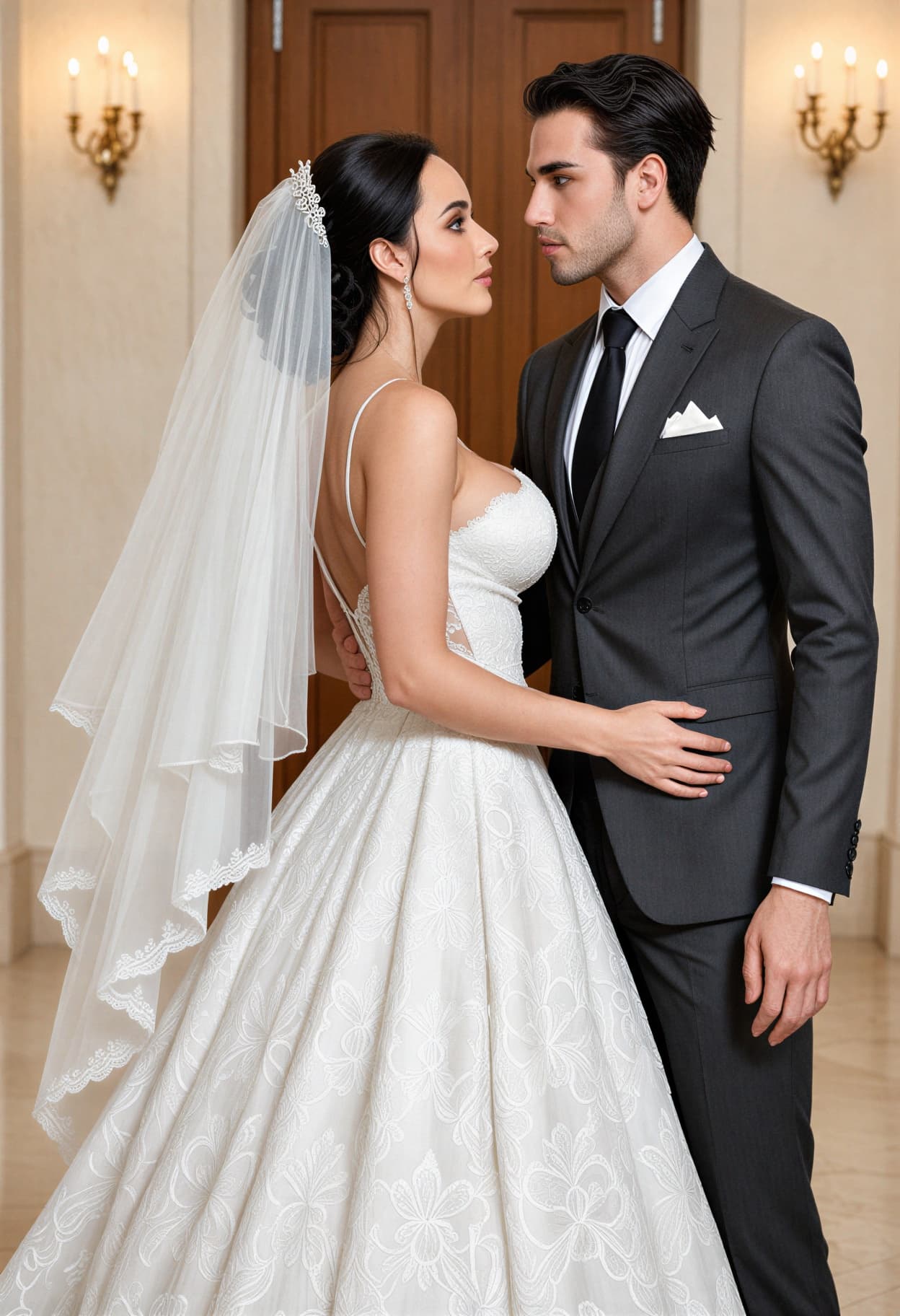
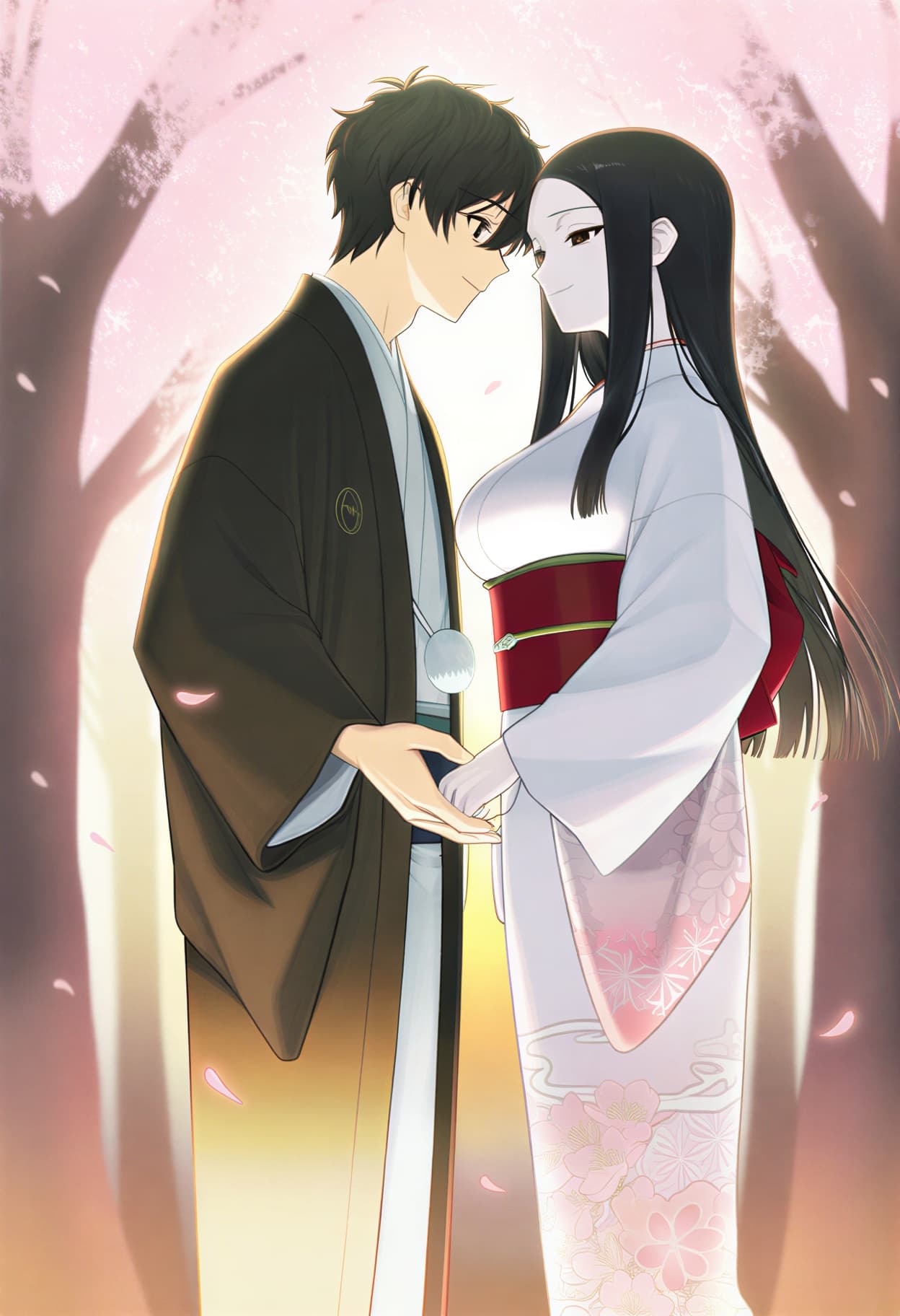
All images generated on Kalon Studio using prompts from this page. No compositing, face-swapping, or external editing applied.
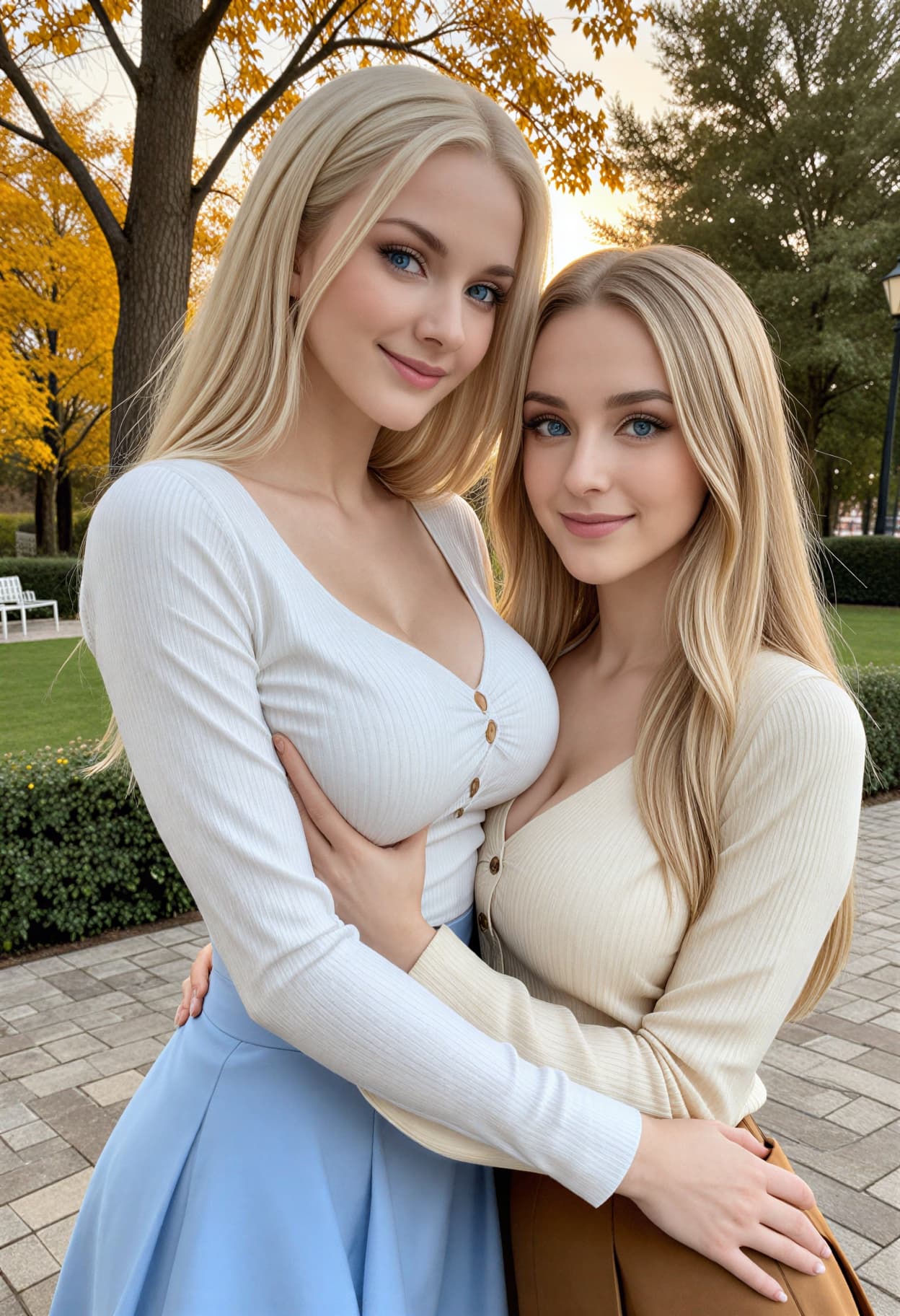
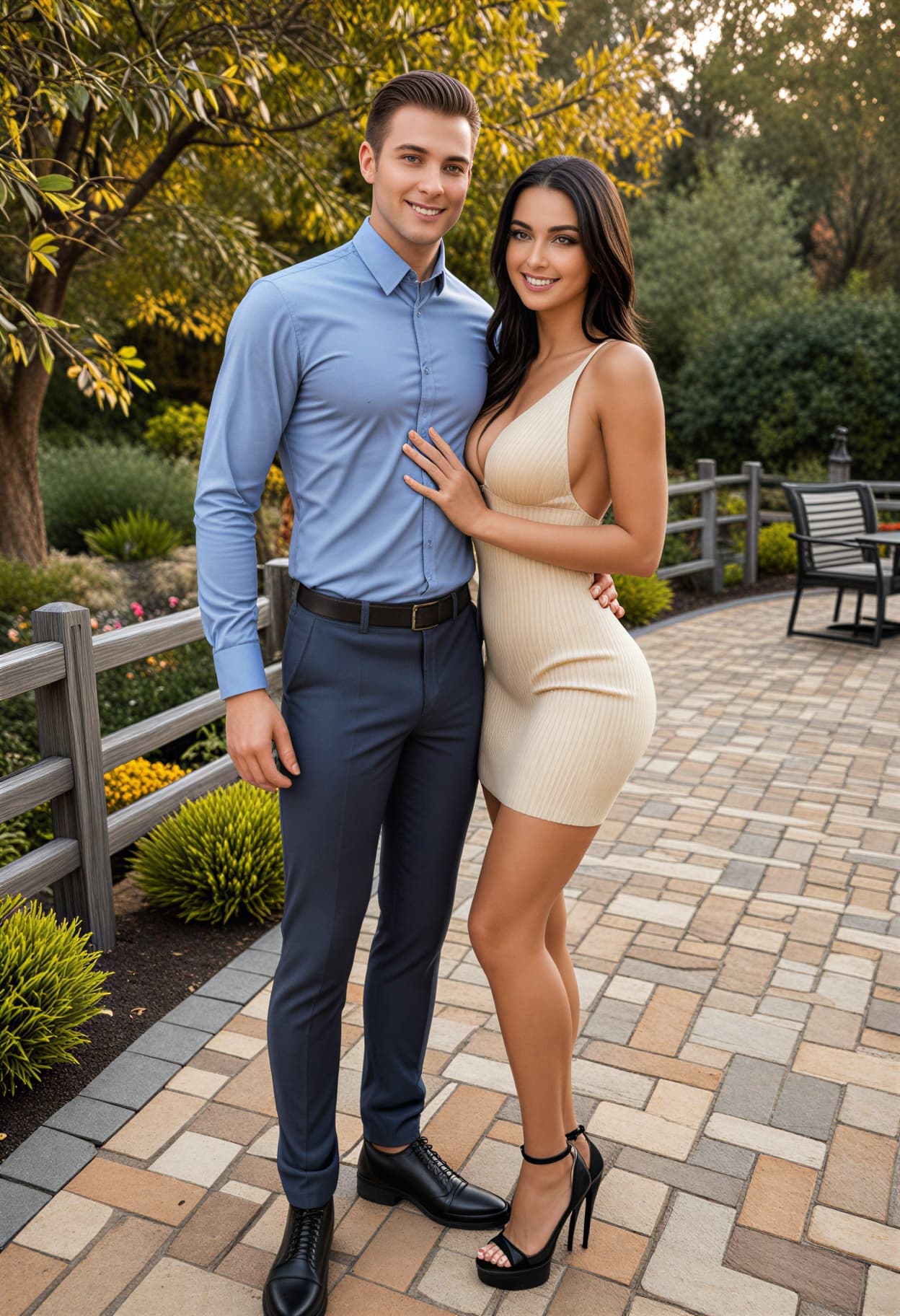
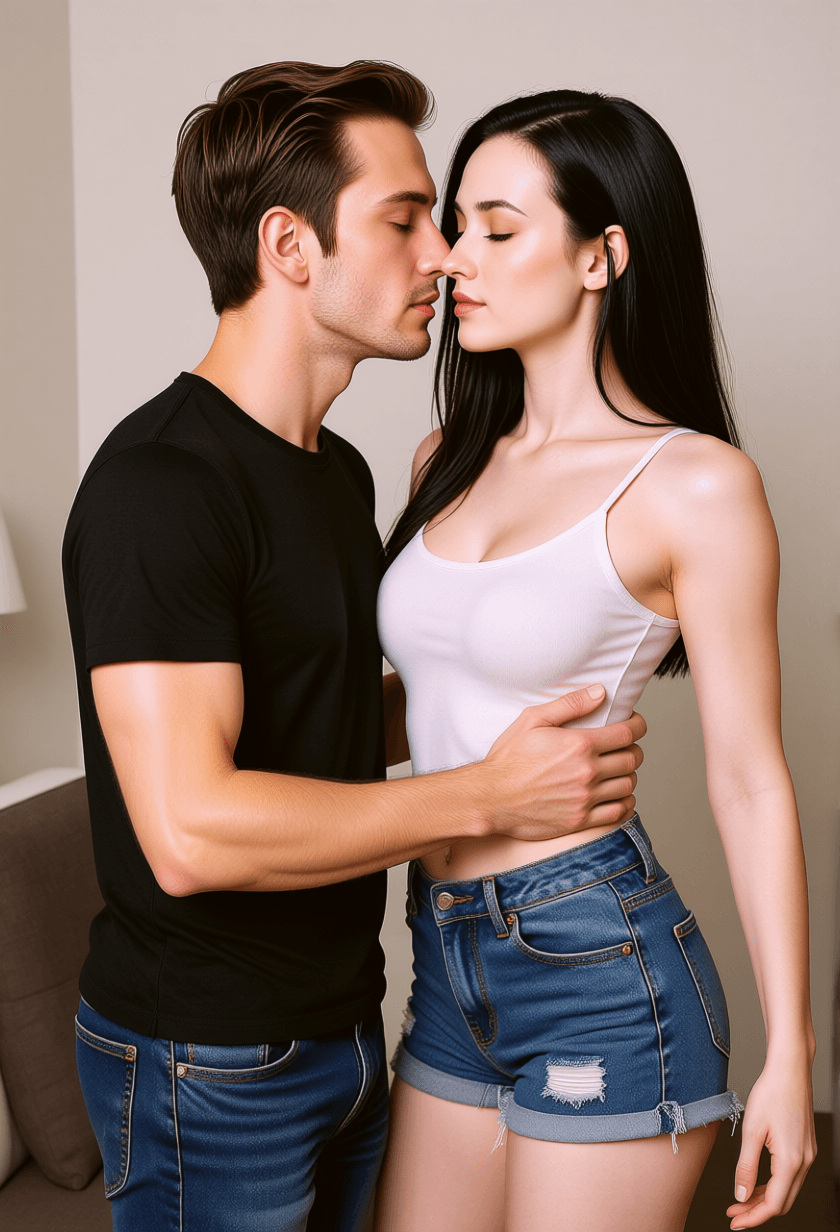
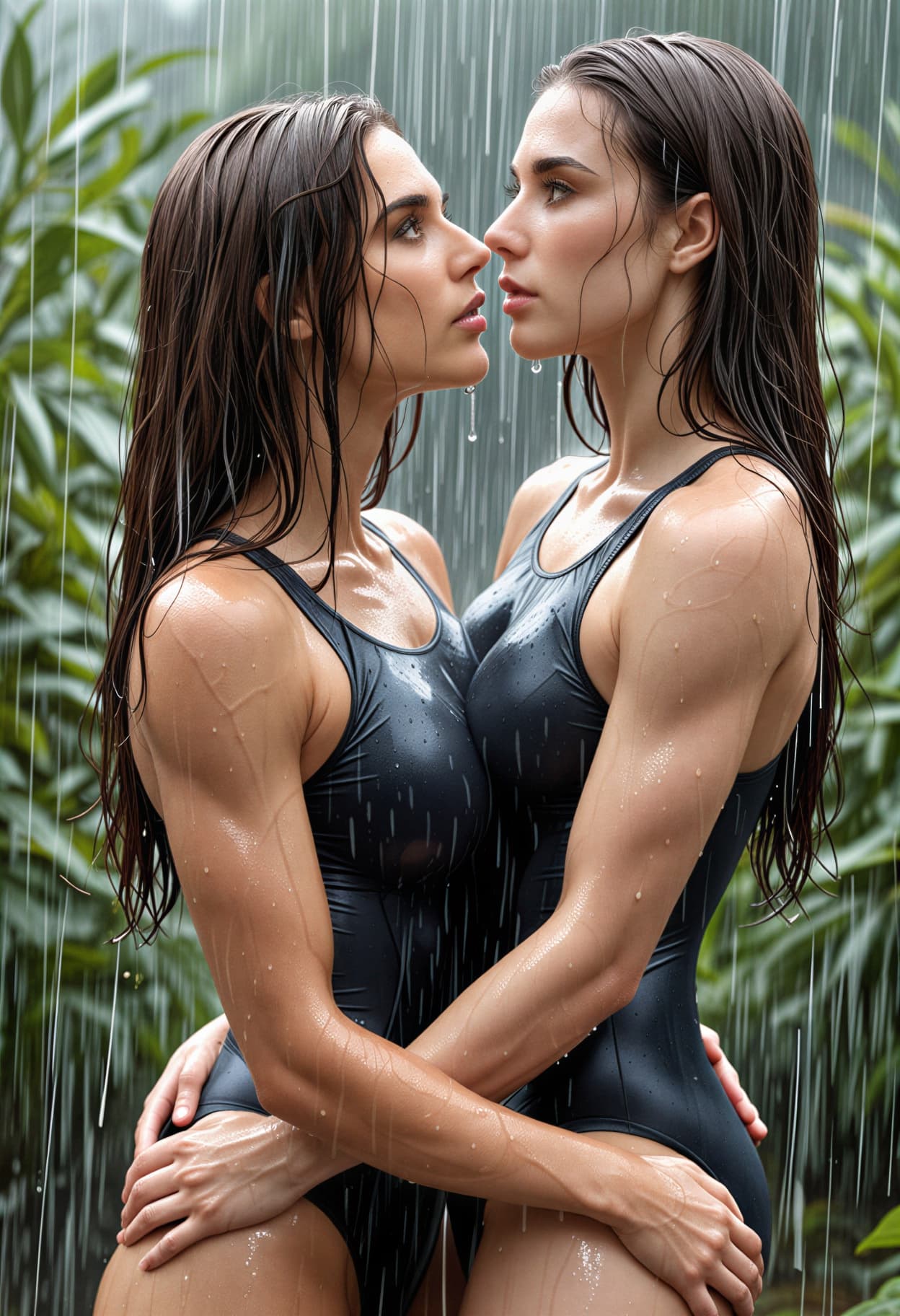
When to Use Couple Prompts?
A couple of images serve different purposes depending on context. Matching the right style and aspect ratio to the intended use produces cleaner, more usable results.
Social Media Profile Pictures and Avatars
Matching couple profile pictures for Instagram, TikTok, or messaging apps. Generate a single image at 1:1 square, or produce two mirrored compositions. Keep lighting and style identical across both for visual consistency.
Anniversary, Valentine's Day, and Gift Art
Custom couple portraits make personal gifts that printed stock photos cannot match. Use 3:4 for framed prints, 4:5 for Instagram carousel posts, and 2:3 for greeting card inserts.
Wedding Previews and Save-the-Dates
Visualize wedding attire, venue lighting, and ceremony compositions before booking a photographer. Use 16:9 for save-the-date banners and 3:4 for invitation inserts.
Story Illustration and Character Pairing
Writers, webcomic artists, and fan creators use a couple of prompts to visualize character relationships. Generate multiple poses and moods of the same pairing to build a visual story arc. Aspect ratio depends on platform, 2:3 for book illustrations, 1:1 for webtoon panels.
Prompt Variations
Five distinct couple moods, each with a complete prompt. Copy any of these directly, or swap individual tags, change the setting, adjust clothing, shift the lighting — to build a scene that matches your concept.
Golden Hour Romance
Warm outdoor couple portrait with natural backlight and soft bokeh.
best quality, romantic couple portrait, 1man and 1woman, forehead touch, eyes closed, gentle smiles, golden hour sunset backlight, outdoor flower field, warm amber tones, sun flare, wind in hair, shallow depth of field, 50mm lens, cinematic warmth, soft bokeh, 8k
Cinematic Rain Scene
Dramatic urban couple moment with moody atmosphere.
best quality, cinematic couple portrait, 1man and 1woman, embracing under rain, wet hair, intense eye contact, city street at night, neon reflections on wet pavement, dramatic side lighting, teal and orange color grade, film grain, 35mm anamorphic lens, deep shadows, emotional atmosphere, 8k
Anime Cherry Blossom
Illustrated couple in soft pastel anime style under spring trees.
masterpiece, best quality, anime style, couple illustration, 1boy and 1girl, holding hands, standing under a cherry blossom tree, petals falling, school uniforms, soft pastel colors, warm spring sunlight, gentle wind, detailed eyes, clean linework, studio quality anime, 8k
Elegant Wedding Portrait
Formal couple in ceremony attire with classic composition.
best quality, wedding couple portrait, bride in white lace gown, groom in charcoal suit, standing face to face, hands held together, soft three-point studio lighting, floral arch background, shallow depth of field, ivory and gold color palette, romantic atmosphere, editorial photography style, 85mm lens, 8k
Cozy Indoor Moment
Intimate domestic scene with warm ambient lighting.
best quality, couple portrait, 1man and 1woman, sitting together on sofa, wrapped in blanket, coffee mugs, warm lamp light, cozy living room, bookshelves background, soft shadows, relaxed expressions, natural laughter, warm muted color tones, 50mm lens, intimate atmosphere, 8k
More Couple Styles
Six additional couple prompt templates that target specific visual aesthetics — from vintage film to fantasy illustration.
best quality, vintage couple portrait, 1man and 1woman, Kodak Portra 400 tones, soft film grain, slightly faded highlights, walking arm-in-arm on cobblestone street, autumn leaves, trench coats, nostalgic warmth, 50mm lens, analog photography feel, retro color palette, 8kbest quality, black and white couple portrait, 1man and 1woman, high contrast, dramatic studio lighting, formal attire, intense eye contact, minimalist dark background, sharp shadow lines, fashion editorial composition, 85mm lens, fine art photography, timeless mood, 8kmasterpiece, best quality, fantasy couple art, 1man and 1woman, matching royal armor, standing on castle balcony overlooking kingdom, sunset sky, capes flowing in wind, enchanted sword and staff, volumetric golden light, concept art style, highly detailed, epic romance, 8kbest quality, cyberpunk couple portrait, 1man and 1woman, futuristic street fashion, neon tattoos, standing on rain-soaked rooftop, holographic billboards, pink and cyan neon lighting, dystopian cityscape below, reflective surfaces, cinematic mood, 35mm lens, 8kbest quality, minimalist couple portrait, 1man and 1woman, casual matching outfits, standing close, soft even lighting, clean white background, no shadows, fresh and modern look, commercial photography style, centered composition, 70mm lens, crisp detail, 8kmasterpiece, best quality, watercolor style, romantic couple illustration, 1man and 1woman, dancing together, flowing watercolor textures, soft pastel washes, loose brushstroke edges, floral elements, dreamy and delicate mood, warm light tones, art print quality, high resolutionRecommendation: Negative Prompt for Couple Images
Two-person compositions fail in ways that single portraits do not. Faces merge together, extra limbs appear between bodies, and lighting falls unevenly across two subjects. This negative prompt targets the specific artifacts that plague AI-generated couple images.
Negative Prompt:
extra person, 3 people, crowd, merged faces, conjoined bodies, extra arms, extra hands, bad anatomy, extra fingers, missing fingers, deformed face, asymmetric faces, blurry, low quality, watermark, text, signature, duplicate, poorly drawn hands, mismatched lighting, distorted proportions, uncanny valley
Explanation: "Extra person" and "3 people" are the most critical tags, without them, a couple of prompts frequently generate a third figure or background faces. "Merged faces" and "conjoined bodies" address the specific failure where two subjects blend into a single form at contact points. "Mismatched lighting" targets a subtle yet common issue in which one subject appears brighter or warmer than the other, breaking the illusion that both people share the same physical space. "Uncanny valley" pushes the model away from the slightly-off expressions and proportions that make AI-generated couple photos look artificial.
How to Generate Couple Images on Kalon Studio
- Open Kalon Studio and go to the Generate tab.
- Copy any couple prompt from this page using the copy button beside it.
- Paste it into the prompt field. Adjust the pairing ("1man and 1woman" to "2women," "2men," or any combination), modify clothing, change the setting, or adjust the mood tags to match your concept.
- Paste the negative prompt from the section above into the negative prompt field. For couple images, the negative prompt is especially important — two-subject compositions produce more rendering artifacts than single portraits.
- Select your aspect ratio. Use 1:1 for matching profile pictures, 3:4 for framed prints and invitations, 4:5 for Instagram feed posts, 16:9 for banners, and 9:16 for phone wallpapers or Stories.
- Click Generate. Couple images benefit from generating 5–6 outputs per prompt, face rendering, pose naturalness, and expression coordination vary more than in single-subject generation. Review all results before selecting your final image.
DO / DON'T: Getting Natural Couple Results
✅ DO:
❌ DON'T:
Comparison Table: Kalon Vs Other Couple Image Generation
The real and honest comparison among Kalon and other Couple Image Generation platforms.
| Feature | Kalon Studio | Media.io | AICouple.org | CyberLink MyEdit | Clipfly |
|---|---|---|---|---|---|
| Pre-written couple prompts | 11 tested templates | Blog prompt lists | None, preset scenes | Blog prompt lists | Pre-made prompt buttons |
| Copy-paste prompt library | One-click copy buttons | Copy from blog | Not available | Copy from blog | Limited presets |
| Prompt anatomy education | Couple-specific breakdown | None | None | Tip-Based | None |
| Negative prompt included | Two-subject specific | Not available | Not available | Not available | Not available |
| Kalon-generated outputs shown | Verified sample images | Stock / generic | AI-generated previews | Stock examples | AI-generated previews |
| Style range | 11 styles (romantic to cyberpunk) | Multiple via models | 5 preset scenes | Gemini | Template-based |
| Reference photo upload | Supported | Supported | Supported | Supported | Supported |
| Free access | Daily coins included | Free trial | Free + paid | Limited free | Limited free |
| NSFW content option | Consent controls available | Blocked | Blocked | Blocked | Blocked |
Frequently Asked Questions
Create Your Couple Portrait Now
Two faces, one frame, zero hassle. Pick a mood, paste the prompt, and generate a couple image that look like they were planned, not composited.
Generate a Couple Image Free