Cinematic Portrait Prompts | Lighting, Lens, and Color Grade for AI
The difference between a standard AI portrait and a cinematic one comes down to three technical layers that most prompts ignore: how the light falls, what the lens does to perspective and bokeh, and how the final color grade shapes the emotional tone. A prompt that says "cinematic portrait" without addressing these layers produces generic results; the model applies a vague dramatic filter rather than simulating actual filmmaking decisions.
These prompts are structured around those decisions. Each one specifies a lighting setup (where the key light sits, what fills the shadows, and whether there's rim separation), a lens and depth-of-field behavior, and a color grade that ties the composition together emotionally. Every prompt has been tested in Kalon Studio with sample outputs evaluated for lighting pattern accuracy, skin rendering under high contrast, and color consistency.
Below you'll find a base prompt built around three-point lighting principles, five style variations covering golden hour, film noir, Rembrandt studio, close-up drama, and film still composition, plus six additional styles spanning chiaroscuro, low-key, film stock emulation, and more. There's also a prompt anatomy section that maps each tag to the specific visual element it controls and a negative prompt tuned for the failure modes that dramatic lighting amplifies.
Prompt Text
This prompt generates a cinematic portrait with controlled three-point lighting, natural skin rendering under high contrast, and film-quality color grading. Adjust the lighting setup, color palette, or lens to shift the mood in any direction.
best quality, masterpiece, cinematic portrait, 1person, dramatic key light from 45 degrees, soft fill light, subtle rim light separating subject from background, shallow depth of field, warm highlights with cool shadows, natural skin texture, visible pores under dramatic light, 85mm lens, f/2 aperture, slight film grain, teal and warm amber color grade, moody atmosphere, high resolution, 8k
Directing Light, Lens, and Color in AI Prompts
A cinematic image is not a subject with a filter applied, it's a set of coordinated technical decisions that work together to tell a visual story. In traditional filmmaking, a cinematographer controls three systems simultaneously: where the light comes from and how it falls, what the lens does to the space between subject and background, and how the color grade shapes the emotional reading of the final frame. These prompts translate those three systems into tag structures that AI models can interpret.
Sample Outputs
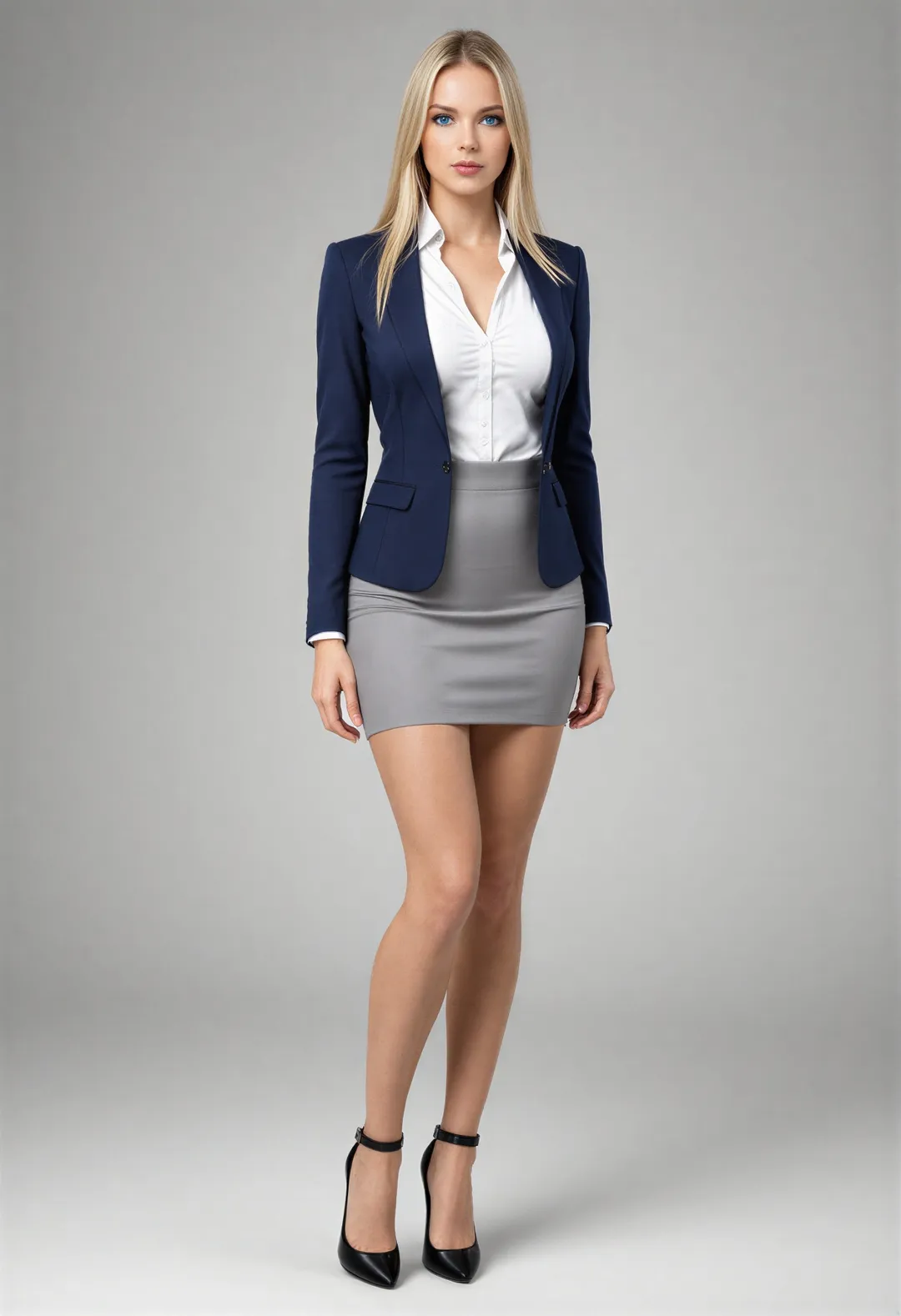
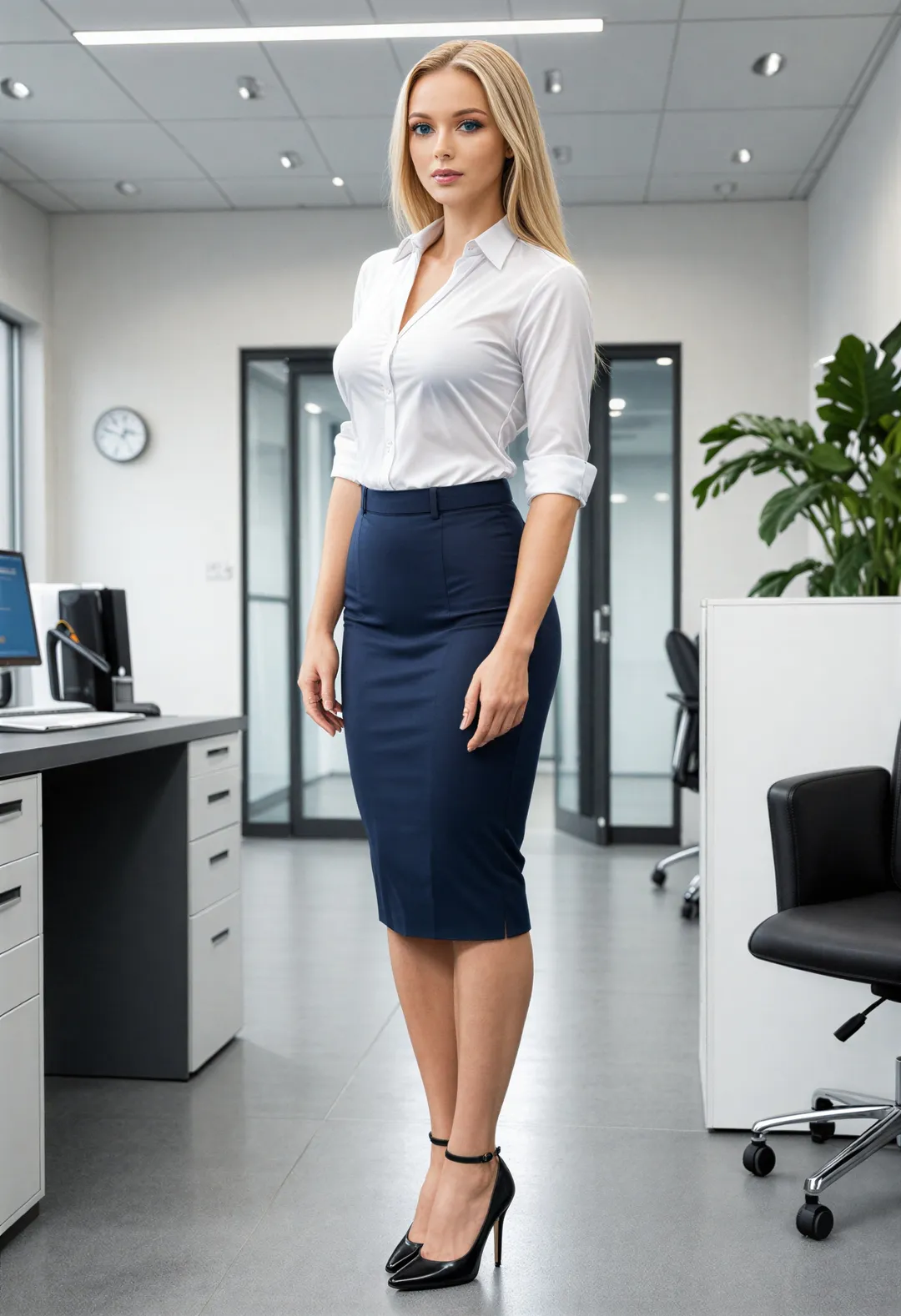
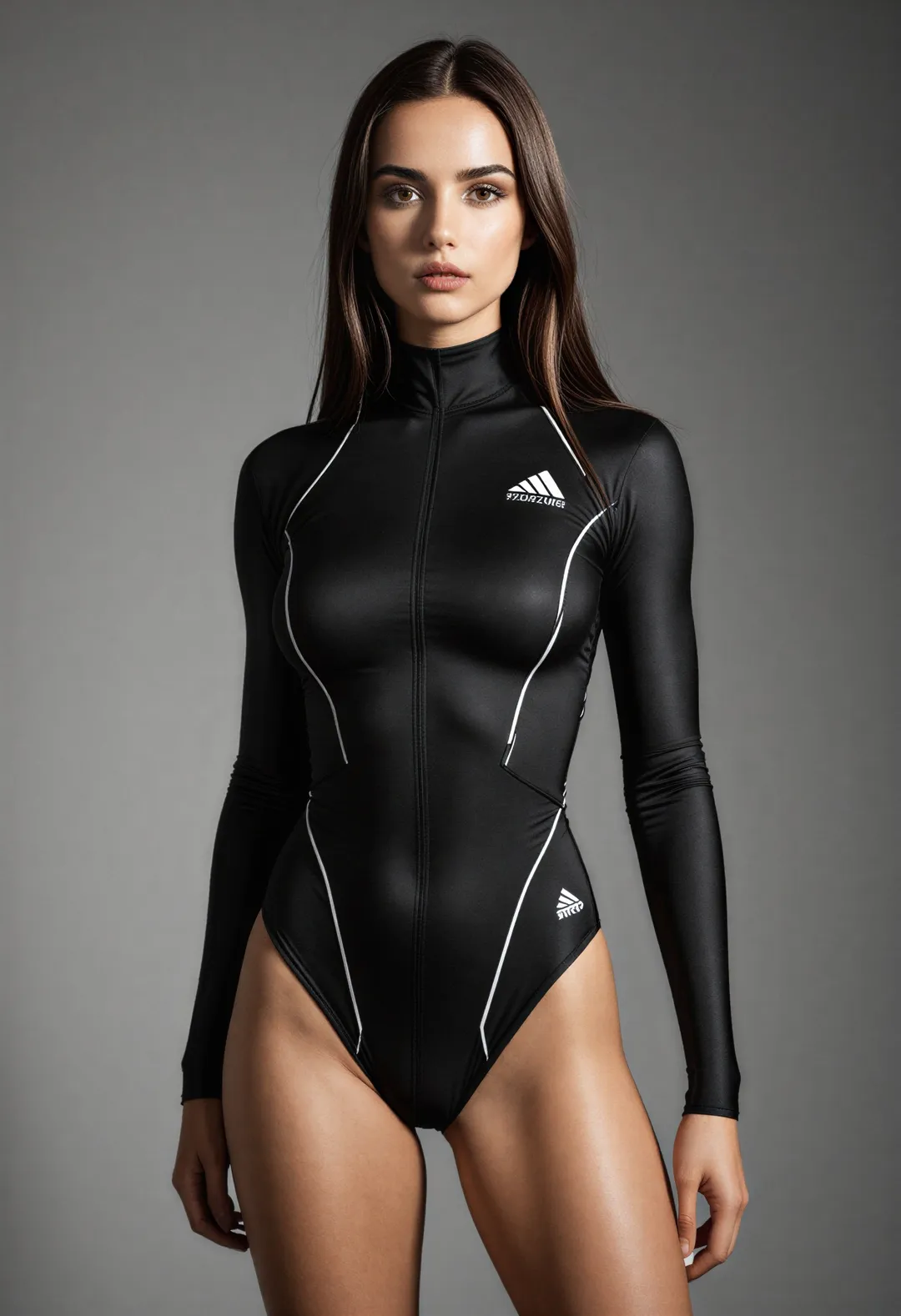
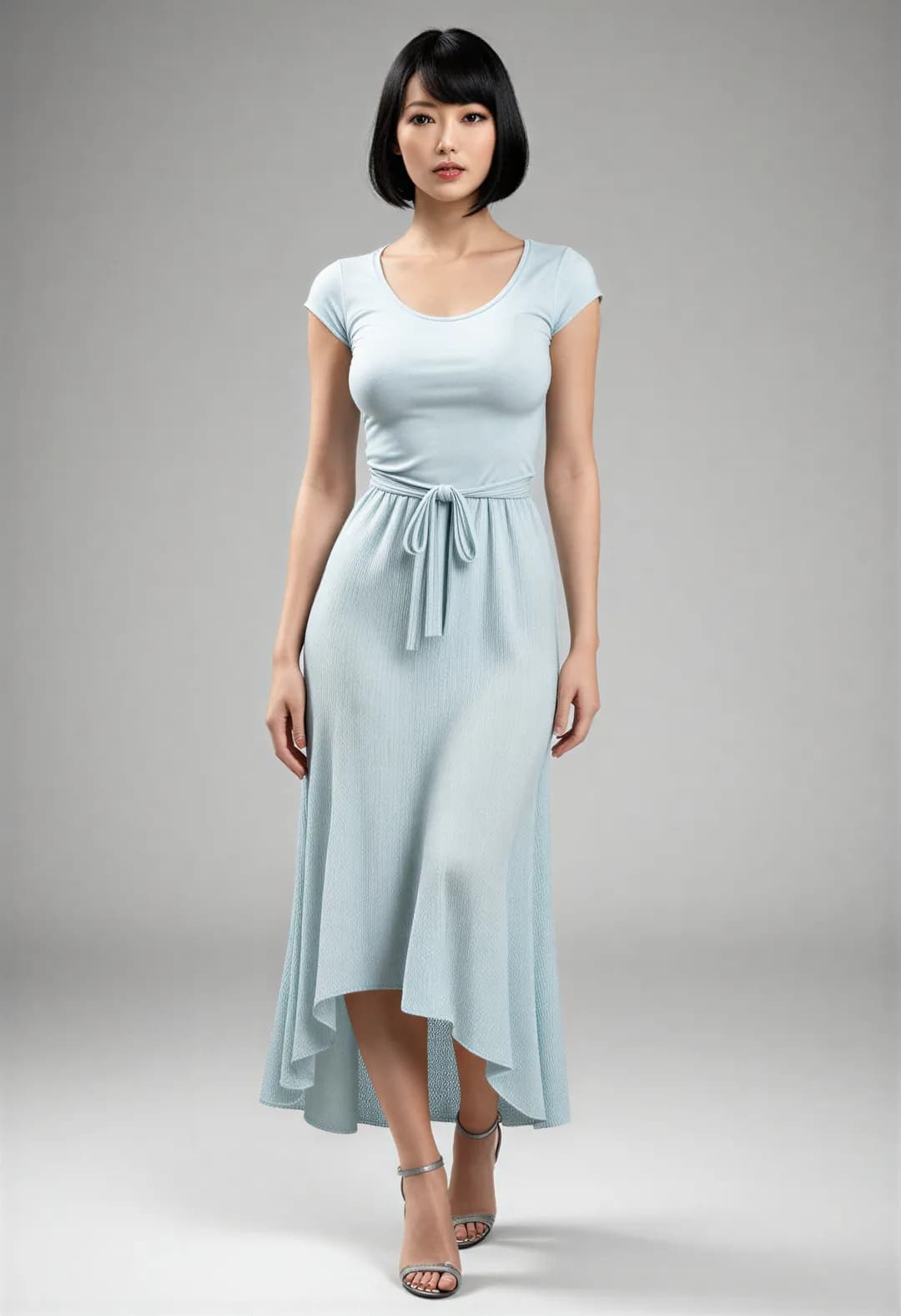
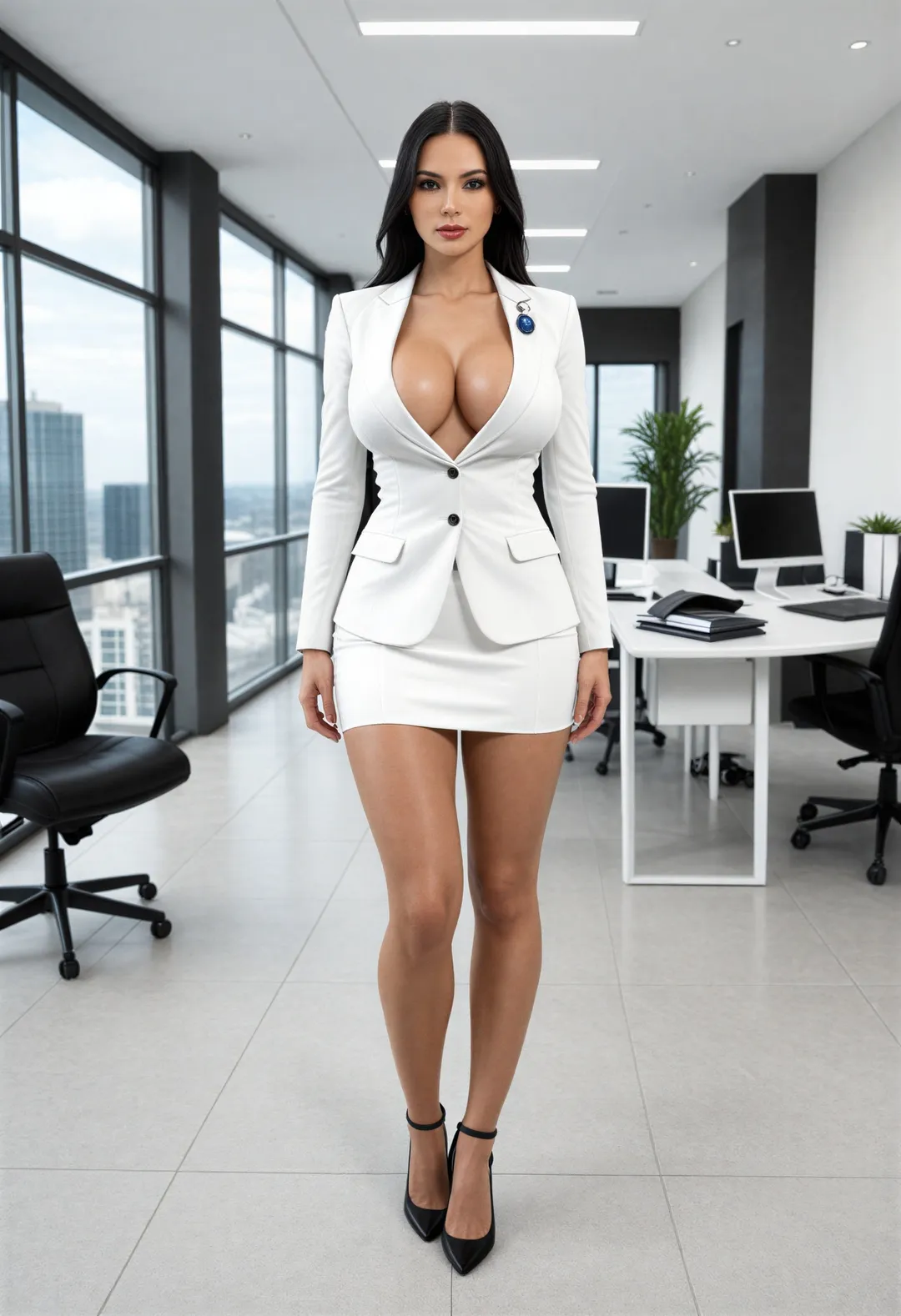
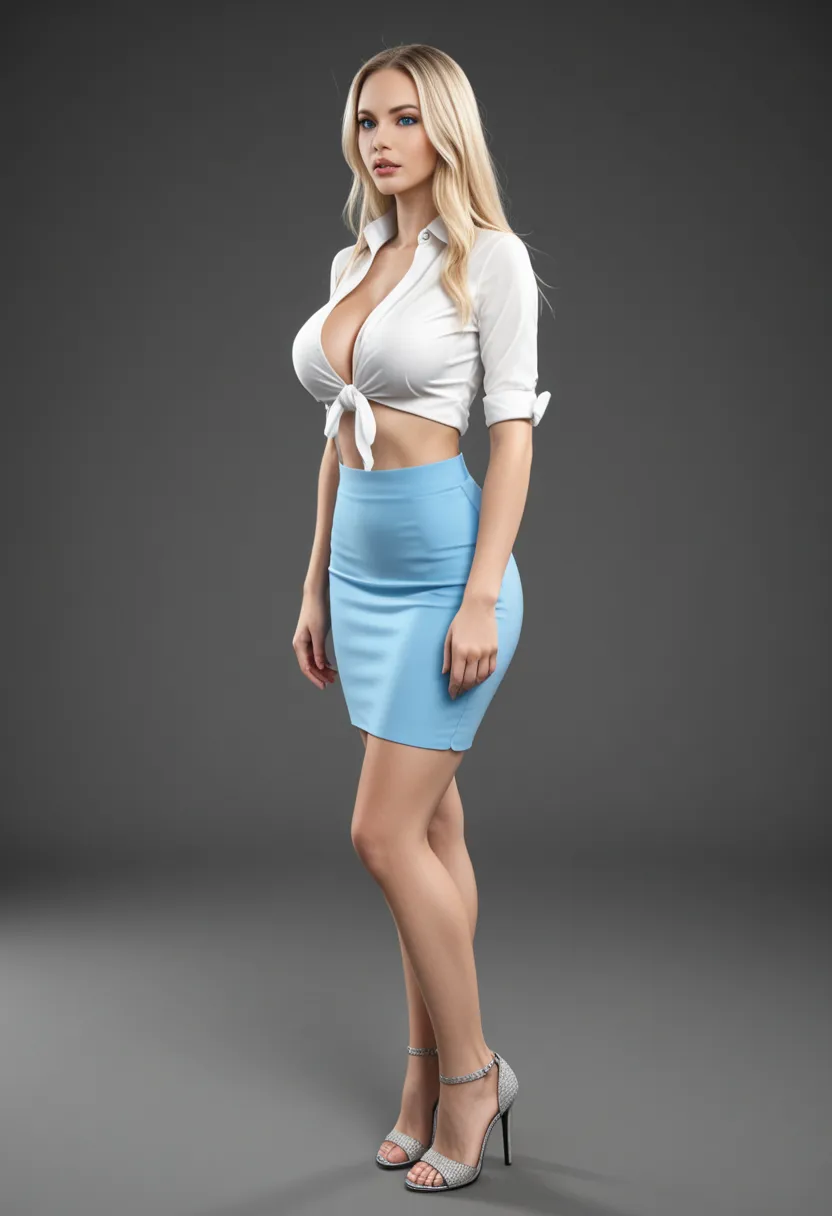
All images generated on Kalon Studio using prompts from this page. No external compositing, color correction, or retouching applied.
What You Can Create?
Cinematic portraits serve a wide range of professional and creative applications. These prompts cover the most common use cases, each with recommended framing and aspect ratio guidance.
Actor Headshots and Casting Material
Dramatic, high-quality portraits that communicate character and range. Use 3:4 for standard headshot format, 4:5 for submission feeds. The Rembrandt and close-up variations are built for this application, with controlled studio lighting and strong facial definition.
Social Media and Profile Content
Eye-catching portraits that stand out in feeds and profile grids. Use 4:5 for Instagram feed posts, 1:1 for profile pictures, 9:16 for Stories and Reels covers. The golden hour and film still variations produce the most immediate visual impact at thumbnail scale.
Movie Posters and Editorial Design
Cinematic portraits are used as hero images for posters, book covers, magazine features, and blog headers. Use 2:3 for vertical poster compositions and 16:9 for horizontal editorial layouts. Combine dramatic lighting with strong color grading for maximum graphic impact.
Mood Boards and Visual Development
Reference images for film pre-production, photography planning, or creative direction. Generate multiple lighting setups and color grades for the same subject to build a visual language before production begins. Use any aspect ratio that matches your storyboard format.
Prompt Variation
Five cinematic lighting and composition approaches, each targeting a distinct emotional register. Copy any prompt directly, or recombine specific lighting and color tags across variations to build your own look.
Golden Hour Backlight
Warm, diffused natural light with a glowing rim and soft shadows.
best quality, masterpiece, cinematic portrait, 1person, golden hour backlighting, warm sun halo around hair, soft shadows on face, natural skin glow, warm amber and honey tones, outdoor field background with soft bokeh, 85mm lens, f/1.8 aperture, slight lens flare, gentle wind in hair, Kodak Portra warmth, film grain, high resolution, 8k
Film Noir Side Light
Hard single-source light with deep blacks and minimal fill.
best quality, masterpiece, film noir portrait, 1person, hard side lighting from single source, half face in deep shadow, high contrast black and white, fedora hat casting shadow across eyes, smoke wisps in light beam, dark background, no fill light, 50mm lens, low-key composition, heavy film grain, classic 1940s aesthetic, sharp focus, 8k
Rembrandt Studio
Classic triangular light pattern with controlled shadow transition.
best quality, masterpiece, studio portrait, 1person, Rembrandt lighting setup, triangle of light on shadowed cheek, soft key light at 45 degrees above eye level, warm tone on lit side transitioning to cool shadow, neutral gray backdrop, 100mm macro-portrait lens, precise skin texture, visible catchlights in eyes, professional studio quality, subtle film grain, 8k
Dramatic Close-Up
Tight framing with split lighting and intense facial detail.
best quality, masterpiece, cinematic close-up, extreme close-up of face, split lighting dividing face into light and shadow halves, intense direct gaze at camera, visible skin texture and pores, single hard light source, dark negative space background, 135mm telephoto compression, f/2.8 aperture, high contrast, minimal color palette, raw and unflinching, 8k
Widescreen Film Still
Composed as a frame from an actual film, emphasizing narrative context.
best quality, masterpiece, cinematic film still, 1person standing in doorway, silhouetted against warm interior light, cool exterior tones, 2.39:1 anamorphic aspect ratio, environmental framing with leading lines, storytelling composition, motivated practical lighting, subtle lens distortion at edges, muted desaturated color grade, atmospheric dust particles in light, 35mm anamorphic lens, 8k
More Cinematic Styles
Six additional templates covering specific lighting techniques, film stock emulations, and tonal directions not addressed by the core variations.
best quality, masterpiece, chiaroscuro portrait, 1person, extreme contrast between light and shadow, Renaissance painting lighting technique, face emerging from absolute darkness, single directional light source, rich midtones, painterly quality with photographic detail, warm skin against cold black background, museum gallery atmosphere, 8kbest quality, masterpiece, low-key cinematic portrait, 1person, predominantly dark frame, minimal key light illuminating only eyes and bridge of nose, deep negative space, somber and introspective mood, cool desaturated tones, 85mm lens, very shallow depth of field, barely visible rim light on shoulder, emotional restraint, 8kbest quality, masterpiece, portrait shot on Kodak Portra 400, 1person, soft natural window light, warm skin rendering with slightly lifted blacks, organic film grain texture, muted pastel background, gentle color shifts in highlights, analog warmth, 50mm prime lens, natural pose, relaxed expression, vintage photographic quality, 8kbest quality, masterpiece, Hollywood cinematic portrait, 1person, strong teal and orange color grading, warm skin tones against cool blue-green shadows, dramatic three-quarter lighting, lens flare from off-screen light source, high production value, blockbuster movie aesthetic, sharp detail on face with blurred environment, 85mm lens, anamorphic bokeh, 8kbest quality, masterpiece, intimate portrait by candlelight, 1person, warm flickering light from below casting upward shadows, gentle orange glow on face, deep darkness beyond light radius, extreme shallow depth of field, romantic and contemplative mood, visible flame reflection in eyes, warm monochromatic palette, 50mm lens at f/1.4, 8kbest quality, masterpiece, editorial portrait in overcast light, 1person, soft diffused daylight with no hard shadows, even illumination across face, muted earth tones, neutral color temperature, urban concrete background, editorial fashion composition, 70mm lens, moderate depth of field, clean and restrained, contemporary magazine quality, 8kRecommendation: Negative Prompt for Cinematic Portraits
Dramatic lighting makes every rendering decision more visible. In flat, even light, minor skin artifacts and proportion errors are easy to overlook. Under directional cinematic light, those same errors become the first thing the eye notices — a plastic cheek where shadow meets highlight, an over-sharpened pore that breaks the contrast roll-off, a blown-out rim light that loses edge definition entirely. This negative prompt targets the failures that cinematic lighting specifically amplifies.
Negative Prompt:
flat lighting, even illumination, no shadows, overexposed, blown highlights, plastic skin, airbrushed, over-smoothed skin, doll-like, cartoon, anime, illustration, watermark, text, signature, bad anatomy, deformed face, asymmetric eyes, extra fingers, blurry, low quality, harsh digital sharpening, HDR artifacts, oversaturated, Instagram filter, low contrast, washed out
Explanation: The first block, "flat lighting, even illumination, no shadows" is the most important. Without it, the model occasionally defaults to safe, evenly-lit output that contradicts every dramatic lighting instruction in the positive prompt. "Overexposed" and "blown highlights" prevent the rim light and key light from losing detail where they're brightest—a common failure when the model interprets "dramatic" as "bright." The skin block "plastic, airbrushed, over-smoothed, doll-like" prevents the synthetic texture that ruins the realism cinematic portraits depend on. "Harsh digital sharpening" and "HDR artifacts" target the over-processed look that makes AI output feel synthetic even when the lighting is technically correct. "Instagram filter" blocks the generic color grading that overrides the specific palette instructions in the prompt. "Low contrast, washed out" reinforce the high-contrast, intentional tonal range that cinematic work requires.
How to Generate Cinematic Portraits on Kalon Studio
- Open Kalon Studio and navigate to the Generate tab.
- Copy any prompt from this page using the copy button beside it.
- Paste the prompt into the prompt field. Modify it to match your vision — change "Rembrandt lighting" to "butterfly lighting," swap "teal and amber" for "desaturated cool tones," replace "85mm" with "35mm" for a wider environmental portrait. The tags are modular: each one controls a single visual decision.
- Paste the negative prompt into the negative prompt field. For cinematic portraits, the negative prompt prevents the model from defaulting to flat, evenly-lit output — the single most common failure mode when generating dramatic lighting.
- Select your aspect ratio. Use 3:4 for standard portrait and headshot format. Use 4:5 for social media feed posts. Use 2:3 for full-body cinematic compositions. Use 16:9 for wide film-still framing. Use 2.39:1 (or closest available) for anamorphic widescreen compositions.
- Click Generate. Review 4–6 outputs — lighting pattern accuracy and shadow placement vary between generations. The strongest result from a batch will have correct key light direction, visible shadow-to-highlight transition on the face, and consistent color grading across the entire frame.
Do/Don't: Controlling Cinematic Quality
✅ DO:
❌ DON'T:
Kalon vs Other Cinematic Portraits
How Kalon Studio compares for cinematic portrait generation.
| Feature | Kalon Studio | 121Clicks | Media.io | DayPrompts | OpenArt |
|---|---|---|---|---|---|
| Pre-written cinematic prompts | 11 tested templates | 20 Gemini-only prompts | Style presets only | 12 MJ-only prompts | 25 MJ-only blog prompts |
| Copy-paste prompt library | One-click copy buttons | Blog copy (Gemini syntax) | Not available | Blog copy (MJ flags) | Blog copy (MJ flags) |
| Prompt anatomy education | Light + lens + color breakdown | Lighting tips only | None | Pro tips per prompt | General advice |
| Cinematic-specific negative prompt | Flat lighting + skin + contrast tags | Not provided | Not available | Not provided | Not provided |
| Verified sample outputs | Kalon-generated images | Gemini screenshots | Stock-style previews | Midjourney outputs | OpenArt community |
| Platform compatibility | Standard tags – works anywhere | Gemini-only | Platform-native only | Midjourney --v --ar only | Midjourney-only |
| Film stock emulation templates | Kodak, Ilford, analog grain | Mentioned in prompts | Not available | Referenced in prompts | Not available |
| Aspect ratio guidance | Per use case and format | Not provided | Fixed sizes | Included in MJ flags | General mention |
| Free access | Daily coins included | Free blog content | 3 free credits | Free blog content | Free with limits |
Frequently Asked Questions
Direct the Frame, Not Just the Subject
Lighting setups, lens control, and color grading, translated into tags that AI models can execute. No studio rental, no post-production.
Create Cinematic Portrait Free