AI Wallpaper Prompts | Screen-Ready Backgrounds for Every Device
A wallpaper is not a picture with a resolution tag attached. It's a piece of visual design that has to function behind a layer of interface elements — app icons, widgets, clock overlays, taskbars, notification bars, and dock rows. A prompt that generates a striking standalone image can produce a terrible wallpaper if the visual detail clusters exactly where icons need to sit, or if the contrast makes text unreadable, or if the focal point gets buried behind a widget.
These prompts are designed around how wallpapers actually function on screens. Each one controls where visual density concentrates, where negative space provides breathing room for UI elements, and how the overall contrast and color range interact with overlaid interface components. Every prompt has been tested in Kalon Studio with outputs evaluated at the target device resolution and then assessed with a simulated icon grid overlay, because the only honest test of a wallpaper is how it looks with a screen full of apps on top of it.
Below you'll find a base prompt, five style variations across minimalist, abstract, cinematic, cosmic, and nature aesthetics, six additional templates, an anatomy section explaining screen-specific composition, and a negative prompt tuned for wallpaper composition.
Prompt Text
This prompt generates a wallpaper with distributed visual interest, balanced contrast, and compositional space for UI elements. Adjust the subject, color palette, and focal zone placement to match your device and aesthetic.
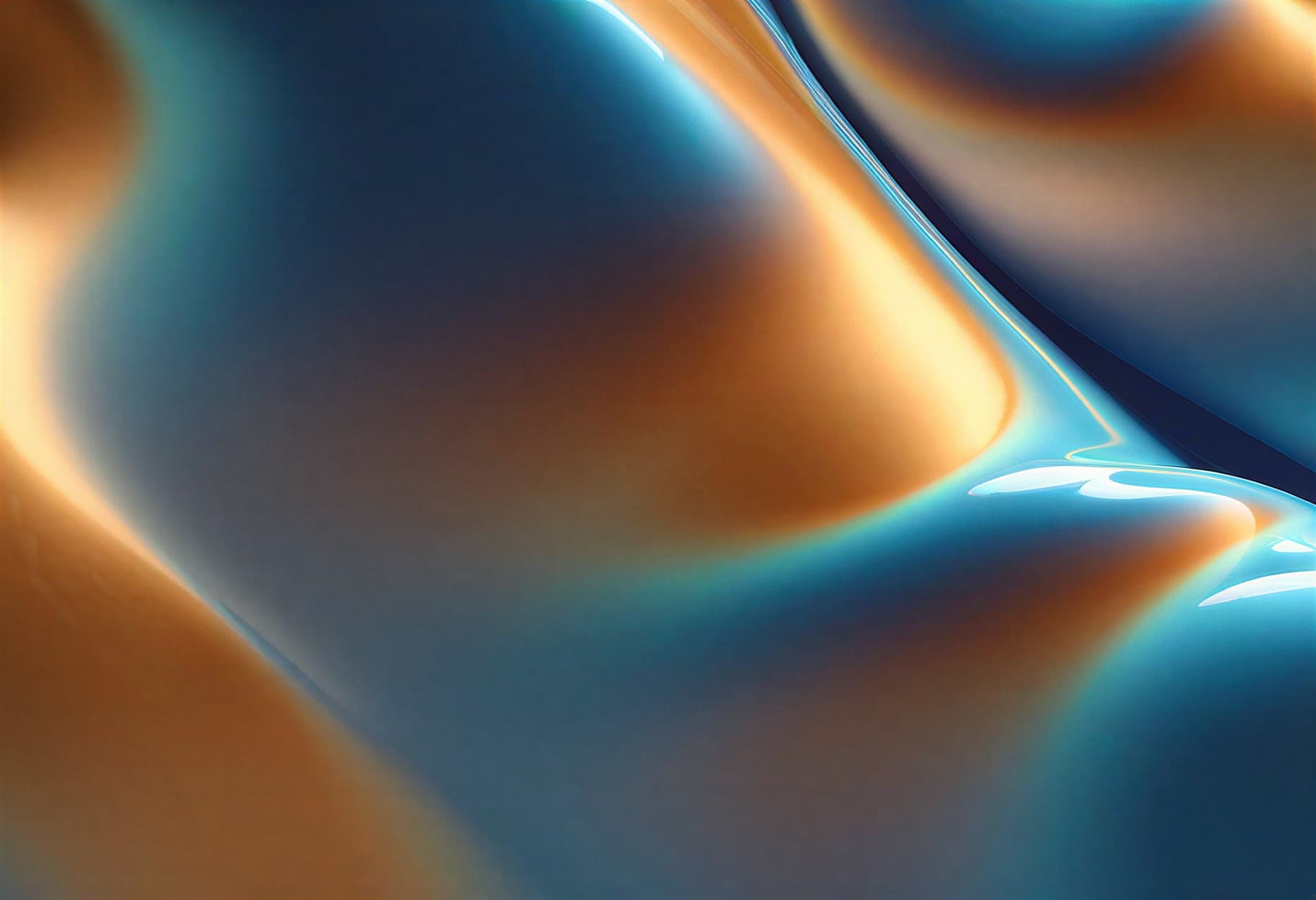
best quality, masterpiece, abstract wallpaper background, flowing gradient of deep indigo transitioning through teal to warm amber, organic soft curves creating gentle visual movement, subtle texture grain across surface, focal detail concentrated in lower-third of frame, upper two-thirds maintaining smooth open space for icon readability, balanced contrast that won't overpower overlaid text, no central focal point competing with screen elements, harmonious color temperature shift from cool to warm, 16:9 desktop format, 4K resolution, high resolution
What Makes a Wallpaper Work as a Wallpaper?
A landscape prompt builds a scene you look into. A wallpaper prompt builds a surface you look through, to the icons, text, and interface elements that sit on top of it. That distinction changes every compositional decision. Focal points move to edges and corners rather than the center. Detail density is managed to prevent busy areas from competing with UI elements. Contrast is calibrated to support legibility, not just visual impact.
Sample Outputs
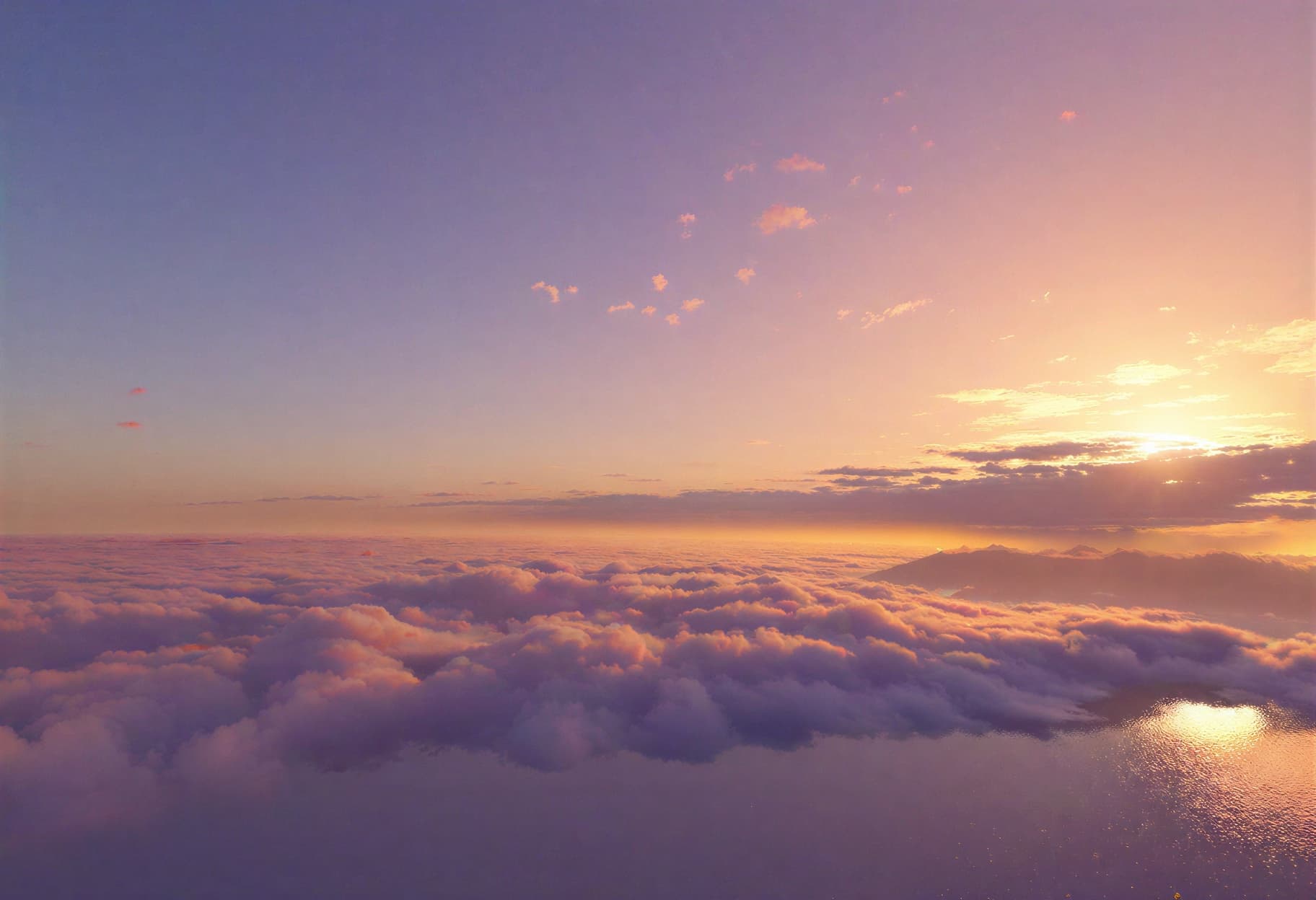
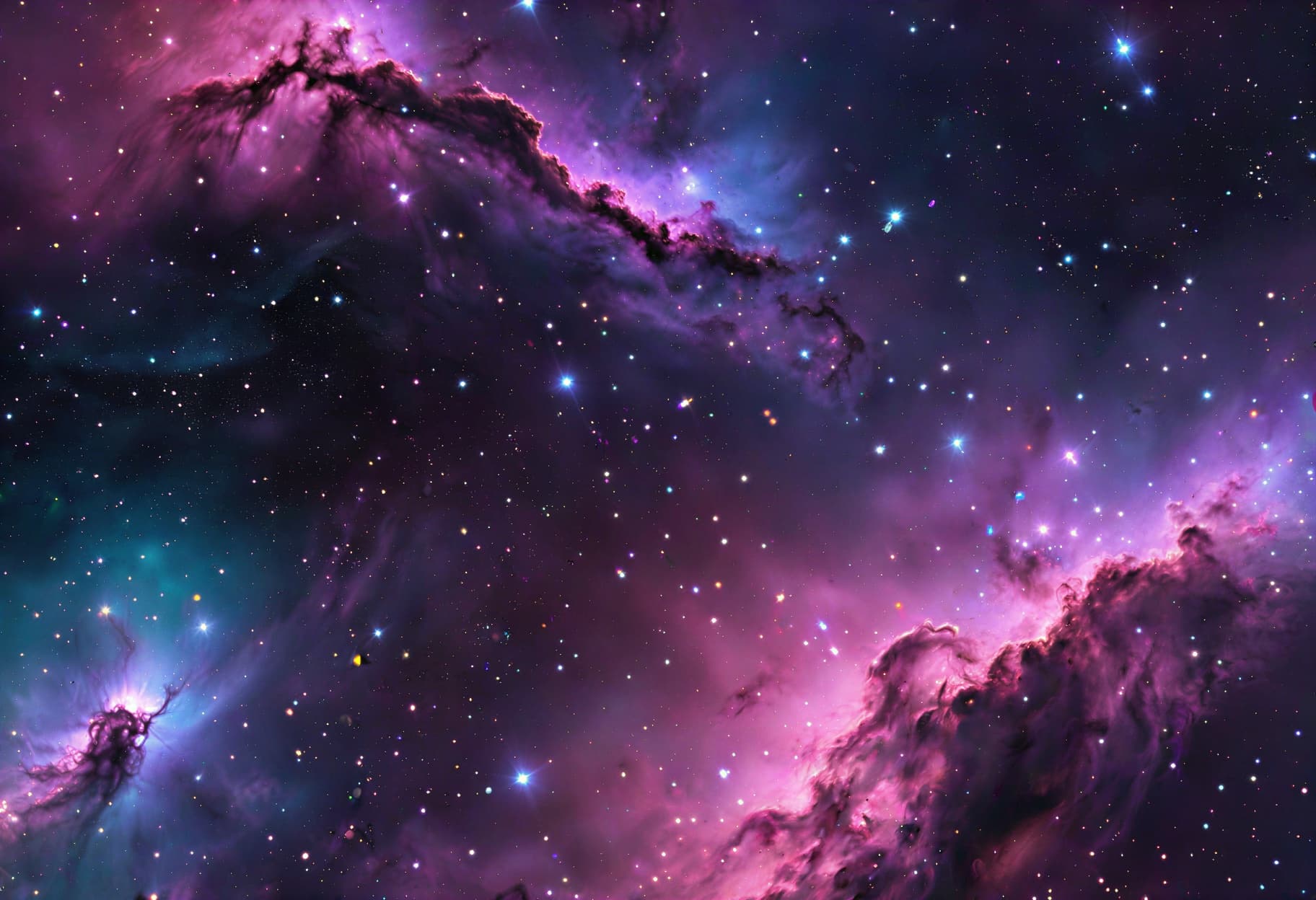
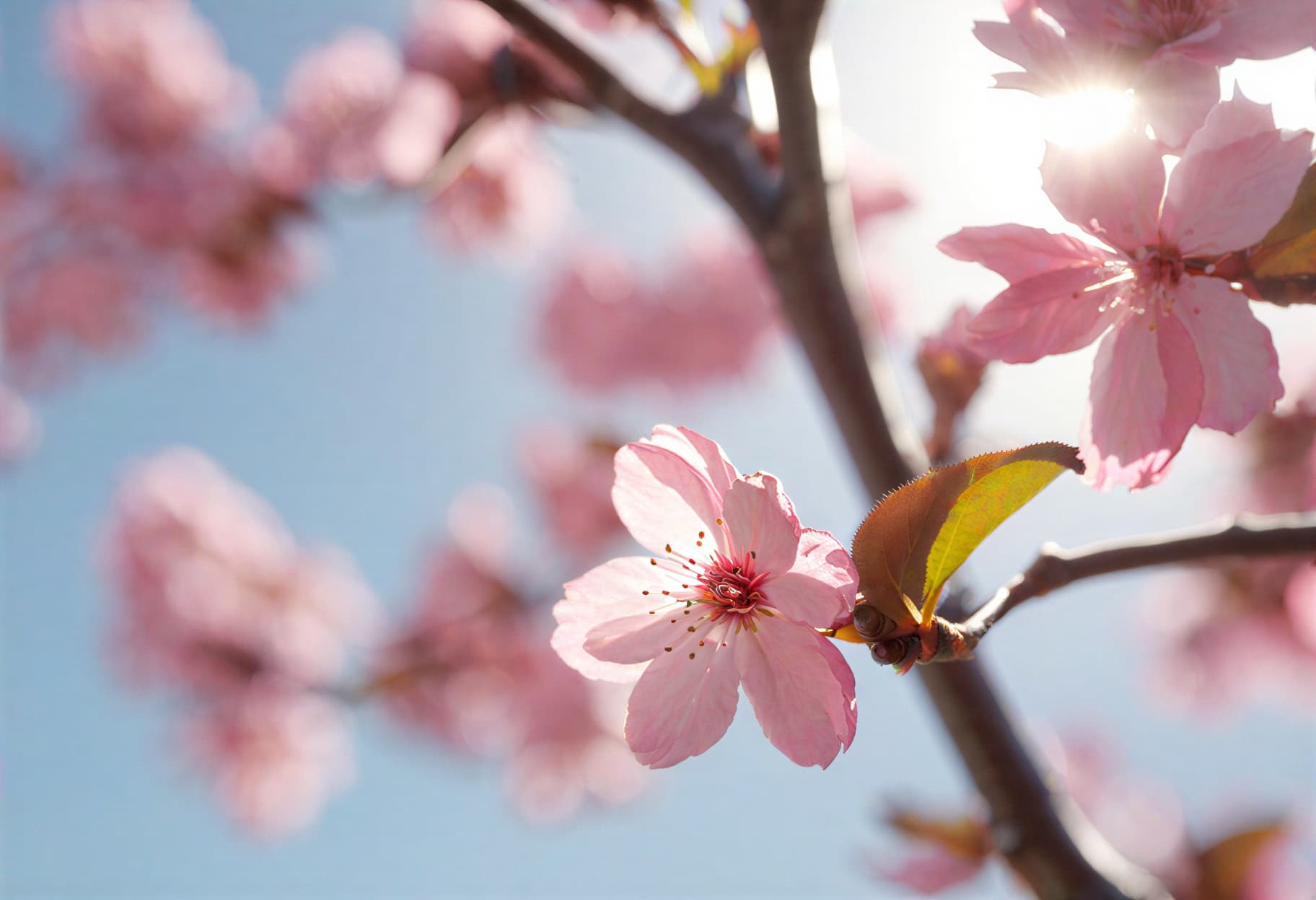
All images generated on Kalon Studio using prompts from this page. No external post-processing, gradient overlays, or compression applied.


What You Can Create
Wallpapers are designed for different devices with different interface layouts, icon densities, and display characteristics. These prompts are built for the most common screen formats.
Desktop Wallpapers (16:9 / 4K)
Standard widescreen monitors and laptops. Use 16:9 at 3840×2160 target resolution. Desktop wallpapers need clear space at the top-left (file icons) and the bottom edge (taskbar/dock). Wide horizontal compositions with detail distributed toward corners work best. The abstract, cinematic, and nature variations are designed for this format.
Phone Wallpapers (9:16)
Vertical format for home screen and lock screen backgrounds. Use 9:16 at 1080×2400 or higher. Phone wallpapers need open space in the upper quarter (clock, notifications) and across the middle grid (app icons). Vertical flow with detail concentrated at the top or bottom edges works strongest. The minimalist and gradient variations suit this format.
Ultrawide Wallpapers (21:9 / 32:9)
Ultrawide and super-ultrawide monitors. Use 21:9 at 3440×1440 or 32:9 at 5120×1440. These formats require horizontally distributed visual interest across the full extended width; a single centered subject leaves empty dead zones on both sides. The cosmic and cinematic panoramic variations handle this format best.
Tablet and iPad Wallpapers (4:3)
Landscape and portrait-switchable displays. Use 4:3 at 2048×1536 or higher. Tablet wallpapers need to function in both orientations; design the composition so the core visual works whether the device is held vertically or horizontally. Symmetrical or center-distributed compositions with even detail density adapt best to rotation.
Prompt Variation
Five wallpaper aesthetics, each designed for screen display rather than standalone viewing. Copy any directly, or recombine color, texture, and composition tags across variations.
Soft Gradient Minimal
Clean, calm, and icon-friendly with no competing detail.
best quality, masterpiece, minimalist wallpaper, smooth flowing gradient from soft lavender at top through blush pink to warm ivory at bottom, no objects or subjects, very subtle circular bokeh spots with low opacity drifting across midframe, uniform softness throughout, gentle color transition with no hard edges, open and airy feel, subtle paper-like texture at very low visibility, designed for phone home screen with icon overlay, 9:16 phone format, 4K resolution
Geometric Abstract
Structured visual interest through overlapping shapes and muted tones.
best quality, masterpiece, abstract geometric wallpaper, overlapping translucent rectangles and circles in muted sage green warm gray and dusty gold, shapes concentrated in lower-left and upper-right corners leaving center open, soft shadow where shapes overlap, clean modern design aesthetic, balanced asymmetric composition, fine line accents connecting shapes, neutral cream background visible between elements, moderate contrast suitable for text overlay, 16:9 desktop format, 4K resolution
Cinematic Wide Horizon
Photographic atmosphere with a wide open sky for the interface space.
best quality, masterpiece, cinematic wallpaper, wide horizon landscape at golden hour, thin strip of terrain silhouette along bottom 15 percent of frame, vast open sky occupying upper 85 percent with layered warm-to-cool gradient, scattered thin clouds catching golden light, no prominent subjects in sky area, atmospheric depth with subtle haze, warm amber foreground transitioning to cool lavender-blue overhead, film grain at very low intensity, panoramic calm, 16:9 desktop format, 4K resolution
Cosmic Nebula
Deep-space color wash with star field texture across the full frame.
best quality, masterpiece, cosmic nebula wallpaper, deep space background with dark navy-black base, nebula cloud formations in violet magenta and teal blue distributed across frame without central concentration, thousands of individual stars at varying sizes and brightness levels, subtle cosmic dust lanes adding directional texture, brightest nebula area offset to lower-right third, upper-left maintaining darker open space, no planets or solid objects, rich color saturation against dark base, ultrawide 21:9 format, 4K resolution
Nature Soft Focus
Natural subject with deliberate blur maintaining background function.
best quality, masterpiece, nature wallpaper, extreme soft focus rendering of cherry blossom branches, pink petals blurred into abstract circular shapes against pale blue sky, intentional shallow depth creating dreamy bokeh across entire frame, no sharp-focus subject anywhere in composition, gentle pink and white color palette with soft green accents, light and airy atmosphere, subtle light leak from upper corner, designed as phone background with full-surface icon grid, 9:16 phone format, 4K resolution
More AI Wallpapers Styles
Six additional templates covering specific aesthetic directions and device-use contexts.
best quality, masterpiece, dark mode wallpaper, true black (#000000) base covering majority of frame, subtle deep charcoal geometric pattern visible only at close inspection, single accent element, thin glowing line in electric blue tracing a gentle arc from lower-left to upper-right, minimal visual weight, pure black areas for OLED power saving, no bright areas larger than 5 percent of frame, ultra-refined and restrained, 9:16 phone format, 4K resolutionbest quality, masterpiece, anime-style wallpaper, city skyline silhouette along bottom edge, warm sunset sky gradient from deep orange at horizon through salmon pink to pale yellow overhead, power lines and antenna details on silhouette, thin crescent moon in upper portion, scattered small birds in V-formation mid-sky, cel-shaded flat color rendering, clean linework on skyline, anime background art quality, nostalgic summer evening atmosphere, 16:9 desktop format, high resolutionbest quality, masterpiece, synthwave wallpaper, perspective grid receding to horizon point at center-bottom, gradient sky of magenta pink and electric purple above grid, neon sun circle bisected by horizon line, chrome-effect mountains or city silhouette on horizon, scan line texture overlay at low opacity, 1980s retro-futuristic aesthetic, saturated neon palette against dark background, vaporwave atmosphere, 21:9 ultrawide format, 4K resolutionbest quality, masterpiece, nature wallpaper, still alpine lake reflecting snow-capped mountain and sky, mountain and reflection creating natural symmetry along horizontal center line, warm sunrise light on peaks, cool shadow on lake surface, thin strip of rocky shoreline separating real and reflection, mirror-calm water with very subtle ripple at edges, muted natural color palette, detail concentrated along horizontal center leaving top and bottom open for UI elements, 16:9 desktop format, 4K resolutionbest quality, masterpiece, botanical wallpaper, loose watercolor illustration of delicate wildflowers and leaves arranged in organic scattered pattern, stems and petals concentrated along left and bottom edges leaving upper-right open, soft watercolor bleeding and pigment variation, warm ivory background with visible paper texture, muted sage green stems with dusty pink and lavender blooms, hand-painted quality, gentle and sophisticated, 9:16 phone format, high resolutionbest quality, masterpiece, minimalist wallpaper, close-up of polished concrete surface with subtle natural variation in gray tones, very fine aggregate texture visible at high resolution, single thin line of warm copper running diagonally across frame, industrial modern aesthetic, neutral color palette of cool gray with warm metal accent, no subjects or objects, uniform visual weight across frame, works as both phone and desktop background, architectural material quality, 4K resolutionRecommendation: Negative Prompt for AI Wallpapers
Wallpaper generation fails differently from other art genres because the failure criteria are functional, not just aesthetic. A wallpaper can be visually impressive and still fail if it makes icons unreadable, places a distracting subject behind a clock widget, or includes elements that look fine at 100% but become visual noise when compressed by a device's display scaling. This negative prompt targets those functional failures.
Negative Prompt:
centered dominant subject, face in center of frame, strong focal point in middle, text, watermark, signature, logo, title, caption, high-contrast text area, cluttered composition, busy detailed pattern covering entire surface, visual noise, oversharpened, harsh edge artifacts, JPEG compression artifacts, banding in gradients, extreme contrast, pure white hotspot, pure black void without texture, cartoon character, person looking at camera, low quality, blurry, cropped edges
Explanation: The first block, "centered dominant subject, face in center of frame, strong focal point in middle," is the most critical wallpaper-specific instruction. Standard art composition places subjects at the center or at rule-of-thirds intersections; wallpaper composition deliberately avoids these positions because they fall behind UI elements on every device. "Text, watermark, signature, logo, title, caption" prevent generated text elements that conflict with interface text. "Cluttered composition, busy detailed pattern covering entire surface, visual noise" prevents the all-over detail density that makes icon labels unreadable. "Banding in gradients" targets the most visible rendering artifact in wallpaper generation: stepped color transitions in gradient areas, especially on high-resolution screens. "Extreme contrast, pure white hotspot, pure black void" prevents contrast extremes that make overlaid text invisible in both light and dark modes. "Person looking at camera" prevents the uncanny effect of a face staring at you from behind your apps.
How to Generate Wallpapers on Kalon Studio
- Open Kalon Studio and navigate to the Generate tab.
- Copy any prompt from this page using the copy button beside it.
- Paste it into the prompt field. Customize for your aesthetic — change "indigo through teal to amber" to "midnight blue through plum to rose gold," swap "geometric shapes" for "fluid organic waves," replace "lower-third focal" with "corner-concentrated detail." Each tag controls one design decision independently. The critical tags to preserve are the composition controls, focal zone placement, negative space allocation, and contrast calibration.
- Paste the negative prompt into the negative prompt field. For wallpapers specifically, the negative prompt prevents centered subjects and visual clutter, the two failures that make a beautiful image into a dysfunctional background.
- Select your aspect ratio. Use 16:9 for standard desktop and laptop screens. Use 9:16 for phone home and lock screens. Use 21:9 for ultrawide monitors. Use 32:9 for super-ultrawide and dual-monitor spans. Use 4:3 for tablets and iPads. Match the ratio exactly to your device for a clean edge-to-edge display without cropping.
- Click Generate. Review 4–6 outputs, then test your preferred result by setting it as your actual wallpaper with your normal icon layout active. The strongest wallpaper output will have icons and text that remain legible, no distracting elements behind a frequently used app, and visual interest that enhances rather than competes with your interface.
Do/Don't Tips: Designing for Screens
✅ DO:
❌ DON'T:
Kalon vs Other AI Wallpaper Platforms
Kalon creates stunning AI wallpapers with high-resolution visuals, vibrant colors, and customizable styles, delivering visually appealing backgrounds that stand out compared to many standard AI generators.
| Feature | Kalon Studio | Fotor | ImagineArt | AI Ease | PixPretty |
|---|---|---|---|---|---|
| Pre-written wallpaper prompts | 11 tested templates | None, generator only | None, generator only | None, generator only | 25+ blog prompts |
| Copy-paste prompt library | One-click copy buttons | Not available | Not available | Not available | Blog copy |
| Screen composition education | Focal zone + UI-safe area breakdown | None | "Be descriptive" tips | None | Basic formula |
| Wallpaper-specific negative prompt | Anti-center-subject + anti-clutter tags | Not available | Not available | Not available | Not Provided |
| Verified sample outputs | Kalon-generated with icon-overlay | Generated previews | Generated previews | Generated previews | No test guidance |
| Platform compatibility | Standard tags – works anywhere | Platform-native | Platform-native | Platform-native | Multi-platform |
| Device-specific variations | Desktop / Phone / Ultrawide / Tablet | Ratio selection | Ratio selection | Ratio selection | Ratio tag appended |
| Style range | 11 styles (gradient/geometric/cinematic/cosmic/nature/OLED/anime/synthwave/lake/botanical/concrete) | Style presets | Style presets | Style presets | 6 categories |
| Free access | Daily coins included | Free with limits | Free with limits | Free with limits | Free blog |
Frequently Asked Questions
Your Screen, Designed from the Inside Out!!
Focal zone placement, contrast calibration, and device-specific composition — not a pretty picture resized, but a background engineered to work behind your interface.
Create Wallpaper Free