AI Sticker and Emote Prompts | Expression, Edge, and the 128-Pixel Test
Stickers and emotes are the most size-constrained art format in AI generation. A Twitch sub emote displays at 28×28 pixels in chat. A Discord emoji renders at 32×32 in messages. A die-cut sticker might be printed at 3 inches, but is browsed as a thumbnail at 80px in an online shop. Every element of the design — expression, pose, color, line weight, and background treatment — must survive that reduction and still communicate its intended emotion in a fraction of a second.
Standard AI art prompts produce images optimized for full-screen viewing. Sticker and emote prompts need to produce images optimized for extreme miniaturization. That means fewer elements, bolder expressions, thicker lines, cleaner edges, simpler backgrounds, and compositions where the emotional signal is concentrated into the smallest possible area, typically the face and one gesture.
These prompts are built around that miniaturization constraint. Every prompt has been tested in Kalon Studio with outputs evaluated at full resolution and then reduced to 64px and 32px to verify that the expression remains legible, the edges stay clean, and the emotional message survives. Below you'll find the full library, anatomy section, and negative prompt.
Prompt Text
This prompt generates a clean, sticker-ready character with bold expression, thick, clean edges, and a composition optimized for readability on small displays. Adjust the character, expression, and style to fit your platform and use case.
best quality, masterpiece, sticker design, single character centered in frame, cute expressive face with exaggerated happy open-mouth grin showing teeth, large round eyes with single bright catchlight, simple rounded body with stubby proportions, bold uniform-weight outline in dark color enclosing all elements, flat color fills with minimal shading, single shadow tone only, solid white background for die-cut extraction, entire character fitting within circular boundary, no fine detail that disappears below 64px, maximum expression clarity at minimum size, clean graphic quality, high resolution
What Stickers and Emotes Demand from AI Prompts?
A portrait needs to look good. A sticker needs to communicate an emotion instantly at the size of a fingernail. That difference changes every design decision. Expression must be exaggerated far beyond what looks natural at full size so that it reads correctly when tiny. Lines must be thick enough to remain visible when the entire image is smaller than a pencil eraser. And the composition must concentrate all visual information into a compact shape with clean, cuttable edges.
Sample Outputs
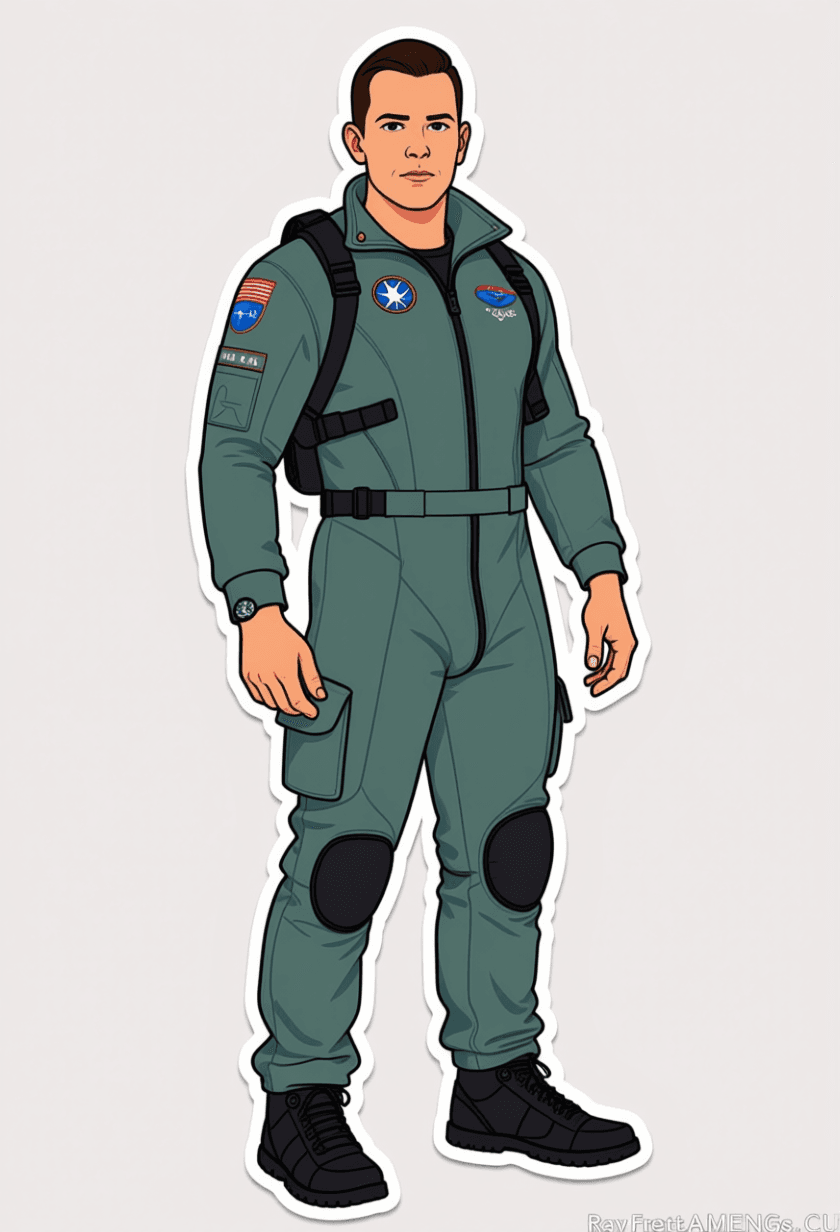
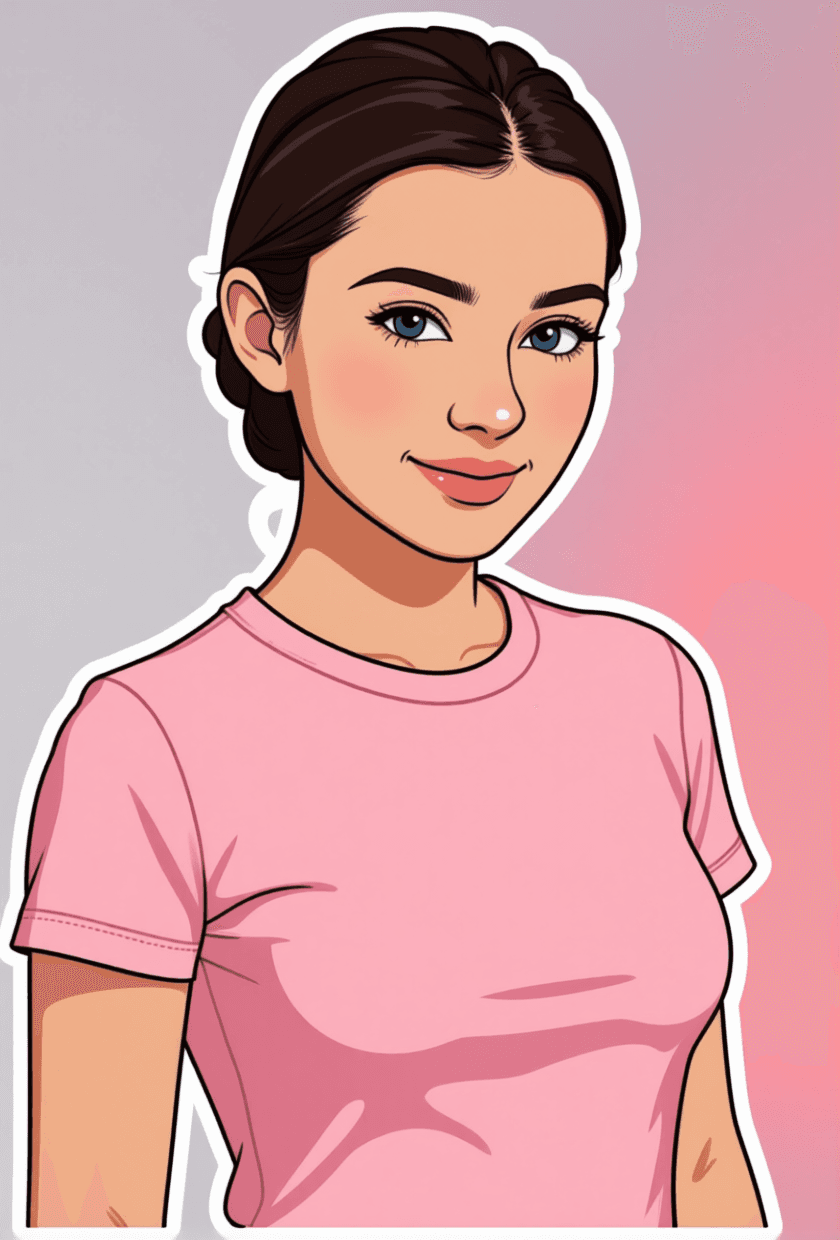
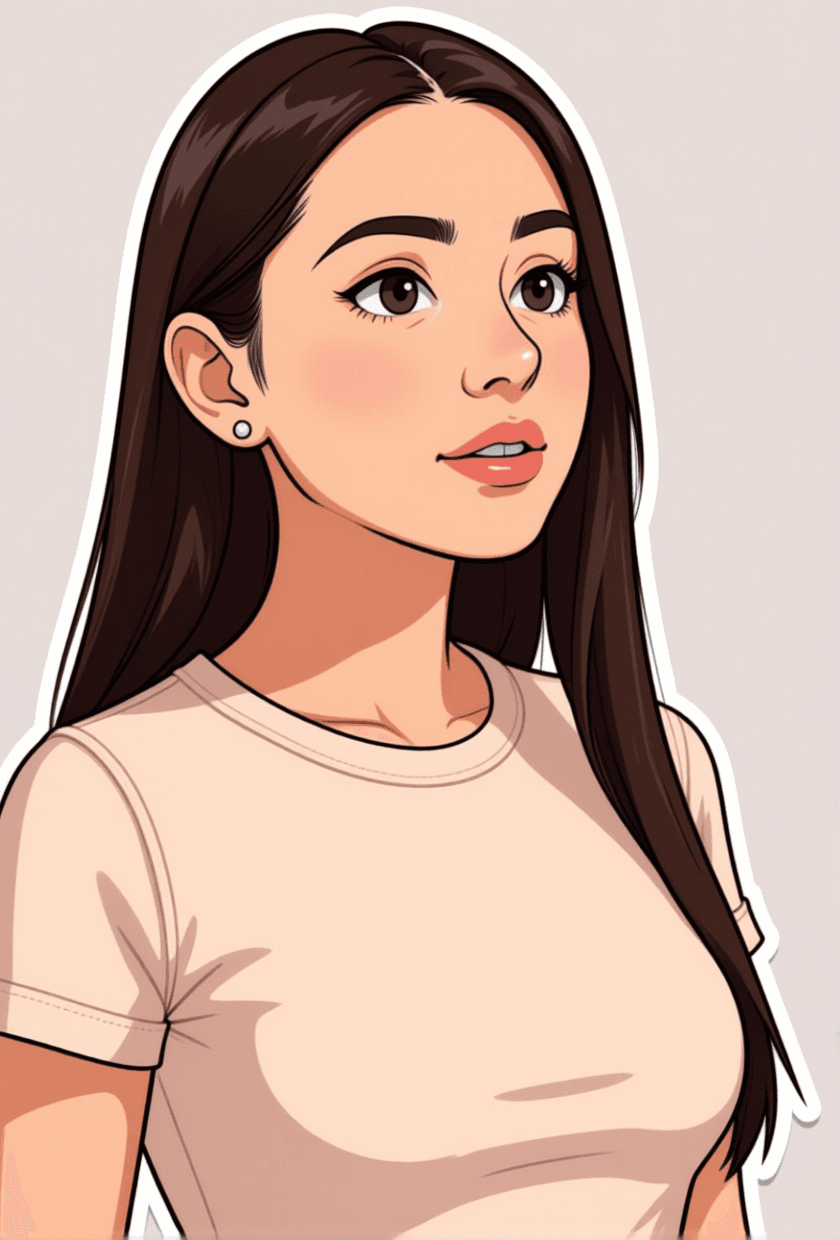
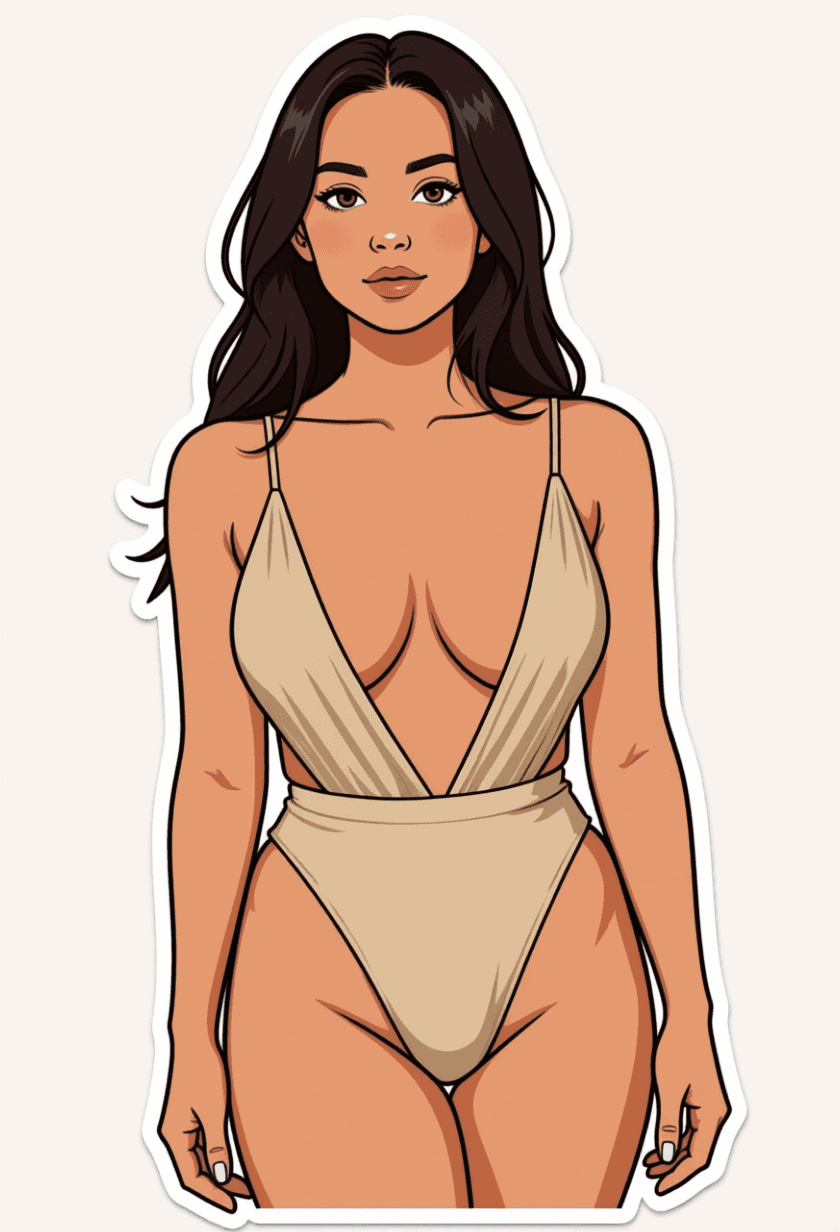
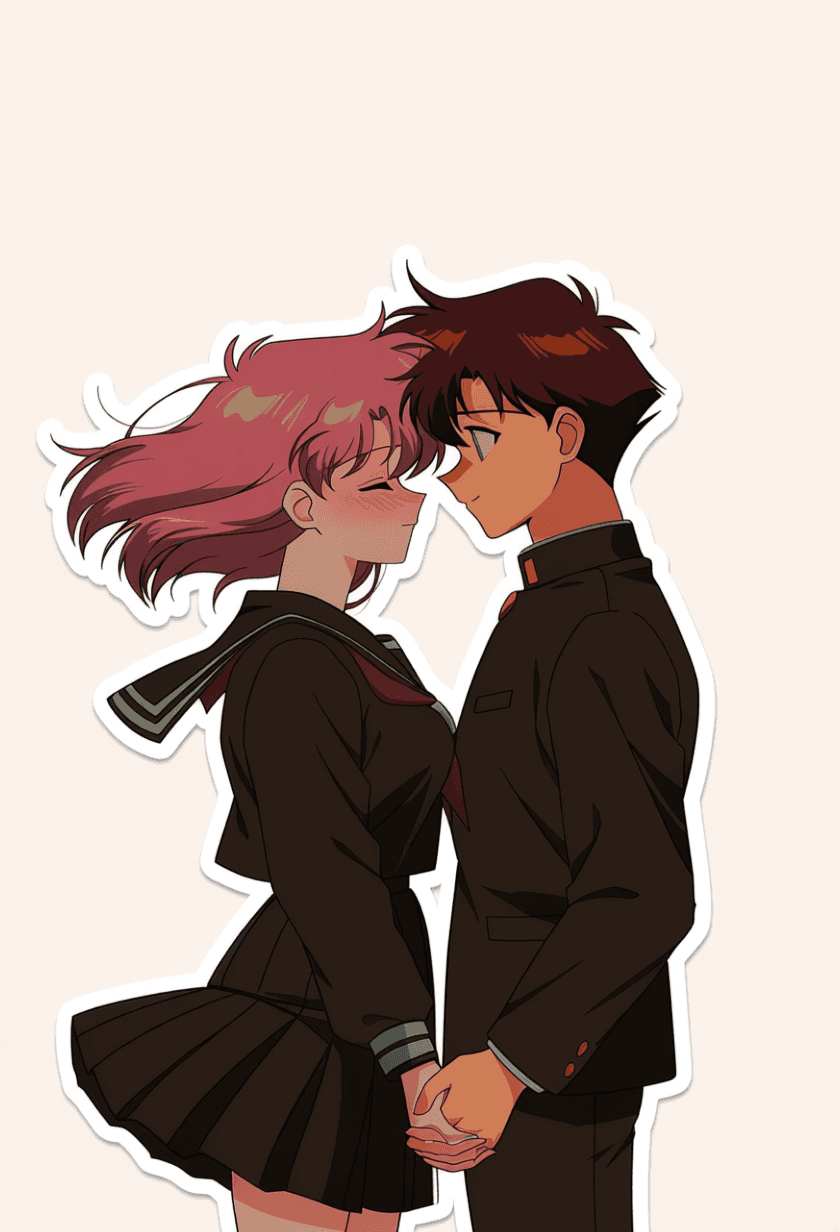
All images generated on Kalon Studio using prompts from this page. No external background removal, outline enhancement, or resizing applied.

What You Can Create?
Stickers and emotes serve different platforms with specific size requirements, format expectations, and emotional functions. These prompts cover the major applications.
Twitch Subscriber Emotes
Custom reaction emotes for Twitch channel subscriber tiers. Output at 1:1 and test at 28px, 56px, and 112px. Twitch uses all three sizes. The expression must read at the smallest tier. The chibi reaction and kawaii expression variations are built for this format. Keep to 4–6 colors at most for clean rendering across all Twitch sizes.
Discord Server Emojis
Custom reaction emojis for Discord communities. Output at 1:1 targeting 128×128px upload. Discord displays emojis at 32px in messages and 48px in reaction pickers. The expression needs to be identifiable at both scales. Flat graphic rendering with bold outlines performs strongest in Discord's compact display.
Physical Die-Cut Stickers
Sticker designs for printing, cutting, and selling on platforms like Etsy and Redbubble. Output at 1:1 with white or solid background for clean die-cut extraction. The die-cut character and kawaii expression variations produce cleanly bordered designs. Ensure the outline fully encloses all character elements with no gaps for consistent physical cutting.
Messaging App Sticker Packs
Custom sticker sets for WhatsApp, Telegram, LINE, and iMessage. Output at 1:1 targeting 512×512px. Messaging stickers support slightly more detail than Twitch emotes because they display at larger sizes on phone screens. Expression and gesture should communicate the intended reaction without relying on text.
Prompt Variations
Five sticker and emote formats, each built around different platform requirements and expression styles. Copy any directly, or blend expression and rendering tags across variations.
Die-Cut Character Sticker
Clean-edged, bold, and physically cuttable.
best quality, masterpiece, die-cut sticker design, cute character with oversized head and compact body, big sparkly eyes and wide cheerful smile with tongue peeking out, one hand making peace sign, simple outfit in two flat colors, thick continuous dark outline fully enclosing character with no gaps, flat color fills with single drop shadow tone, solid white background, character silhouette forming a clean compact shape suitable for die-cutting, no protruding elements beyond main body boundary, 4–5 color maximum, sticker-sheet-ready quality, 1:1 square composition, high resolution
Chibi Reaction Emote
Maximum emotional exaggeration in minimum visual space.
best quality, masterpiece, chibi emote design, super-deformed character with head-to-body ratio 1:1, crying expression with comically oversized waterfall tears streaming from tightly shut eyes, trembling lower lip, tiny fists clenched at chest, three tear droplet symbols floating beside head, entire character occupying center 80 percent of frame, bold uniform outline, flat color with single shadow, solid transparent-ready background, expression readable at 32px display size, Twitch emote quality, 1:1 square, high resolution
Kawaii Expression Set (Happy)
Soft pastel aesthetic with gentle emotion.
best quality, masterpiece, kawaii sticker design, round-faced character with large dewy eyes and soft warm smile, small pink blush circles on both cheeks, tiny sparkle marks near eyes, simple pastel-colored clothing, soft rounded body with no sharp angles, medium-weight outline in warm brown rather than black, pastel pink and cream and mint color palette, flat color rendering with subtle cheek gradient only, white background, compact circular composition, gentle and inviting expression, messaging sticker quality, 1:1 square, high resolution
Text Reaction Sticker
Character paired with a readable text element.
best quality, masterpiece, reaction sticker with text, cute character in upper portion with shocked surprised expression, wide eyes and O-shaped mouth with hands on cheeks, bold text reading OMG in large rounded sans-serif font below character, text and character forming single unified composition, matching color palette between text and character design, thick outline enclosing entire sticker including text area, flat graphic rendering, solid white background, designed for instant readability as chat reaction, 1:1 square, high resolution
Matching Emote Pair (Angry and Laughing)
Two emotes share visual identity but different emotions.
best quality, masterpiece, matched emote set, same character shown in two expressions side by side, LEFT: angry face with diagonal eyebrows crossed eyes and steam marks above head and clenched teeth, RIGHT: laughing face with squeezed-shut happy eyes and wide open mouth with visible joy and floating musical note, both versions sharing identical character design (same hair color eye shape and outfit), same bold outline weight, same flat color palette, same body proportions, solid white background between and around both, consistent visual identity across different emotional states, emote set quality, 2:1 horizontal composition, high resolution
More AI Sticker Styles
Six additional templates covering specific sticker sub-styles and platform-use contexts.
best quality, masterpiece, pixel art emote, 32-bit retro game aesthetic, character rendered on visible pixel grid, large expressive pixel eyes with single white highlight pixel, smiling expression constructed from minimal pixel marks, simple body in 3–4 flat pixel colors, no anti-aliasing on edges, clean hard pixel boundaries, transparent background, retro game UI aesthetic, designed for Discord and Twitch pixel-art communities, 1:1 square composition, high resolution upscaled from pixel basebest quality, masterpiece, animal sticker design, round chubby cat sitting upright, love-struck expression with heart-shaped eyes and small happy mouth, tail curled around body forming compact shape, tiny pink heart floating above head, simplified fur as flat color — orange tabby with white chest, bold dark outline fully enclosing figure, flat rendering with single belly shadow, white background, kawaii animal aesthetic, sticker-sheet and messaging-app ready, 1:1 square, high resolutionbest quality, masterpiece, mascot sticker, brand character in consistent recognizable design, waving hello pose with one arm raised, oversized head with simple friendly features — two dot eyes and wide curved smile, body in brand color (placeholder: bright blue) with logo-mark on chest, bold clean outline, flat two-tone color with single shadow, white background, designed for marketing sticker handouts and social media reactions, compact silhouette within circle boundary, 1:1 square, high resolutionbest quality, masterpiece, animated cartoon emote, character in exaggerated surprise pose body leaning backward, arms thrown up, eyes popping out of head slightly beyond face boundary as cartoon effect, single large exclamation mark above head, stretchy cartoon physics with elongated proportions during reaction, bold confident line art, bright saturated primary colors, flat shading, clean background, Looney Tunes energy level in compact emote composition, 1:1 square, high resolutionbest quality, masterpiece, messaging app sticker, character peeking from bottom edge of frame with only head and hands visible, waving one hand in greeting gesture, cheerful closed-eye smile with small open mouth, speech bubble element containing the word Hi in rounded friendly font, soft pastel color palette, medium-weight warm outline, flat gentle rendering, white background, designed for WhatsApp and LINE sticker pack format at 512px, 1:1 square, high resolutionbest quality, masterpiece, gothic cute sticker design, small bat character with large round purple eyes and tiny fangs showing in smile, spread wings forming compact heart shape, sitting on crescent moon, dark purple and black palette with single pink accent on cheeks, bold outline in dark gray, flat color fills, white background for contrast, cute-creepy balance between gothic elements and kawaii expression, die-cut ready, Halloween and alternative aesthetic sticker, 1:1 square, high resolutionRecommendation: Negative Prompt for AI Stickers and Emotes
Sticker and emote generation fails when the model produces art designed for full-screen appreciation rather than thumbnail-size communication. Fine detail, complex backgrounds, realistic rendering, and subtle expressions all look impressive at 1024px and become invisible or unreadable at 32px. This negative prompt strips away the qualities that prevent AI output from functioning at the sizes stickers and emotes actually display.
Negative Prompt:
complex background, scenic background, detailed environment, realistic rendering, photorealistic, photograph, 3D render with complex lighting, soft subtle expression, neutral expression, realistic proportions, long thin limbs, fine hair detail, intricate pattern on clothing, thin line weight, variable line weight, smooth gradient shading, multiple shadow tones, atmospheric effects, fog, depth of field, bokeh, lens flare, watermark, text unless requested, signature, blurry, low quality, extra fingers, deformed face
Explanation: The background block "complex background, scenic background, detailed environment" is essential because stickers and emotes must exist as extractable elements, not scenes. Any background detail traps the character in a context and prevents clean die-cut or transparency extraction. "Realistic rendering, photorealistic, photograph, 3D render with complex lighting" prevents the model from producing dimensional output that requires complex shading to read — stickers work as flat graphic elements. "Soft subtle expression, neutral expression" are critical because the entire purpose of a sticker or emote is to communicate a specific, exaggerated emotional reaction; subtle expressions vanish at small sizes. "Realistic proportions, long thin limbs" prevent anatomically accurate figures whose detail is wasted at sticker scale; compact, exaggerated proportions communicate more effectively. "Fine hair detail, intricate clothing pattern, thin line weight" target the detail density that disappears completely at 64px or below. "Multiple shadow tones, smooth gradient shading" prevent tonal complexity from turning into muddy noise at small display sizes.
How to Generate Stickers and Emotes on Kalon Studio?
- Open Kalon Studio and navigate to the Generate tab.
- Copy any prompt from this page using the copy button beside it. Paste it into the prompt field. Customize for your character and emotion: change "happy open-mouth grin" to "angry puffed cheeks with steam marks," swap "peace sign gesture" for "arms crossed with turned head," replace "pastel pink and cream" with "bold red and black." Keep the structural tags (bold outline, flat color, compact composition, no fine detail below 64px) — they're what make the output function as a sticker rather than an illustration.
- Paste the negative prompt into the negative prompt field. For stickers and emotes, the negative prompt prevents the realistic rendering, subtle expressions, and complex backgrounds that make beautiful images but dysfunctional stickers.
- Select your aspect ratio. Use 1:1 for individual stickers, emotes, and emojis. Use 2:1 for matched expression pairs. Use 3:4 for sticker sheet layouts with multiple characters. For Twitch emotes, generate at 1:1 and ensure the output reads at 28px, 56px, and 112px. For Discord, target a 128×128px display. For messaging apps, target 512×512px.
- Click Generate. Review 4–6 outputs, then reduce your preferred result to 32px in your image viewer. If the expression is still identifiable and the character shape is still readable at that size, the sticker works. If you can't tell what emotion it conveys at 32px, the expression needs more exaggeration or the composition needs simplification.
Do/Don't Tips: Making Stickers and Emotes That Work
✅ DO:
❌ DON'T:
Comparison: Kalon vs Other Sticker & Emote AI Platforms
How Kalon Studio compares with EmoteMaker.ai, OWN3D Pro, Pixa, and NightCafe for AI sticker and emote generation.
| Feature | Kalon Studio | EmoteMaker.ai | OWN3D Pro | Pixa | NightCafe |
|---|---|---|---|---|---|
| Pre-written sticker/emote prompts | 11 tested templates | None, generator only | Suggested prompts | None, generator only | None, generator only |
| Copy-paste prompt library | One-click copy buttons | Not available | Not available | Not available | Not available |
| Size-constraint education | Expression + edge + 32px-test breakdown | Not provided | Not provided | "Use similar keywords" tip | "Be descriptive" tip |
| Sticker-specific negative prompt | Anti-complex-bg + anti-subtle-expression + anti-fine-detail | Not available | Not available | Not provided | Not provided |
| Verified sample outputs | Kalon-generated at full and 32px test | Generated previews | Generated with style picker | Generated previews | Community gallery |
| Platform compatibility | Standard tags — works anywhere | Platform-native ($5/download) | Platform-native (credits) | Platform-native | Platform-native (credits) |
| Set consistency guidance | Shared-tag anchoring method | Not available | Style matching | "Similar keywords" tip | Not available |
| Format range | Die-cut/Chibi/Kawaii/Text/Pixel/Animal/Mascot/Animated/Messaging/Gothic/Pair | Emotion picker | Emote-focused | Emote-focused | General style |
| Free access | Daily coins | Free preview, $5 download | 5 free credits | Free with limits | Free with credits |
Frequently Asked Questions
Readable at a Glance, Expressive at Any Size!!
Bold expressions, clean edges, and compact compositions — not miniaturized illustrations, but graphic design built for the thumbnail.
Generate Stickers & Emotes Free