AI Profile Picture Prompts | From LinkedIn Headshots to Creative Avatars
A profile picture operates under constraints that most AI art prompts don't account for. It needs to read clearly at thumbnail scale. It needs to communicate something specific about the person, professional credibility, creative identity, and approachability, within a single glance. And it needs to work within the cropping and compression of whichever platform displays it. Writing "portrait of a person" into an AI generator ignores all of these requirements.
These prompts are structured around the decisions that make a profile picture effective: where the frame crops the subject, how the background separates or contextualizes the subject, what the lighting conveys about tone, and how expression and posture combine to create a first impression. Every prompt has been tested in Kalon Studio with outputs evaluated at both full resolution and thumbnail scale, because a profile picture that looks good at 1024px but dissolves into noise at 110px has failed its primary function.
Below you'll find a base prompt built for platform-ready headshots, five style variations covering corporate, creative, casual, outdoor, and stylized formats, six additional templates, a prompt anatomy section explaining each tag's role, and a negative prompt tuned for the specific rendering failures that undermine AI-generated profile pictures.
Prompt Text
This prompt generates a clean, professional headshot optimized for readability at both full resolution and thumbnail scale. Adjust the attire, background, and expression to match your platform and industry.
best quality, masterpiece, professional headshot, 1person, head and shoulders framing, three-quarter face angle, natural confident expression, slight smile, sharp eye detail with visible catchlights, soft diffused key light from front-left, clean neutral gray gradient background, professional business attire, natural skin texture with subtle retouching, shallow depth of field on background, 85mm portrait lens, f/2.8 aperture, color-neutral white balance, high resolution, 8k
What Makes a Profile Picture Work in AI Prompts?
A good AI portrait and a good AI profile picture are not the same thing. A portrait can be artistic, experimental, or atmospheric. A profile picture has a job to do, it needs to be recognized, trusted, and correctly interpreted at every size a platform might display it. That means every tag in the prompt should serve the picture's function, not just its aesthetics.
Sample Outputs
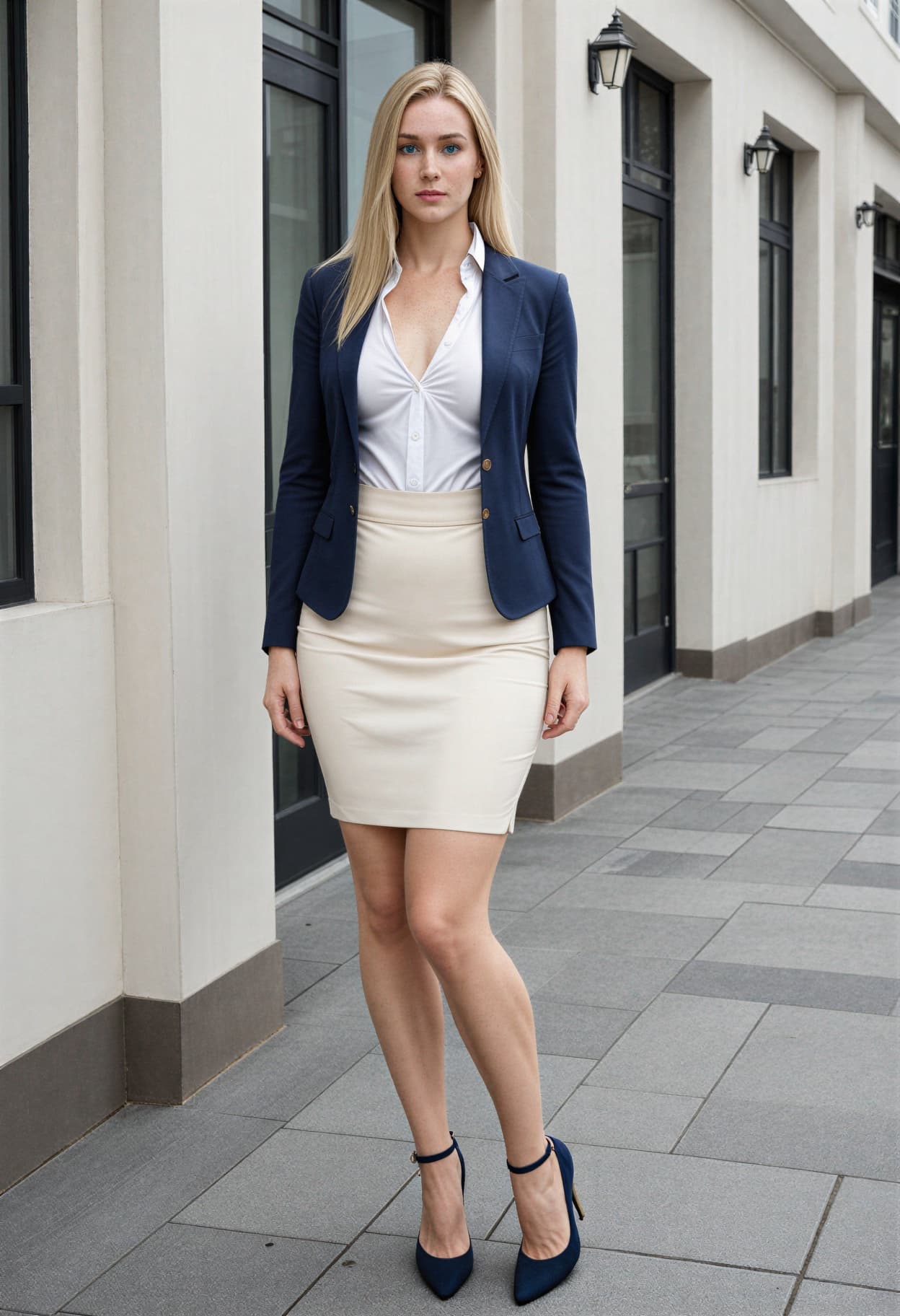
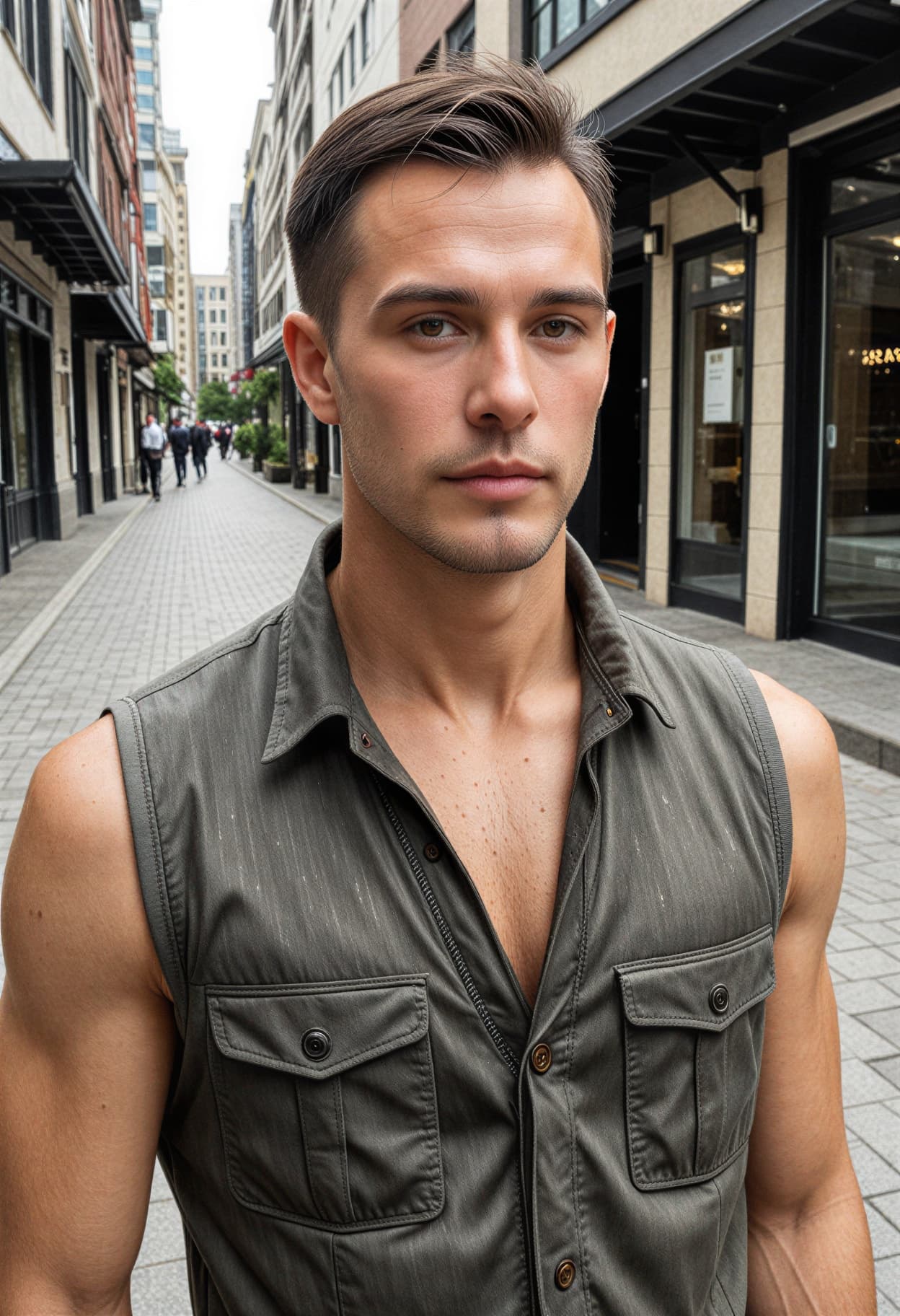
All images generated on Kalon Studio using prompts from this page. No external retouching, background replacement, or face smoothing applied.
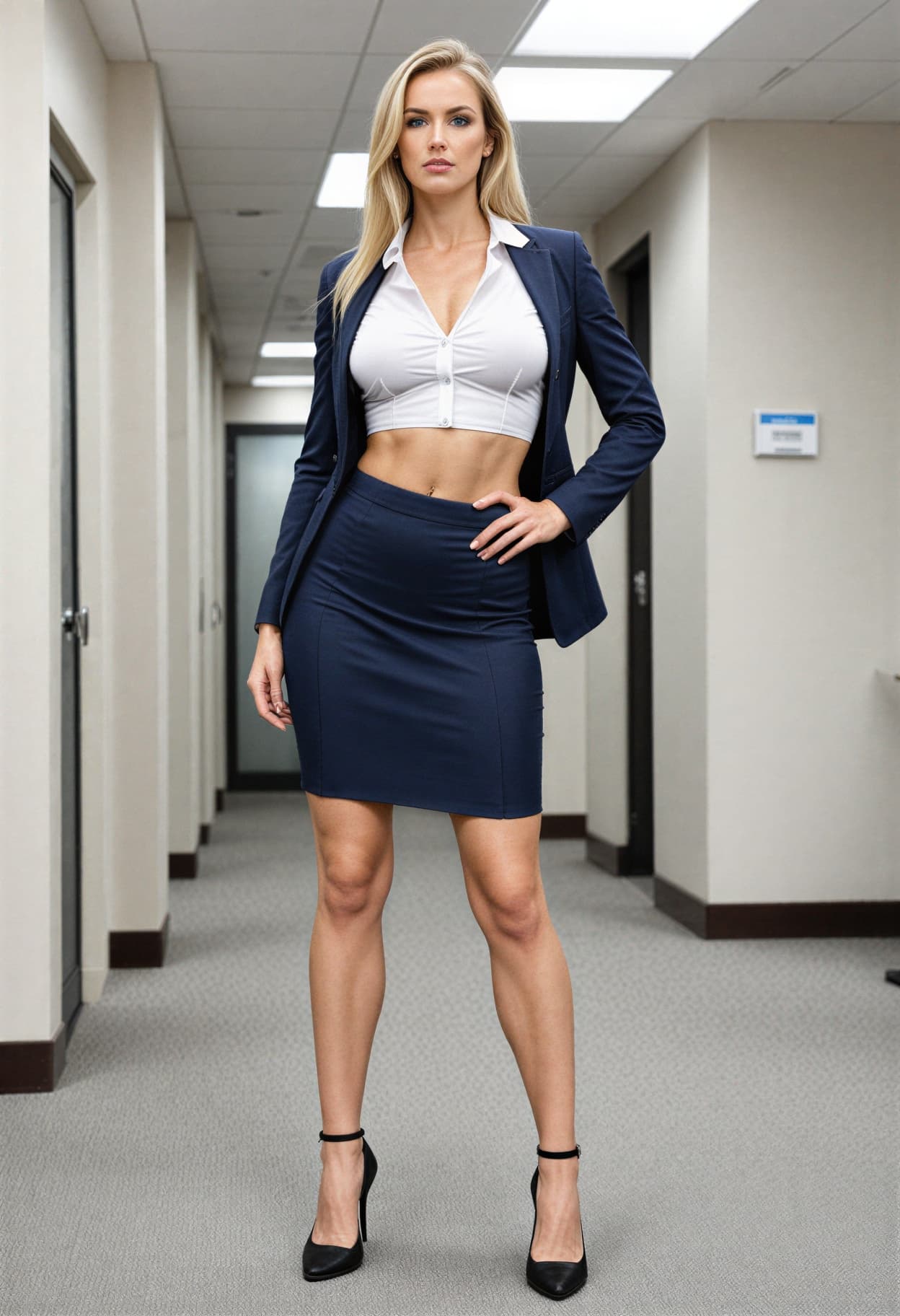
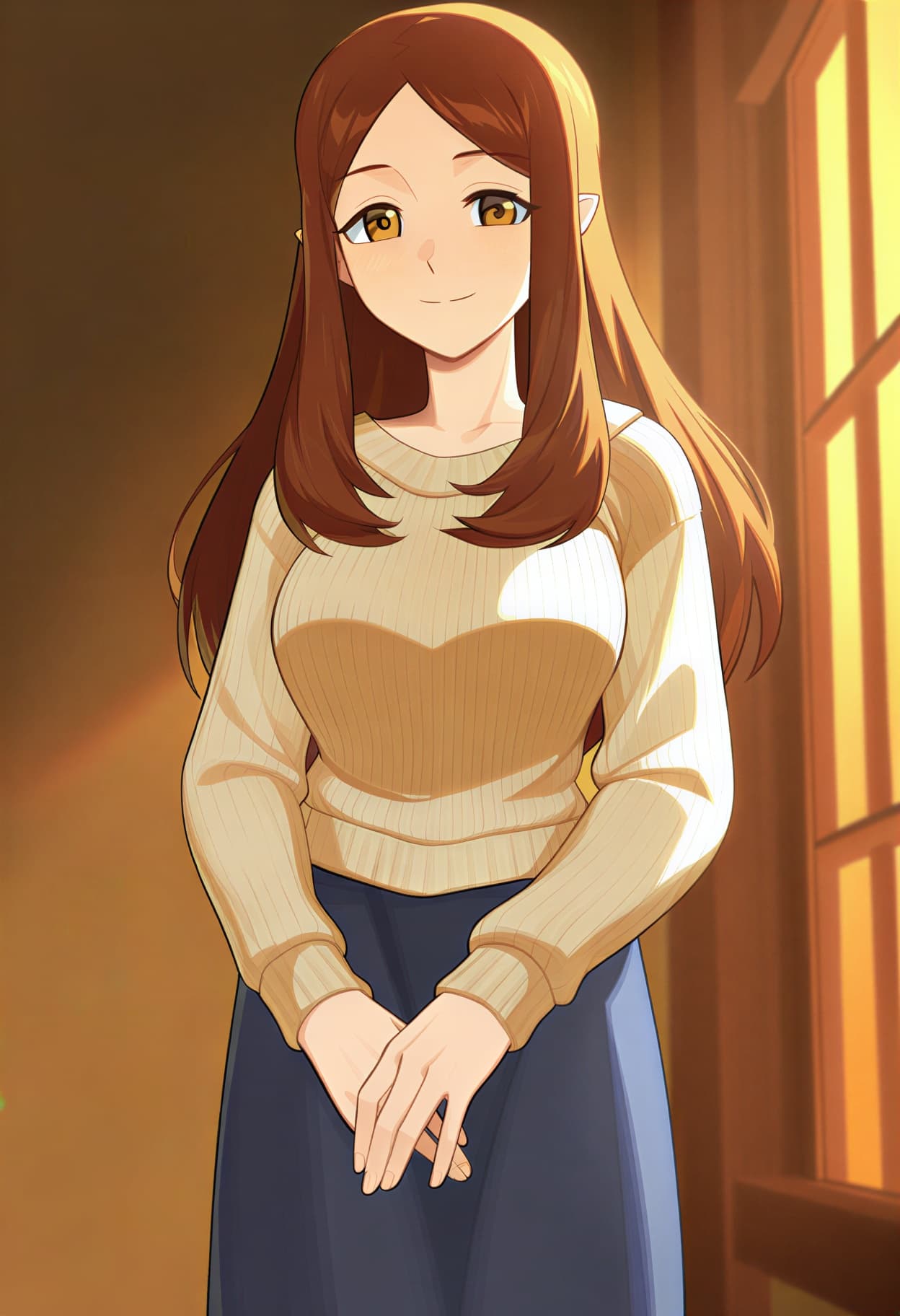
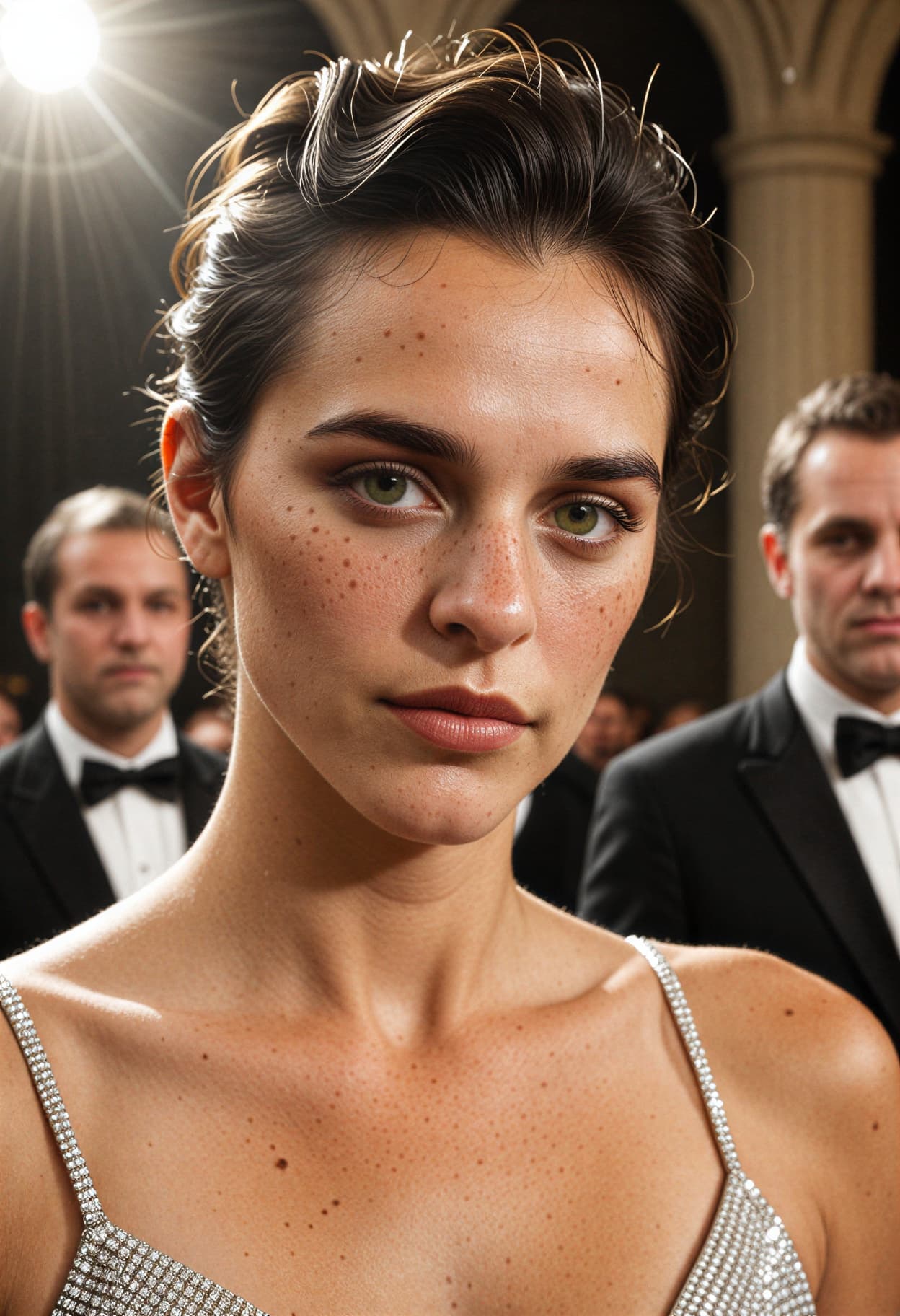
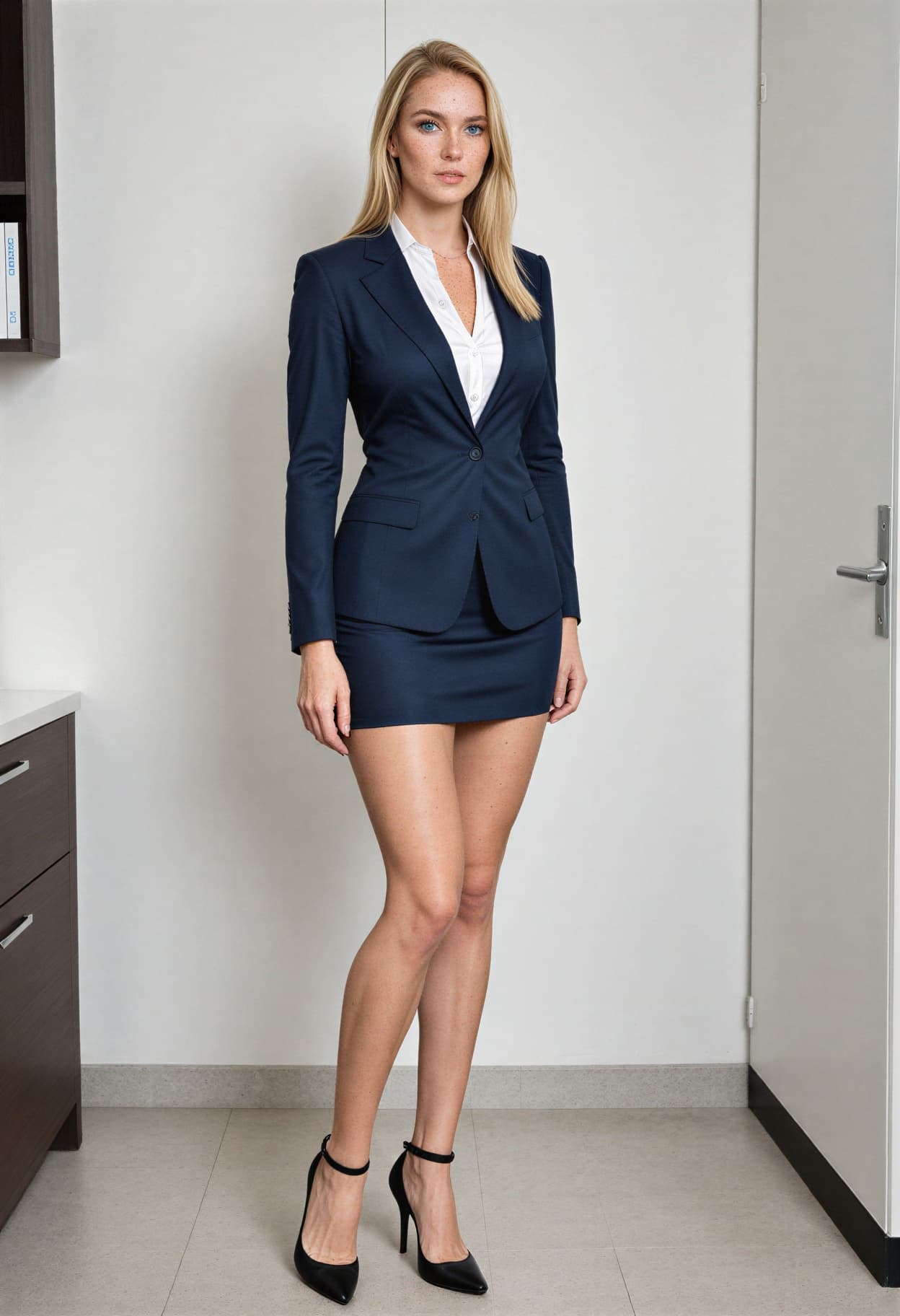
What You Can Create?
Profile pictures serve different purposes across platforms, and each platform has distinct display requirements. These prompts cover the major use cases with recommended aspect ratios and framing adjustments.
LinkedIn and Professional Networks
Clean, well-lit headshots that communicate competence and approachability. Use 1:1 for LinkedIn profile images (displays at 400x400, crops to circle). Head-and-shoulders framing with neutral or office-context backgrounds. The corporate and studio variations are built for this application.
Social Media Profiles (Instagram, X, TikTok)
Personality-forward portraits that stand out in feeds and comment threads. Use 1:1 for profile images. More creative latitude with lighting, color grading, and background — the creative and outdoor variations work well here. Ensure the face remains clearly identifiable at 110px thumbnail scale.
Resumes and Professional Portfolios
Polished, conservative headshots for job applications, speaker bios, and portfolio sites. Use 3:4 for vertical resume layouts and 1:1 for web portfolio thumbnails. Keep backgrounds neutral and attire appropriate to the industry. The base prompt and studio variation are designed for this format.
Gaming, Discord, and Streaming Avatars
Stylized or illustrated profile images for platforms where personality outweighs professional convention. Use 1:1 for Discord and Twitch. The stylized avatar variation produces clean, graphic results that read well at small sizes while expressing individual identity beyond photorealism.
Prompt Variations
Five profile picture styles, each structured for a different platform and professional context. Copy any prompt directly, or pull specific tags into your own composition.
Corporate Studio Headshot
Clean, polished, and LinkedIn-ready.
best quality, masterpiece, corporate headshot, 1person, head and shoulders crop, front-facing with slight head tilt, confident approachable expression, professional smile, dark navy suit with light shirt, soft three-point studio lighting, clean white-to-light-gray gradient background, precise skin detail with minimal retouching, sharp focus on eyes, 100mm portrait lens, f/4 aperture, color-neutral, executive quality, high resolution, 8k
Creative Industry Portrait
Personality-forward with warmth and texture.
best quality, masterpiece, creative professional portrait, 1person, head and upper chest framing, relaxed three-quarter angle, genuine warm expression, casual smart attire in earth tones, soft window light from side creating gentle shadows, textured warm-toned background with subtle bokeh, natural skin with visible freckles and texture, 85mm lens, f/2 aperture, warm color temperature, slight film grain, editorial quality, high resolution, 8k
Smart Casual Outdoor
Natural light with environmental context.
best quality, masterpiece, outdoor professional portrait, 1person, head and shoulders with environment visible, standing near modern building entrance, smart casual blazer with open collar, soft overcast natural light with no harsh shadows, blurred urban greenery in background, genuine friendly expression with relaxed posture, natural skin tones, 70mm lens, f/2.8 aperture, clean contemporary feel, high resolution, 8k
Outdoor Golden Light
Warm, approachable, and social-media-optimized.
best quality, masterpiece, golden hour portrait, 1person, face and shoulders with warm backlight rim, soft golden sunlight from behind and side, natural outdoor setting with blurred foliage, relaxed authentic smile, casual clothing, warm honey and amber tones on skin, hair catching light, 85mm lens, f/1.8 aperture, soft bokeh background, inviting and approachable, social media profile quality, high resolution, 8k
Stylized Avatar
Illustrated or graphic profile picture for gaming and creative platforms.
best quality, masterpiece, stylized portrait avatar, 1person, clean graphic illustration style, bold simplified features, expressive eyes, confident half-smile, solid color background in deep teal, modern flat design with subtle shading, clean linework, recognizable at small sizes, avatar-ready composition, centered face filling frame, vibrant but not garish palette, digital illustration quality, high resolution
More AI Profile Pictures Styles
Six additional templates covering specific professional contexts and visual directions.
best quality, masterpiece, executive portrait, 1person, head and shoulders, dark charcoal background with subtle vignette, dramatic Rembrandt lighting with warm key, tailored dark suit with subtle pinstripe, authoritative but approachable expression, sharp jawline definition from side shadow, 100mm lens, f/3.5, warm-to-cool split toning, board-level corporate quality, high resolution, 8kbest quality, masterpiece, startup founder headshot, 1person, head to mid-chest framing, modern coworking space background with soft blur, casual professional attire with rolled sleeves, open and energetic expression, slight forward lean suggesting engagement, soft overhead panel lighting, contemporary and innovative feel, 50mm lens, f/2.8, bright neutral tones, high resolution, 8kbest quality, masterpiece, healthcare professional headshot, 1person, head and shoulders, white lab coat over professional attire, clean light blue or white background, bright even lighting with minimal shadow, trustworthy and composed expression, direct eye contact, clinical cleanliness in composition, 85mm lens, f/4, neutral color balance, medical directory quality, high resolution, 8kbest quality, masterpiece, artist portrait, 1person, expressive close-up framing, creative attire with personal style details, textured dark background with warm spotlight from above, moody but inviting atmosphere, authentic unposed expression, visible personality in styling, 50mm lens, f/1.8, rich warm tones with cool shadow accents, slight film grain, portfolio quality, high resolution, 8kbest quality, masterpiece, black and white headshot, 1person, tight head and shoulders crop, classic three-quarter angle, timeless expression, simple solid dark background, single soft key light creating gentle tonal gradation across face, high contrast black and white processing, rich midtones, sharp detail on eyes and skin texture, 85mm lens, f/2.8, elegant and understated, high resolution, 8kbest quality, masterpiece, anime-style avatar portrait, 1person, close-up face with expressive large eyes, clean cel-shaded rendering, simple solid pastel background, modern anime aesthetic, slight head tilt, natural hair color with styled detail, clean linework, warm skin tone, subtle blush, designed for profile picture use at small sizes, sharp and recognizable features, digital illustration quality, high resolution, 8kRecommendation: Negative Prompt for AI Profile Pictures
The most common failure in AI-generated profile pictures isn't technical — it's the uncanny valley. Over-smoothed skin, perfectly symmetrical faces, impossibly white teeth, and backgrounds that look pasted in rather than photographed all signal immediately that the image is AI-generated. For a profile picture, this undermines the entire purpose: building trust and making a genuine first impression. This negative prompt targets the specific rendering habits that make AI headshots look artificial.
Negative Prompt:
over-retouched, airbrushed skin, plastic skin, poreless, wax figure, doll-like, uncanny valley, perfectly symmetrical face, unnaturally white teeth, overly smooth hair, fake bokeh, pasted background, harsh flash lighting, ring light reflection in eyes, glamour filter, beauty mode, HDR artifacts, oversaturated, cartoon, anime, illustration, extra fingers, deformed face, asymmetric eyes, watermark, text, signature, low quality, blurry
Explanation: The skin and face block "over-retouched, airbrushed, plastic, poreless, wax figure, doll-like, uncanny valley, perfectly symmetrical" is the most critical section. AI models default to idealized skin and facial symmetry that look polished in isolation but read as immediately fake in professional contexts, where viewers compare them to real photographs. "Unnaturally white teeth" prevent the specific dental over-brightening that is one of the most reliable tells of AI-generated headshots. "Fake bokeh, pasted background" addresses background rendering: AI sometimes creates bokeh circles that are too uniform or places backgrounds that don't match the subject's lighting direction. "Ring light reflection" blocks the specific circular catchlight pattern that marks selfie-style AI generation. "Glamour filter, beauty mode" prevents the heavy post-processing aesthetic that contradicts the natural, trustworthy look a profile picture needs.
How to Generate Profile Pictures on Kalon Studio
- Open Kalon Studio and navigate to the Generate tab.
- Copy any prompt from this page using the copy button beside it.
- Paste it into the prompt field. Customize for your context, change "dark navy suit" to "creative casual with statement necklace," swap "gray gradient background" for "warm-toned office with plants," replace "confident approachable expression" with "warm, relaxed smile." Each tag is independent: modifying one doesn't require changing the others.
- Paste the negative prompt into the negative prompt field. For profile pictures specifically, the negative prompt prevents the over-retouched, uncanny-valley quality that immediately identifies an image as AI-generated, the single most damaging failure mode for this use case.
- Select your aspect ratio. Use 1:1 for LinkedIn, Instagram, Discord, and most platform profile images. Use 3:4 for resume photos and vertical portfolio layouts. Use 4:5 for social media feed posts where the profile picture appears alongside content. Use 16:9 for banner images and cover photos where a wider portrait composition is needed.
- Click Generate. Review 4–6 outputs per prompt, expression naturalness, and eye detail vary significantly between generations. At full resolution, check that catchlights are present in both eyes, skin texture is visible but not exaggerated, and the background blends naturally with the lighting direction on the face. Then zoom to thumbnail scale and verify the image is still clearly identifiable.
Do/Don’t: Getting Profile Pictures Right
✅ DO:
❌ DON'T:
Kalon Vs Other AI Profile Pictures
Kalon stands out for AI profile pictures by offering realistic results, customizable styles, fast processing, and high-quality outputs compared to other AI image generators.
| Feature | Kalon Studio | Canva | Media.io | PFPMaker | CyberLink/MyEdit |
|---|---|---|---|---|---|
| Pre-written profile prompts | 11 tested templates | None, upload-only tool | Gemini-only copy prompts | None, upload-only tool | Blog post list |
| Copy-paste prompt library | One-click copy buttons | Not available | Blog copy (Gemini syntax) | Not available | Copy from blog |
| Prompt anatomy education | Framing + background + lighting breakdown | None | Tip-based | None | Tip-based |
| Profile-specific negative prompt | Anti-uncanny-valley + anti-over-retouching | Not available | Not available | Not available | Not available |
| Verified sample outputs | Kalon-generated at full and thumbnail scale | AI-enhanced uploads | Gemini-generated | AI-enhanced uploads | MyEdit-generated |
| Platform compatibility | Standard tags work anywhere | Canva-native only | Gemini-only | Platform-native | MyEdit-native |
| Style range | 11 styles (corporate to anime avatar) | 4 preset styles | 5+ Gemini presets | Batch avatar styles | 30+ role-based prompts |
| Platform-specific sizing guide | Per-platform aspect ratios | LinkedIn-focused | LinkedIn-focused | Multi-platform | General mention |
| Free access | Daily coins included | 2 free credits/day | Free with credits | Free with limits | Free with limits |
Frequently Asked Questions
Your First Impression, Under Your Control
Professional framing, natural lighting, and platform-ready sizing — no photographer, no studio appointment, no retouching software.
Generate Profile Picture Free