3D Character Prompts for AI Art | Geometry, Surface, and the Render Pipeline
3D character art follows a different visual logic than any 2D style. The character exists as a three-dimensional form in simulated space — light wraps around it, shadows fall according to physical rules, surfaces reflect and scatter light based on their material properties, and the camera has a measurable spatial relationship to the subject. Writing "3D character" in a prompt without addressing these systems produces output that looks vaguely dimensional but lacks the specific qualities — subsurface skin glow, ambient shadow in crevices, clean polygon smoothness, accurate rim light separation — that make 3D renders feel like actual rendered geometry rather than flat illustrations with added shadow.
These prompts are built around the four systems that 3D rendering depends on: how the geometry is constructed (smooth subdivision, low-poly facets, or clay-sculpted organic forms), how the surface responds to light (matte, glossy, translucent, or subsurface-scattering skin), how the lighting rig is arranged (key, fill, rim, and ambient), and what the render engine produces as final output (clean, noise-free, with accurate shadow and reflection).
Every prompt has been tested in Kalon Studio with outputs evaluated for geometric coherence, surface material accuracy, and lighting consistency across the character's full form.
Prompt Text
This prompt generates a 3D animated character portrait with smooth geometry, subsurface skin rendering, and studio-quality lighting. Adjust the character description, material finish, and render style to shift between 3D sub-genres.
best quality, masterpiece, 3D rendered character portrait, smooth subdivision surface geometry, stylized proportions with slightly oversized head and expressive features, large detailed eyes with glossy reflective surface and visible light catchlights, skin with subsurface scattering creating warm translucent glow on ears and nose, smooth matte skin surface with soft color variation, clean hair rendered as sculpted geometric masses with subtle strand detail, three-point studio lighting with warm key soft fill and cool rim light separating character from background, soft ambient occlusion in facial creases and under chin, clean studio background with subtle gradient, Pixar-quality render, octane render aesthetic, high resolution, 8k
What Controls the 3D Look in AI Prompts?
A 2D illustration describes a surface. A 3D render describes a form occupying space. The visual difference comes from how four rendering systems interact: the geometry that defines the character's shape, the material that determines how surfaces respond to light, the lighting rig that illuminates the form from specific directions, and the render quality that assembles all of these into a final clean image. Each system needs its own tags.
Sample Outputs
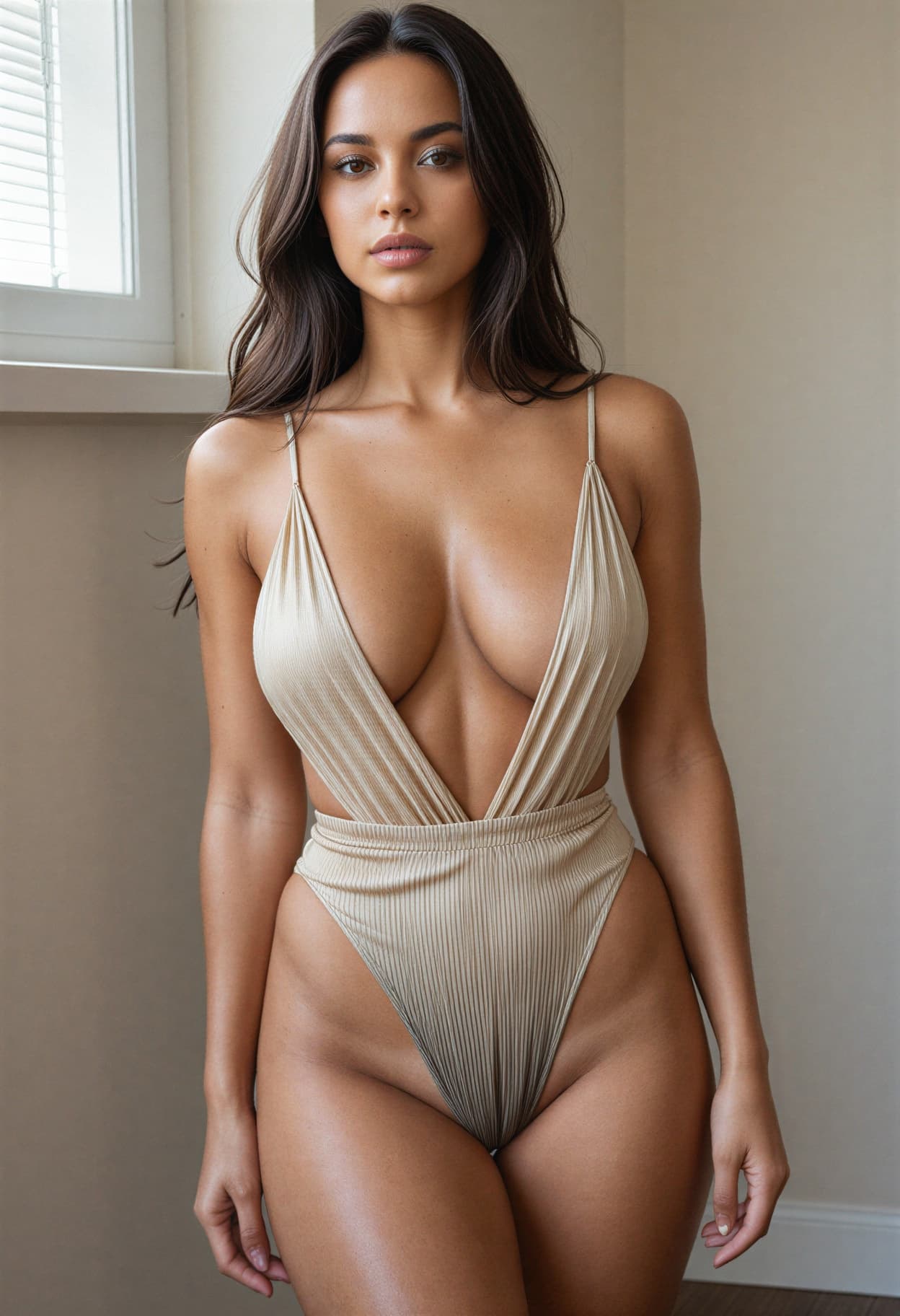
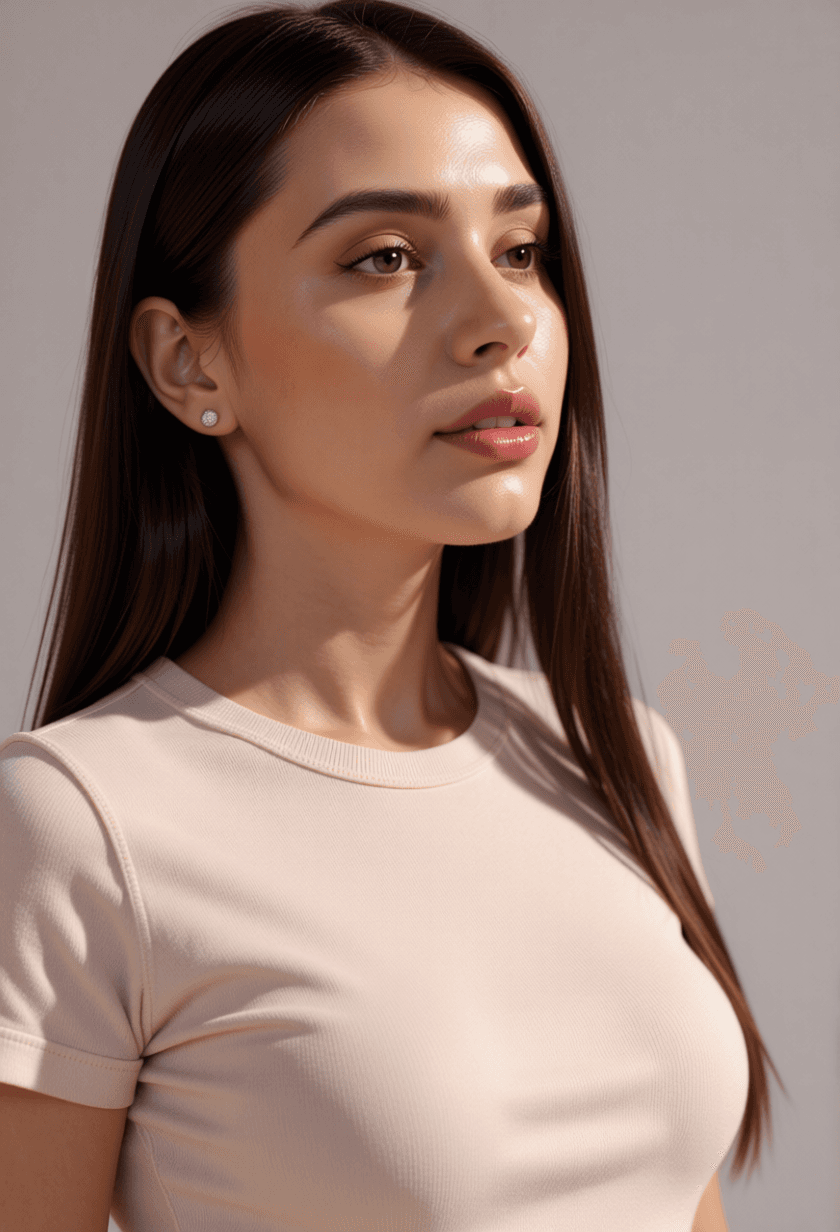
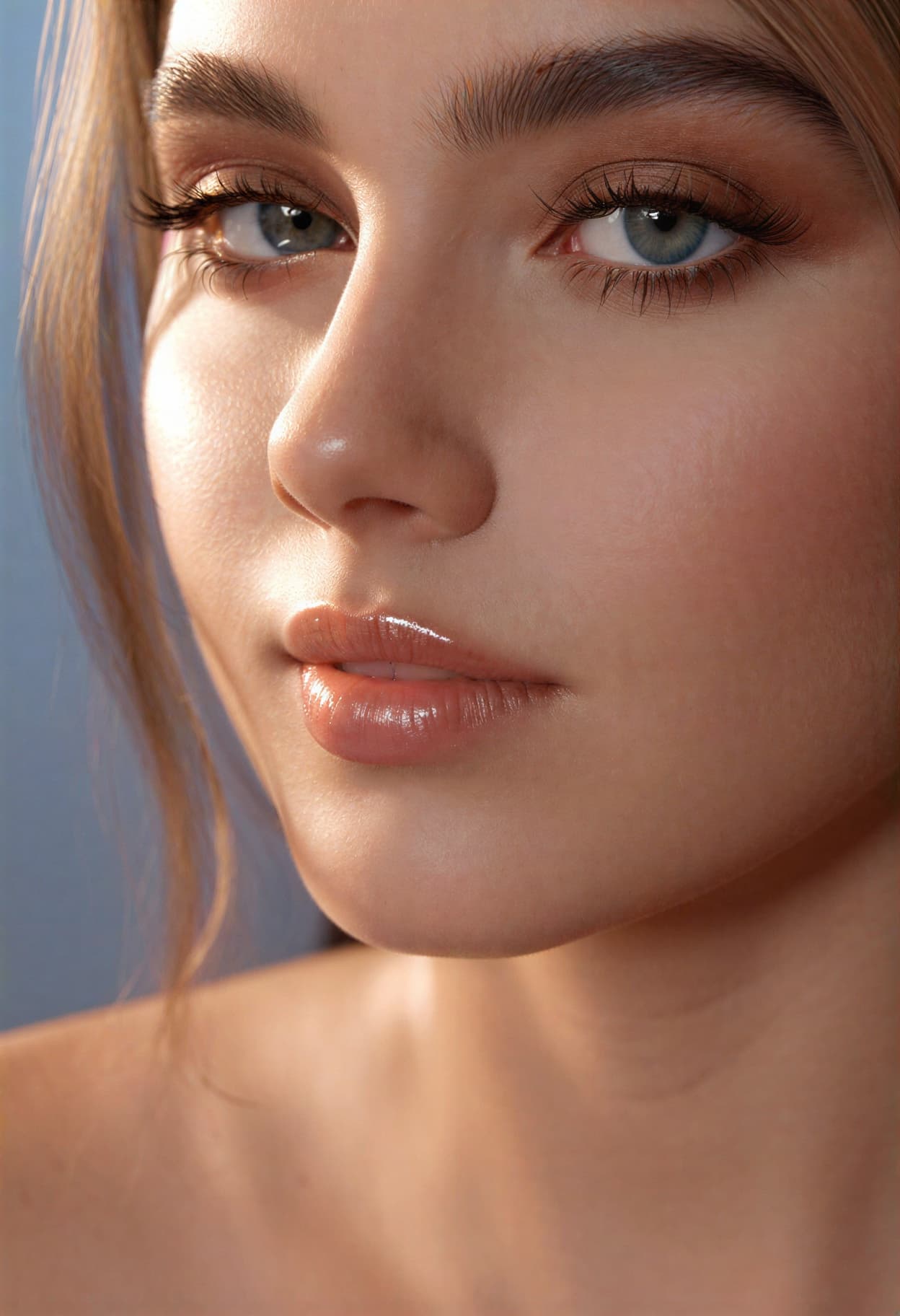
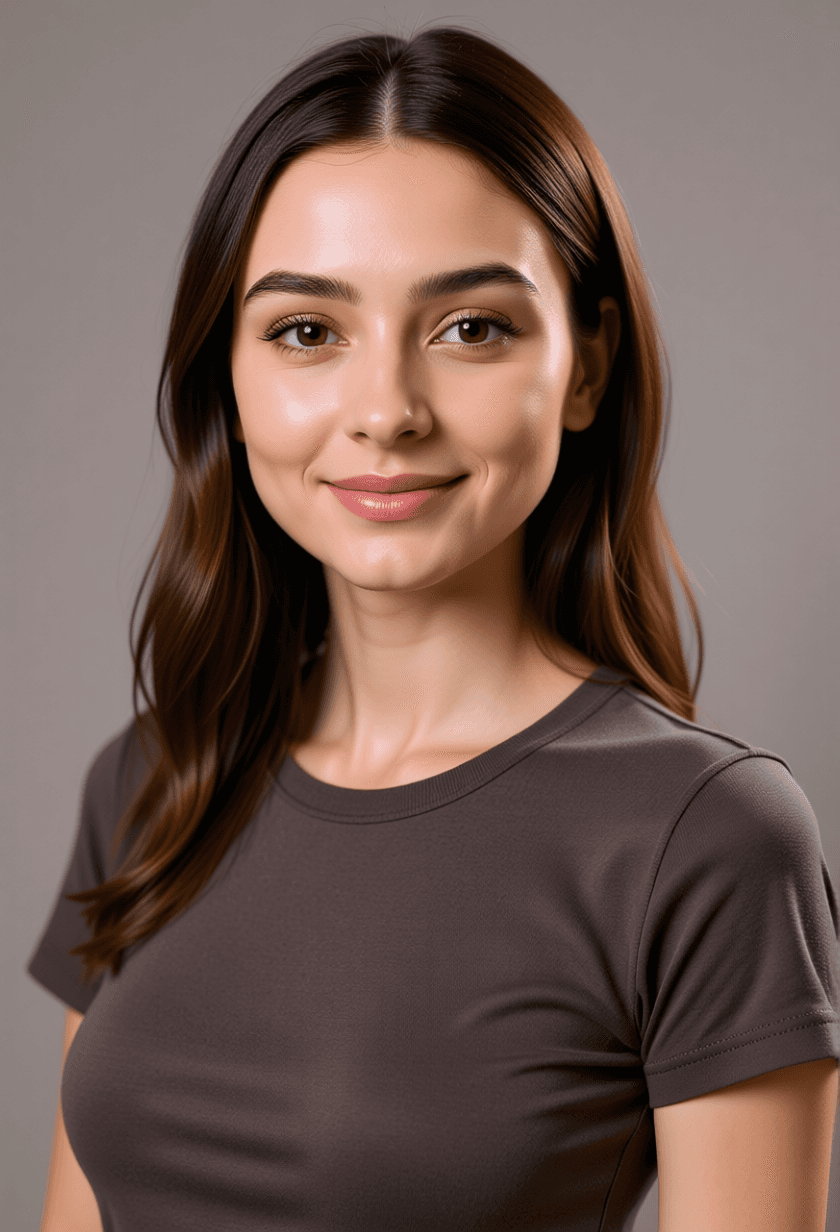
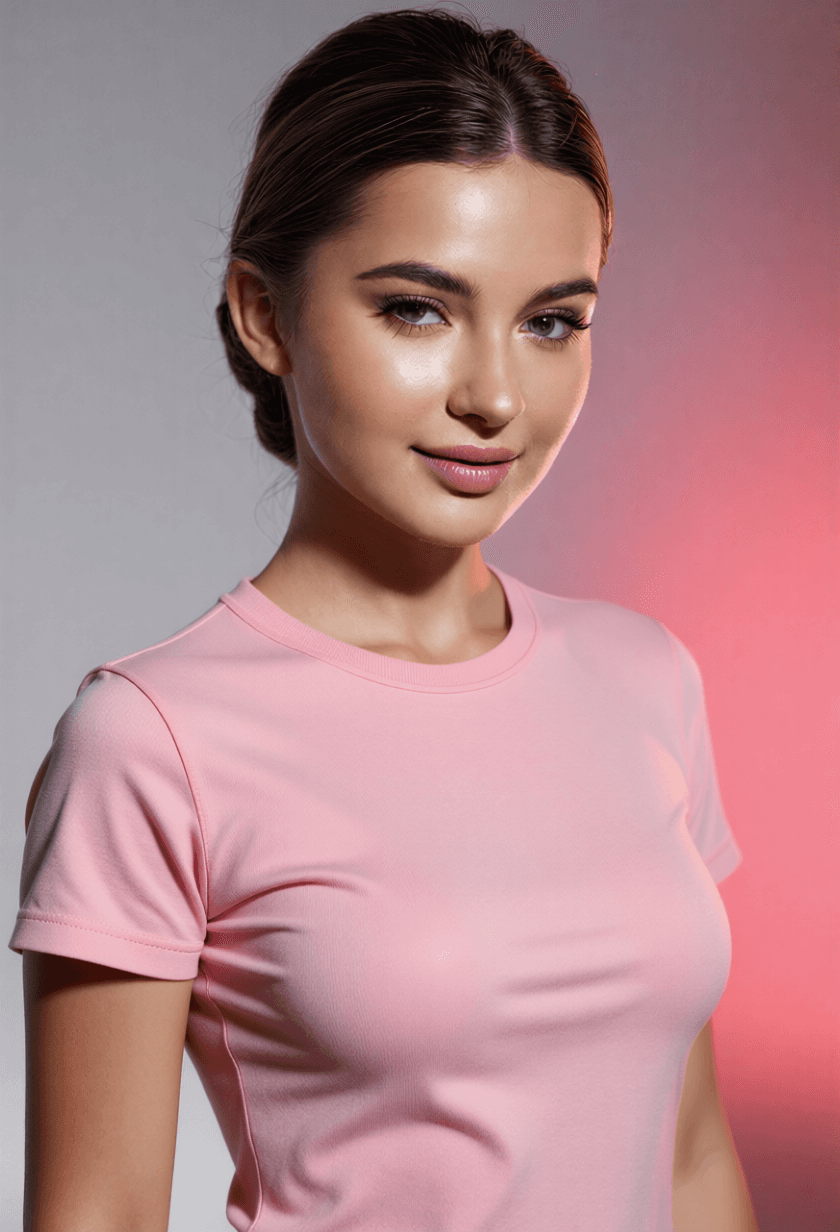
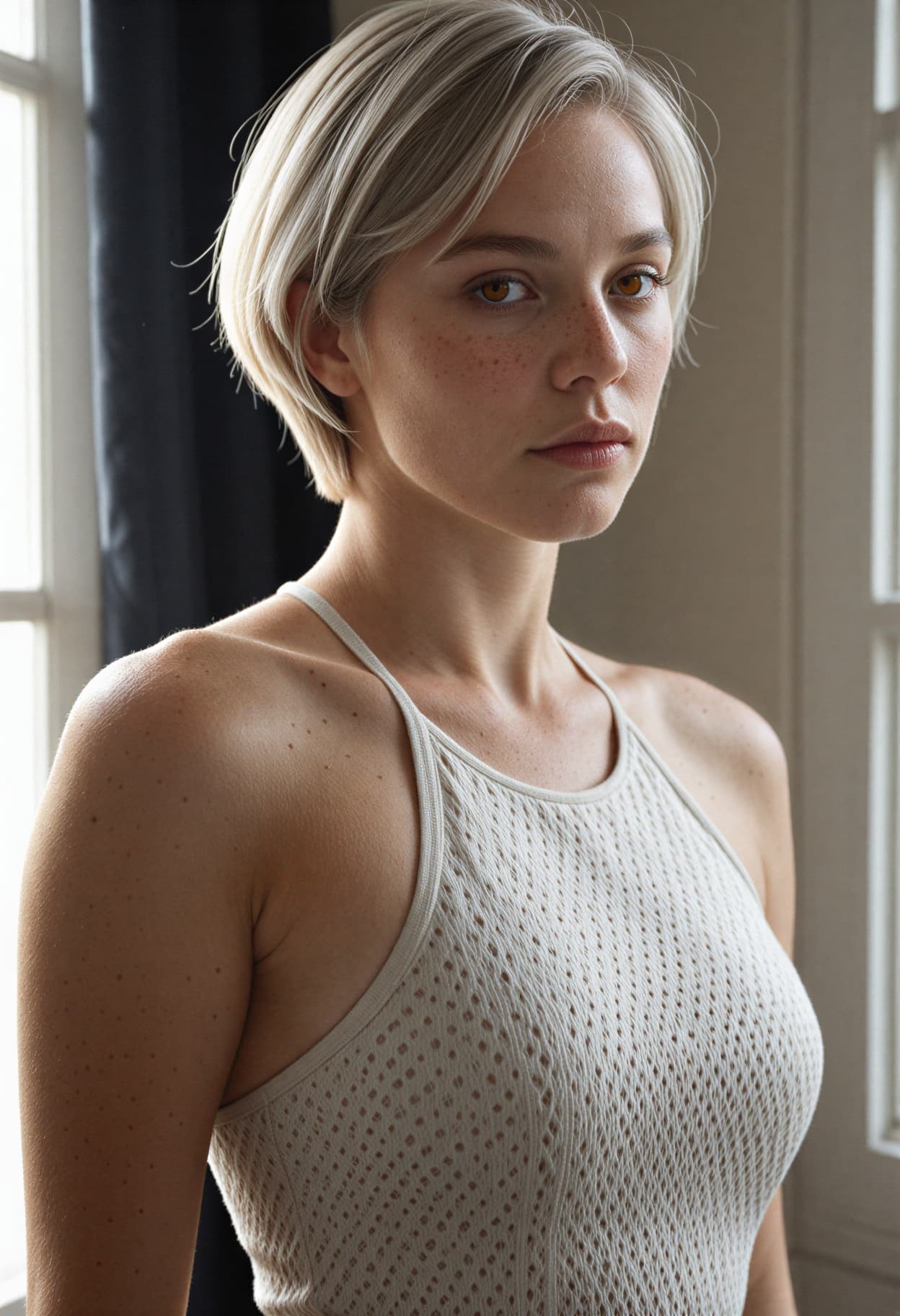
All images generated on Kalon Studio using prompts from this page. No external 3D modeling, compositing, or render engine post-processing applied.
What You Can Create?
3D character art serves different applications that require different geometry complexity, surface treatment, and render fidelity. These prompts cover the most common use cases.
Avatars and Profile Pictures
3D character portraits for social media, gaming platforms, and professional profiles. Use 1:1 for profile images and 3:4 for portrait compositions. The Pixar portrait and stylized clay variations produce clean, expressive results that read well at thumbnail sizes and inside circular crops.
Game and App Character Design
Character concepts for mobile games, indie titles, and application mascots. Use 2:3 for full-body character sheets and 1:1 for icon-ready compositions. The low-poly and isometric variations match the aesthetic requirements of game asset pipelines. Generate multiple expressions and angles for a character reference sheet.
Stickers, Emotes, and Merchandise
3D characters formatted for sticker packs, chat emotes, and printed merchandise. Use 1:1 for sticker-ready squares. The 3D chibi and mascot variations produce compact, expressive characters that function as standalone graphic elements with clean edges.
Illustration and Storytelling
3D character scenes for children's books, editorial illustration, and narrative concept art. Use 16:9 for scene compositions and 3:4 for character-focused narrative frames. The Pixar portrait and animated hero variations produce the emotional expressiveness that storytelling requires.
Prompt Variations
Five 3D rendering styles, each producing a fundamentally different visual character. Copy any directly, or blend geometry, surface, and lighting tags across variations.
Pixar-Style Animated Portrait
Smooth geometry, warm lighting, and maximum emotional expression.
best quality, masterpiece, Pixar-style 3D character portrait, young girl with large round expressive eyes filled with wonder, small button nose, slightly oversized round head, smooth subdivision surface skin with subsurface scattering glow on cheeks and ear tips, auburn hair rendered as sculpted flowing masses with individual strand highlights, soft freckles across nose bridge, warm three-point studio lighting with golden key light from upper right, gentle fill from left, cool blue rim light outlining hair silhouette, soft defocused warm-toned background, emotion-forward expression, animated film render quality, 3:4 composition, high resolution, 8k
Stylized Clay Render
Matte sculpted surface with handcrafted tactile quality.
best quality, masterpiece, 3D clay render character, stop-motion animation aesthetic, character sculpted from smooth matte clay material, visible but subtle fingerprint-like surface texture suggesting handmade origin, simplified geometric facial features with dot eyes and small curved smile, rounded body proportions with stubby limbs, matte diffuse lighting with no specular highlights, soft warm shadow under figure, neutral off-white clay surface with single accent color on clothing element, clean simple background, Wallace and Gromit tactile quality, studio photography of clay figure, high resolution, 8k
3D Villain Character
Dramatic lighting with angular design language and intensity.
best quality, masterpiece, 3D rendered villain character, angular sharp facial features with prominent cheekbones and narrow eyes, tall imposing proportions, dark flowing cape with subsurface translucency where light passes through fabric edge, glowing element on chest piece casting colored light upward onto chin, dramatic low-angle camera perspective looking up at character, strong rim light from behind in cool purple outlining full silhouette, deep shadow filling eye sockets, dark atmospheric background with subtle smoke, menacing but composed expression, cinematic 3D animation quality, 2:3 vertical composition, high resolution, 8k
Low-Poly Geometric
Faceted surfaces with visible polygon structure and flat color.
best quality, masterpiece, low-poly 3D character, visible triangular polygon facets across all surfaces, geometric face with angular planes defining nose cheeks and jaw, flat color fills per polygon face with no smooth shading, limited color palette of four flat tones, simplified body with blocky proportions, character standing in T-pose or relaxed idle stance, clean flat lighting with minimal shadow, solid color background matching game asset aesthetic, retro 3D and indie game visual style, no texture maps just flat polygon color, game-ready character concept, 1:1 square composition, high resolution
Isometric Character on Platform
Top-down angle with architectural context.
best quality, masterpiece, isometric 3D character illustration, character standing on small square platform tile, viewed from isometric camera angle (30 degrees above, 45 degrees rotated), cute stylized proportions with oversized head, detailed miniature environment elements on platform, tiny desk with lamp and coffee cup, character in casual office clothing waving, clean smooth render with soft ambient occlusion, pastel color palette, no perspective distortion (true isometric projection), game tile aesthetic suitable for UI illustration, clean white background, high resolution
More 3D Character AI Styles
Six additional templates covering specific 3D sub-styles and character types.
best quality, masterpiece, 3D mascot character, friendly approachable design, simple geometric body shape with rounded edges and no sharp corners, large head-to-body ratio (1:2), oversized eyes with single large catchlight, wide genuine smile, bold primary color palette, bright blue body with yellow accent elements, smooth matte surface with no texture complexity, clean confident pose with one hand waving, designed for brand usage at all sizes, clean white background, mascot brand identity quality, high resolution, 8kbest quality, masterpiece, 3D chibi character render, super-deformed proportions with head equal to body size, enormous round glossy eyes with sparkle highlights, tiny stubby limbs with rounded mitten hands, smooth plastic-like surface finish, pastel pink outfit with bow detail, standing on one foot in playful pose, soft flat lighting with minimal shadow, clean solid pastel background, kawaii 3D aesthetic bridging chibi illustration and rendered figure, sticker-ready clean edges, high resolution, 8kbest quality, masterpiece, 3D animal character render, small round-bodied fox with oversized fluffy tail, large expressive amber eyes with glossy reflective surface, simplified fur rendered as smooth geometric masses rather than individual strands, small pointed ears with pink interior, sitting pose with head slightly tilted, warm studio lighting with subsurface glow on ear edges, soft ambient occlusion where tail meets body, warm orange and cream palette, companion character for game or children's media, 3:4 portrait composition, high resolution, 8kbest quality, masterpiece, sci-fi 3D character render, futuristic soldier in sleek powered armor with glowing blue panel accents, visor helmet with reflective dark surface showing environment reflection, metallic armor surface with brushed steel finish and visible panel seams, standing at attention with weapon lowered, dramatic blue-white key light from upper left, orange warning light from lower right creating split-tone face lighting, industrial space station background softly blurred, hard surface modeling precision, cinematic sci-fi render quality, 2:3 vertical composition, high resolution, 8kbest quality, masterpiece, stylized realistic 3D portrait, adult male with slightly exaggerated proportions, larger eyes and slightly smaller mouth than photoreal, visible skin pores and stubble detail through subsurface scattering layer, realistic eye wetness with accurate refraction, hair rendered with strand-level detail catching rim light, clothing fabric with realistic drape and wrinkle physics, narrow depth of field with background bokeh, approaching photorealism but maintaining the controlled perfection of 3D animation, Unreal Engine 5 render quality, 3:4 portrait, high resolution, 8kbest quality, masterpiece, 3D toy figure render, miniature character photographed as if real collectible figure, glossy plastic surface finish with visible sheen, ball joint articulation points visible at shoulders and hips, simplified features painted on smooth plastic surface, standing on branded display base, shot with macro photography lighting revealing surface material quality, shallow depth of field simulating real product photography of toy, warm studio lighting on white backdrop, collectible figurine product shot aesthetic, 1:1 square, high resolution, 8kRecommendation: Negative Prompt for 3D Character AI Art
3D character generation sits in an uncanny zone between illustration and photorealism. The most common failure is inconsistent dimensionality — some parts of the character render as true 3D while others flatten into 2D illustration, creating a hybrid that reads as neither. This negative prompt targets that inconsistency and the other rendering failures specific to 3D character output.
Negative Prompt:
flat 2D illustration, anime style, cel shading, flat color fills without dimension, painted texture, hand-drawn linework, sketch, watercolor, oil painting, photorealistic human skin, uncanny valley, real photograph of person, visible polygon mesh wireframe, broken geometry, floating geometry not attached to body, noisy render, grainy render, unfinished render, missing ambient occlusion, flat lighting with no shadow, harsh unnatural shadow, cross-eyed, asymmetric eyes, extra fingers, deformed hands, low quality, blurry, watermark, text
Explanation: The rendering style block — "flat 2D illustration, anime style, cel shading, flat color fills without dimension, painted texture, hand-drawn linework" — is the most critical. Without it, the model frequently produces output that's partly 3D rendered and partly 2D illustrated, particularly on hair and clothing where the model defaults to flat fill rendering. "Photorealistic human skin, uncanny valley, real photograph of person" prevent the model from crossing into photorealism — 3D character art deliberately maintains stylization, and photorealistic skin on a stylized face creates the unsettling uncanny valley effect. "Visible polygon mesh wireframe, broken geometry, floating geometry" target structural rendering failures where the model produces geometry that doesn't connect properly. "Noisy render, grainy render, unfinished render" prevent the incomplete rendering appearance that occurs when the model doesn't fully commit to clean 3D output. "Missing ambient occlusion, flat lighting with no shadow" prevent the dimensional flattening that strips 3D characters of their spatial presence.
How To Use This Prompt in Kalon Studio
- Open Kalon Studio and navigate to the Generate tab.
- Copy any prompt from this page using the copy button beside it.
- Paste it into the prompt field. Customize for your character concept — change "young girl with auburn hair" to "elderly wizard with long white beard," swap "pastel color palette" for "dark muted armor tones," replace "warm golden key light" with "cool moonlight from above." Keep the rendering system tags (geometry type, surface material, lighting rig, render quality); these are the structural foundation that produces actual 3D appearance rather than illustrated approximation.
- Paste the negative prompt into the negative prompt field. For 3D characters specifically, the negative prompt prevents the model from mixing 2D illustration rendering with 3D rendering — the most common failure mode where hair renders flat while the face renders dimensional, or clothing looks painted while skin looks modeled.
- Select your aspect ratio. Use 1:1 for avatars, app icons, and sticker-ready compositions. Use 3:4 for portrait-focused character presentations. Use 2:3 for full-body character sheets. Use 16:9 for scene compositions with environmental context. Use 1:1 with clean background for game asset reference images.
- Click Generate. Review 4–6 outputs. The strongest 3D character result will have consistent dimensionality across all surfaces (face, hair, clothing, accessories all rendered in the same 3D style), visible ambient occlusion in crevices, rim light separation from background, and subsurface scattering on skin areas where light passes through thin surfaces.
Do/Don't Tips: Making 3D Characters Convincing
✅ DO:
❌ DON'T:
Kalon Vs Other 3D Character AI Platforms
Kalon generates impressive 3D character AI art with detailed textures, realistic lighting, and expressive designs, delivering high-quality results suitable for games, avatars, and creative projects.
| Feature | Kalon Studio | Pollo AI | StyleAI | AskAIWorld | GPTImages |
|---|---|---|---|---|---|
| Pre-written 3D prompts | 11 tested templates | None, filter only | None, filter only | Blog prompts (ChatGPT) | Template prompts |
| Copy-paste prompt library | One-click copy buttons | Not available | Not available | Blog copy | Blog copy |
| Rendering system education | Geometry + surface + lighting + AO breakdown | None | None | Tips per prompt | Template variables |
| 3D-specific negative prompt | Anti-2D-mixing + anti-uncanny-valley tags | Not Available | Not Available | Not Provided | Not Provided |
| Verified sample outputs | Kalon-generated images | Photo-to-3D previews | Photo-to-3D previews | ChatGPT screenshots | AI screenshots |
| Platform compatibility | Standard tags, works anywhere | Platform-native | Platform-native | ChatGPT-specific | Multi-Platform |
| Style range | Pixar/Clay/Low-Poly/Isometric/Chibi/Villain/Animal/Sci-Fi/Realistic/Toy/Mascot | Pixar only | Pixar only | Pixar-focused | Pixar template |
| Text-to-image 3D generation | Full text prompt control | Photo upload only | Photo upload only | Text Prompts | Text Prompts |
| Free access | Daily coins included | Free with limits | Free with limits | Free blog | Free blog |
Frequently Asked Questions
Form, Surface, and Light | Rendered from a Single Prompt!!
Geometry control, material rendering, and studio lighting rigs — not a 3D filter on a flat image, but the rendering pipeline translated into text.
Generate 3D Characters Free